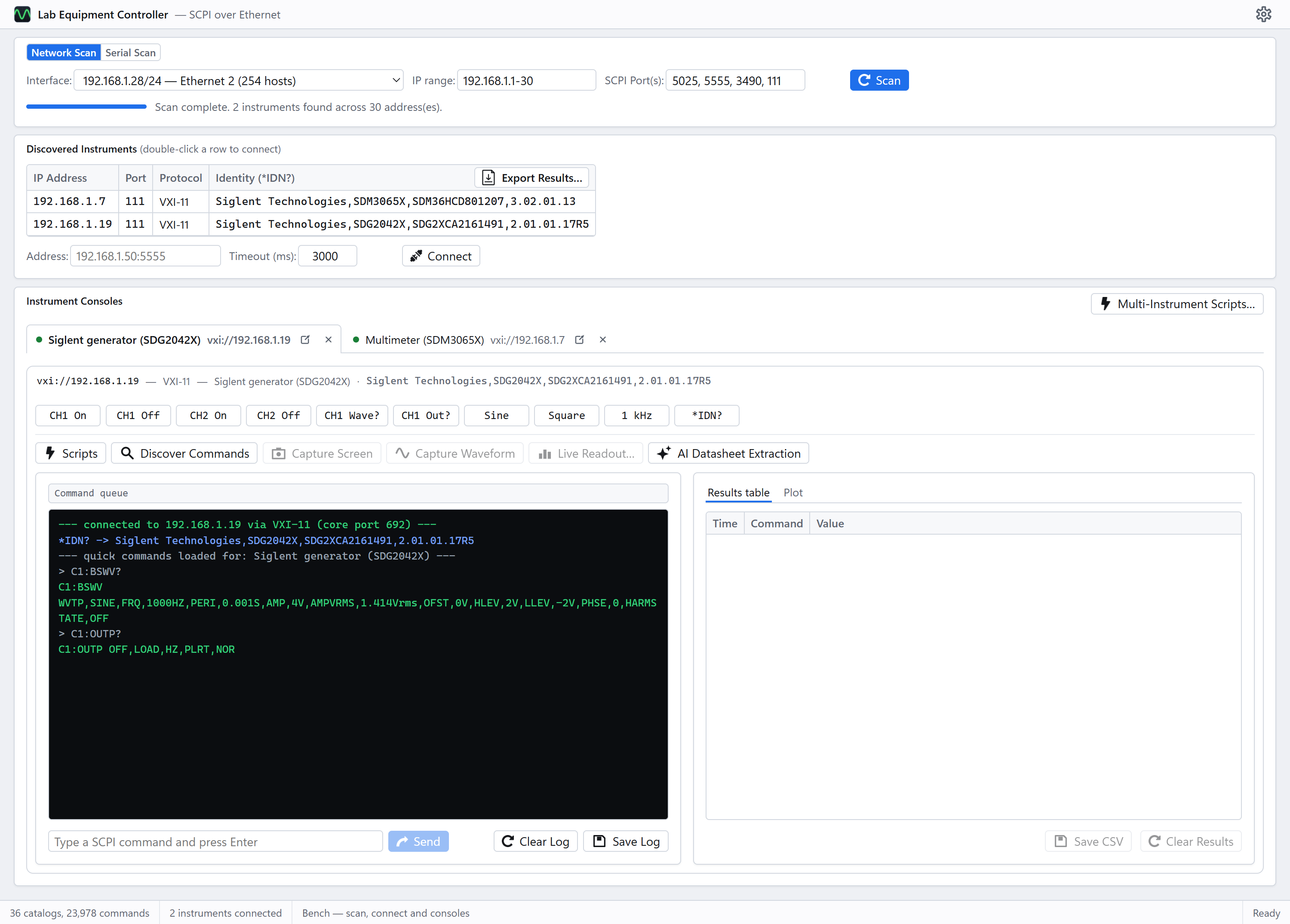
Controlling Electronics Lab Instruments Over The Network From Your PC
In this post, I’ll show you how to control your electronics lab equipment over the network using SCPI commands.
In this post, I’ll show you how to control your electronics lab equipment over the network using SCPI commands.
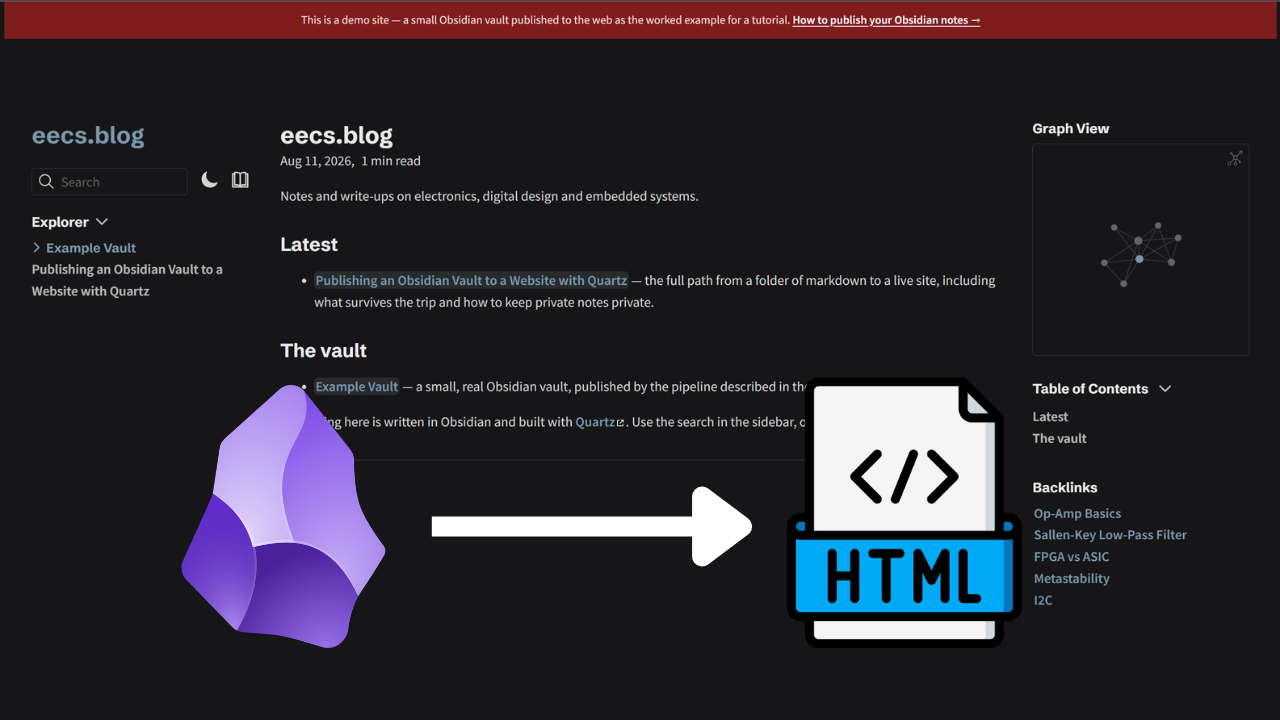
From a folder of Markdown on your laptop to a live, searchable, cross-linked site – including what survives the trip and how to keep private notes private.
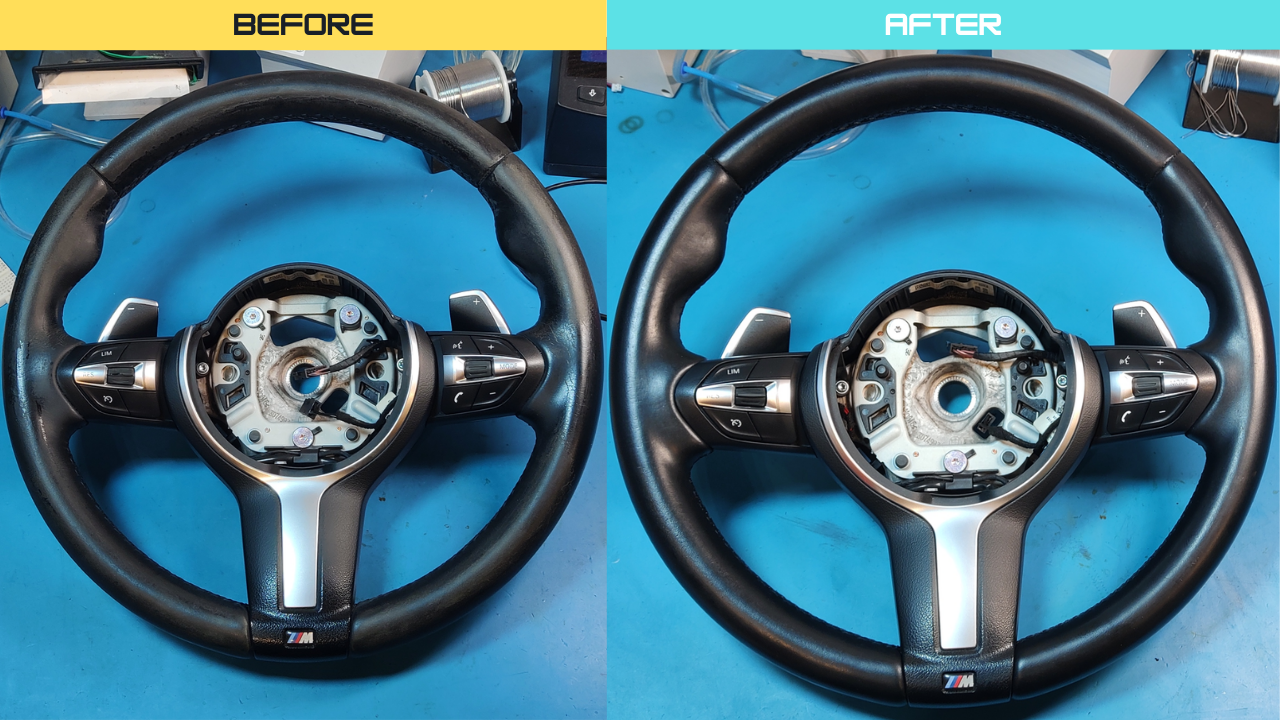
In this post, I will show you the process I used to restore a worn-out, dirty, cracking and damaged leather steering wheel.
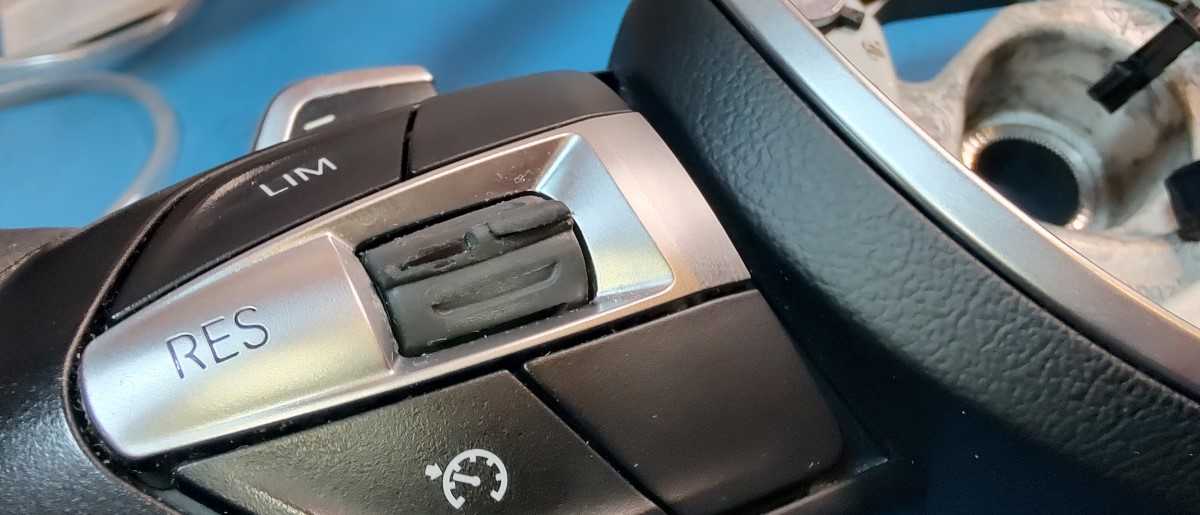
In this post, I will show you how to replace a worn-out cruise control switch/button on the BMW F10 steering wheel.
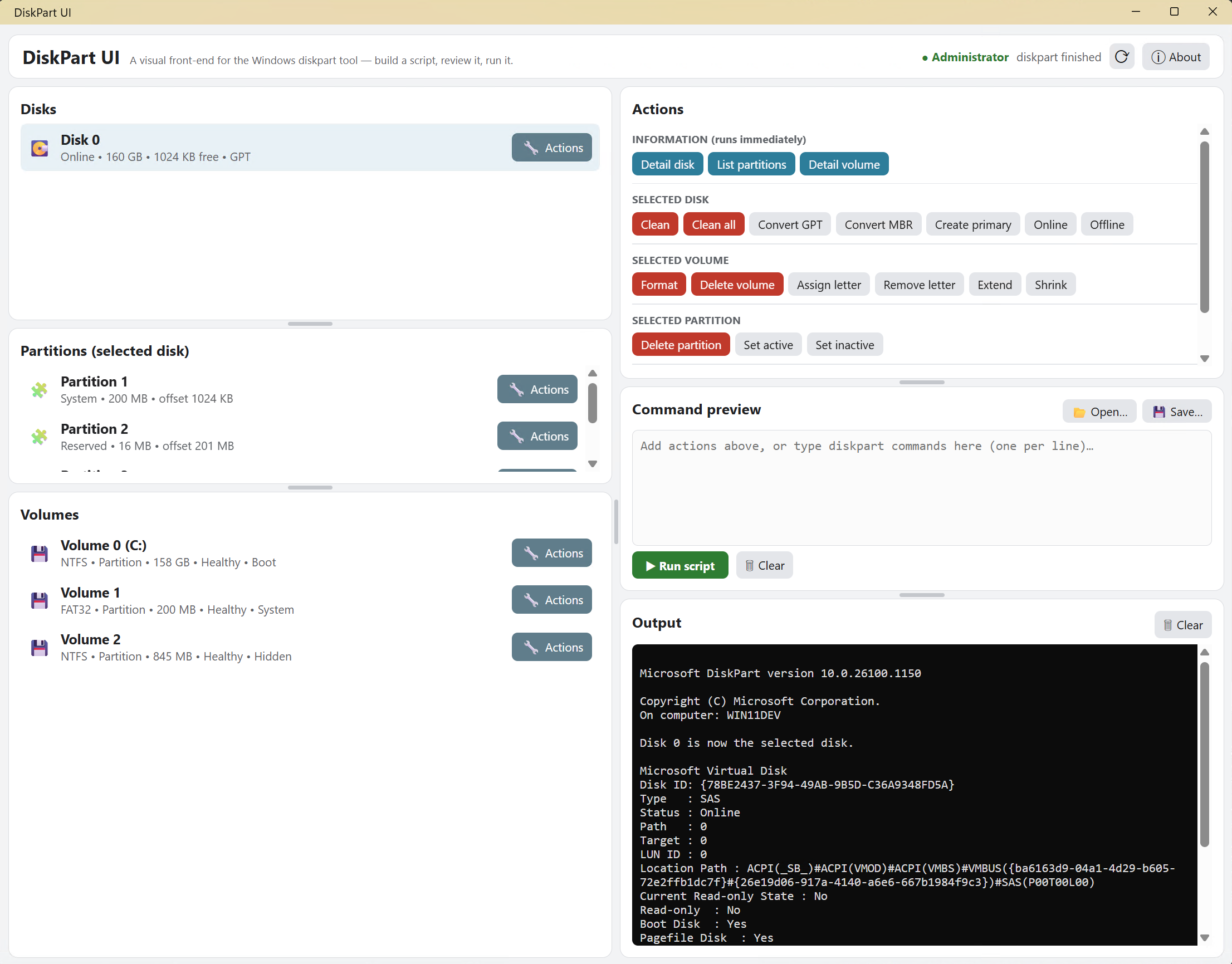
This is a neat little tool I quickly threw together. It’s a user-friendly graphical front-end for the Windows diskpart tool — inspect and manage disks, partitions, and volumes without memorizing commands.

In this post, I will show the process to remove and reinstall a BMW F10 steering wheel. I removed it so I could repair the cruise control switch as shown in this post and restore the steering wheel as shown in this post.
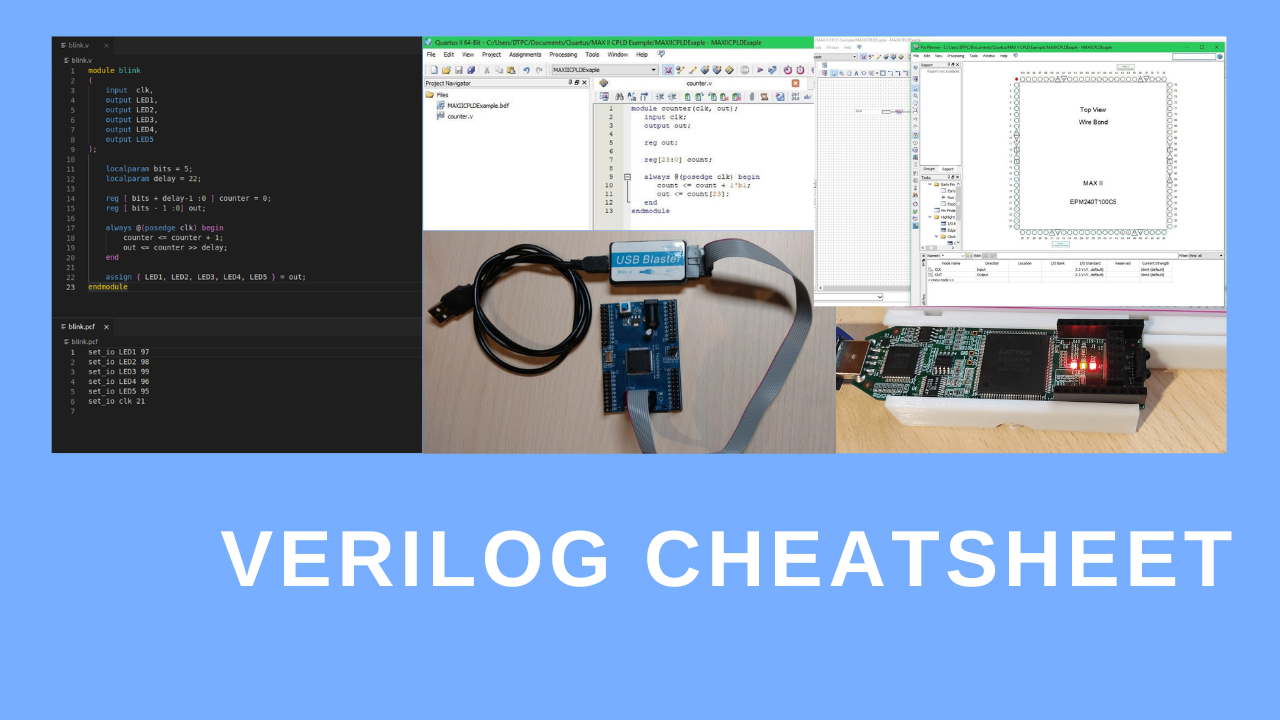
This post is a cheat sheet for Verilog/Sytem Verilog. I wrote this for myself, so if I ever have trouble remembering something(as I don’t write Verilog on a daily basis), I can just look it up on my own site. And maybe someone out there on the internet will find this useful for themselves as well.
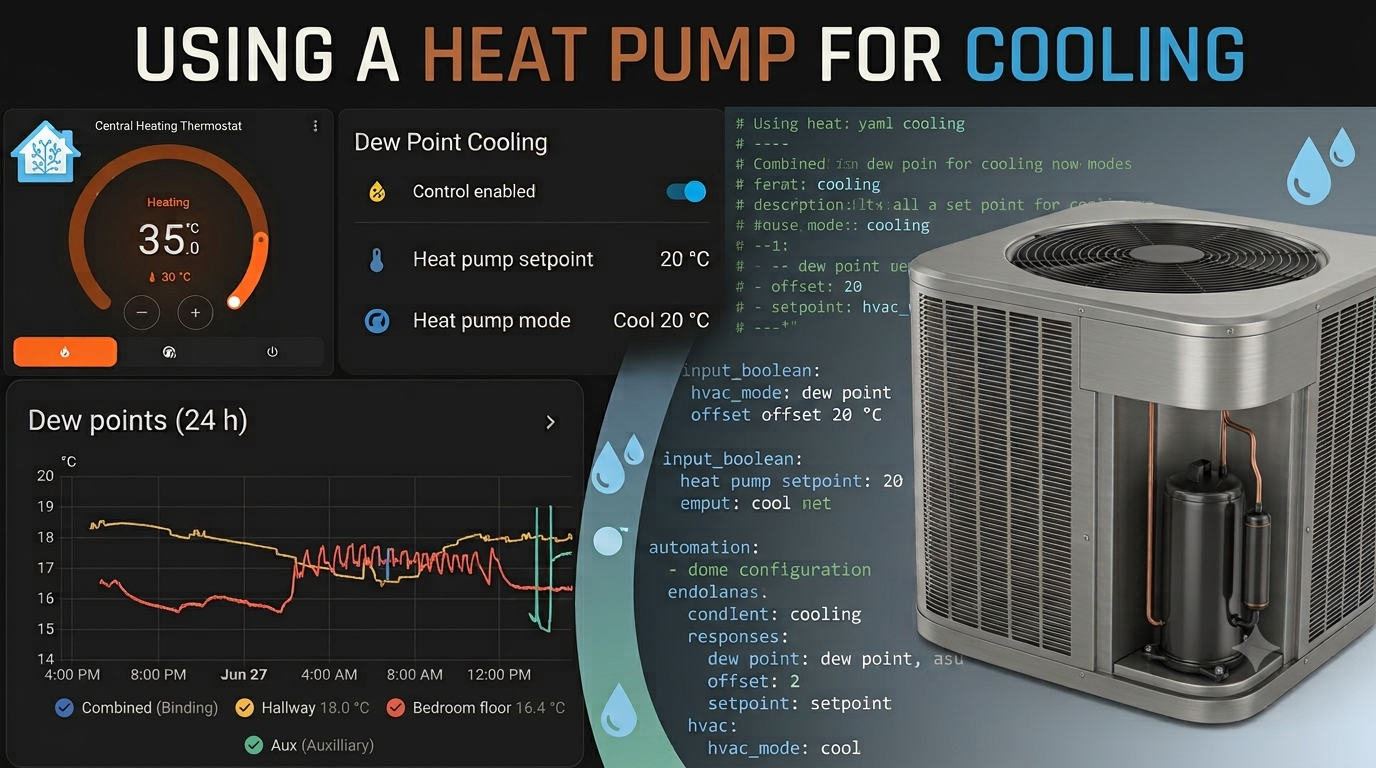
With the recent heatwave we’re having in Europe, I was looking into a way of cooling the house. While some rooms in the house have mini split air conditioner units, the entire house doesn’t have AC, but every room in the house does have radiators for central heating powered by a heat pump. So I thought I could just run the heat pump in cooling mode and use the central heating system for cooling instead.

In this post, I will talk about the repair I made to the adaptive LED headlights for my BMW F10 530XD. I thought I’d document the process and post it online so it can help out anyone trying to do the same.