About
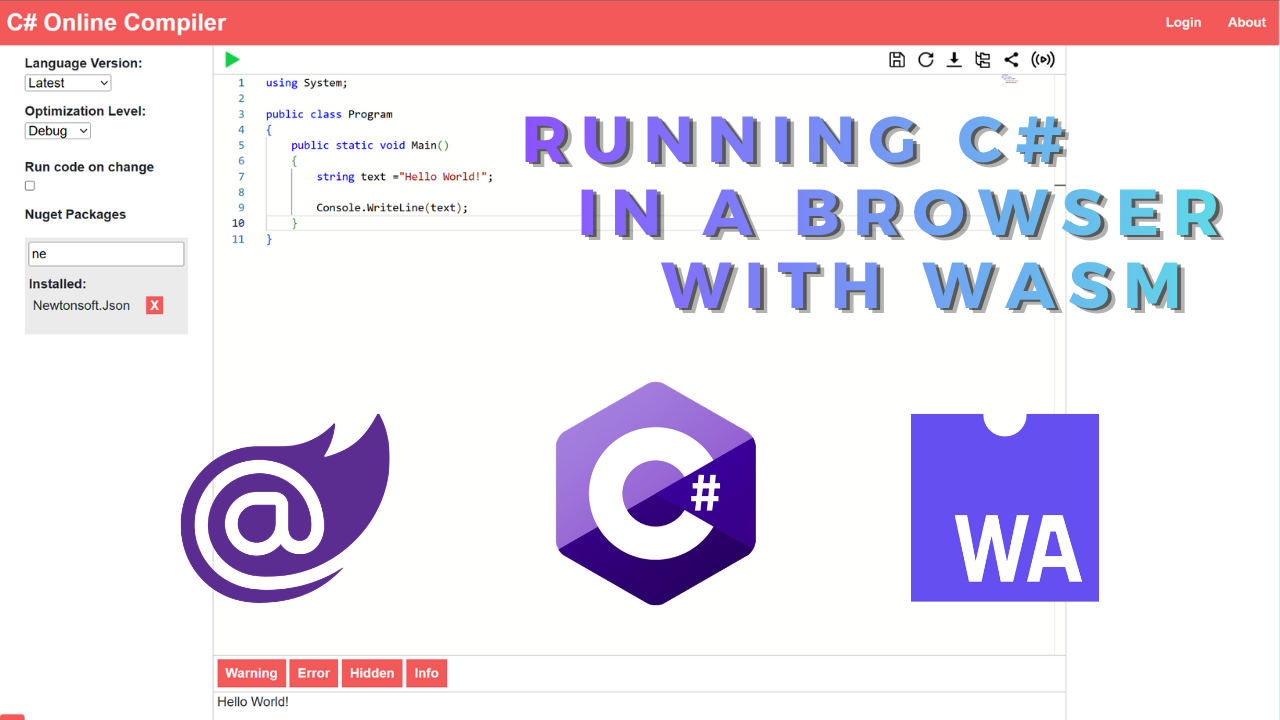
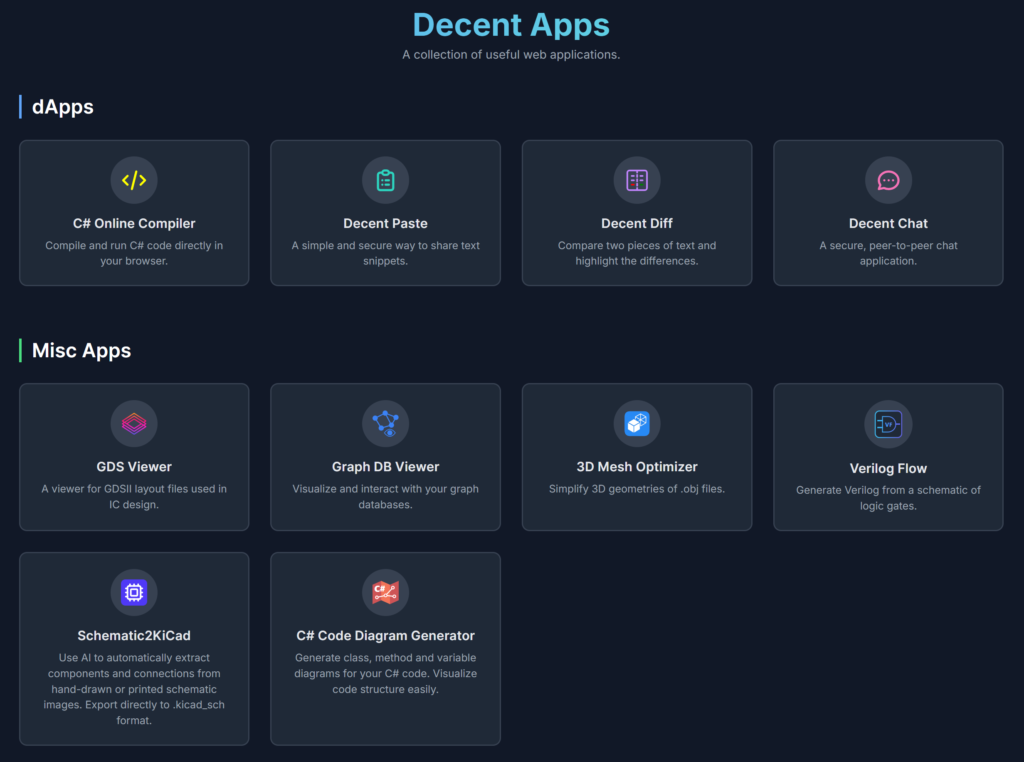
This post is a quick overview of the C# Online Compiler I made some time ago. It enables you to run C# in the browser. This way, your code won’t be sent to a backend server to be compiled. This is achieved by utilizing Blazor WASM(WebAssembly), which allows us to make and run C# apps(including the Roslyn compiler APIs) in a browser.
I was going to make this a much more in-depth blog post about compiling C# in C#, working with the ASTs(abstract syntax tree), dynamically loading assemblies and NuGet packages, … But since it’s 2026 and we are all using AI these days, not many people will see this anyway. So I’ll just make this a quick overview post of my project.
If you are interested in the specifics, refer to the code and some of the links I’ll proveide blow. You can find the full code in the GitHub code repository here.
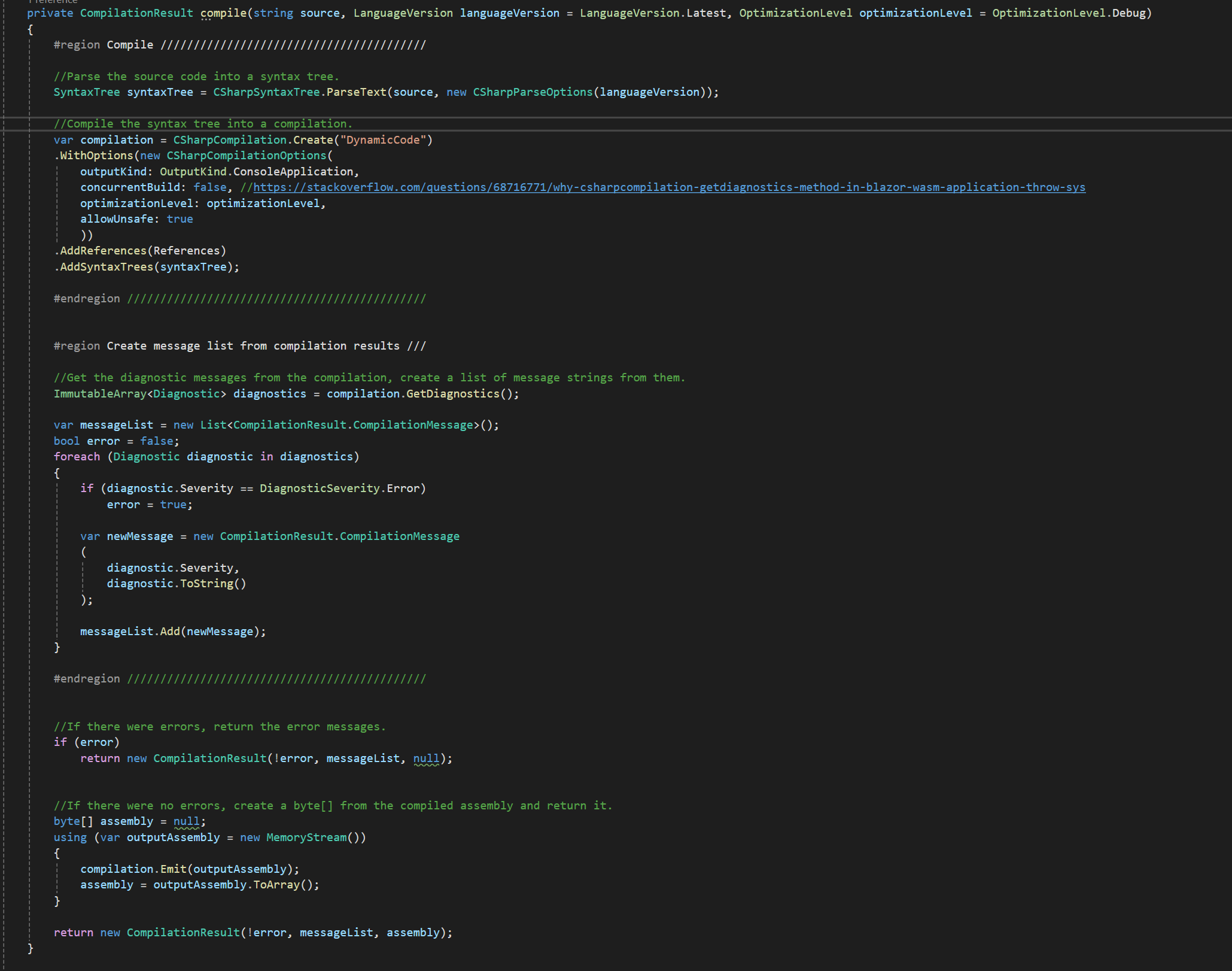
Compiling C# in C#
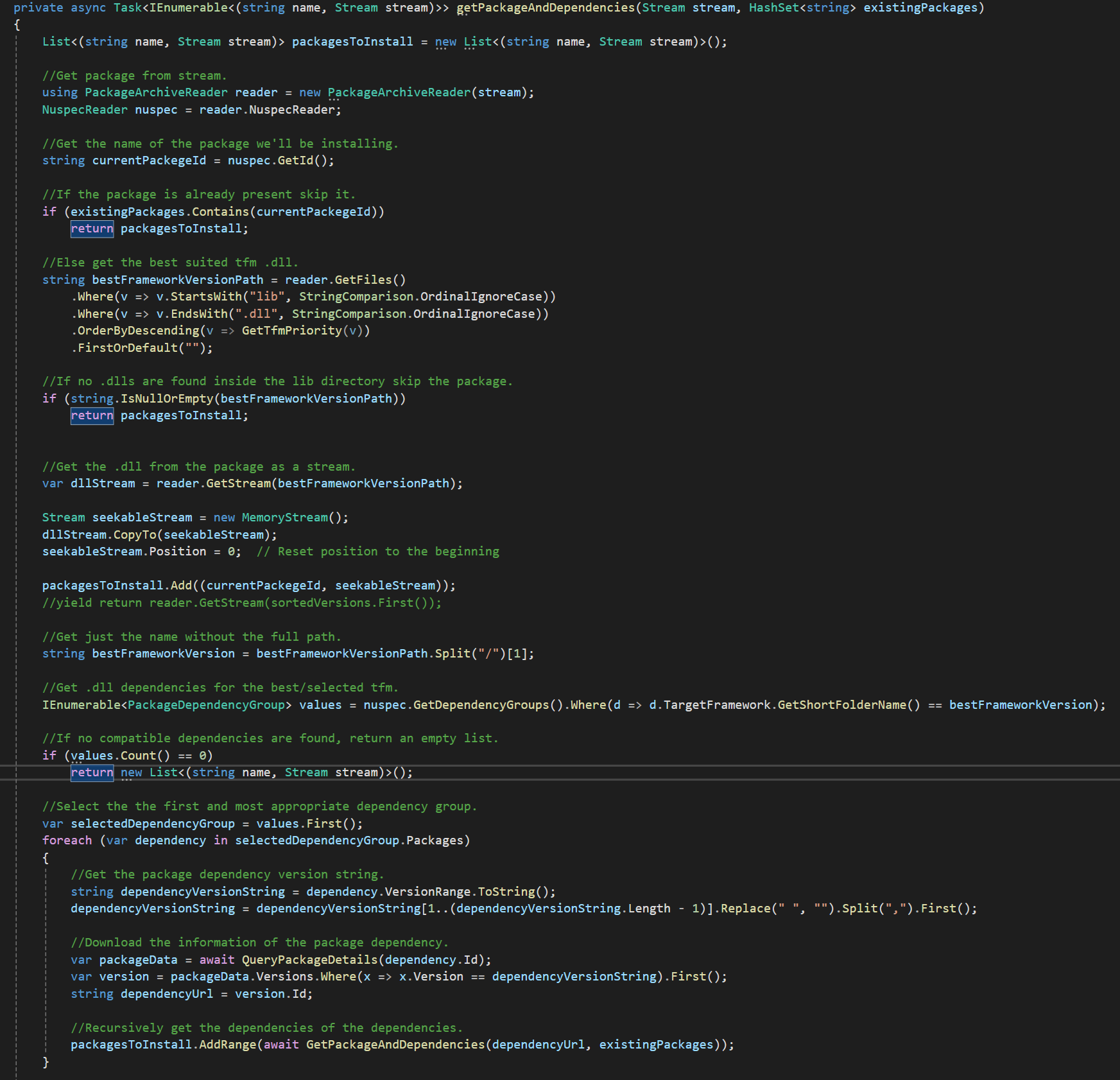
2. Then you can compile it with CSharpCompilation.Create(), which will create a compilation object. Here, you will also have to add references to DLLs that the code you are compiling depends on. This could be another DLL you made, NuGet packages, or your standard dependencies like System.*
Note: This is where the difference is between running this in a browser or on a server/desktop app.
For server/desktop, you would use AppDomain.CurrentDomain.GetAssemblies() to get the assembly references.
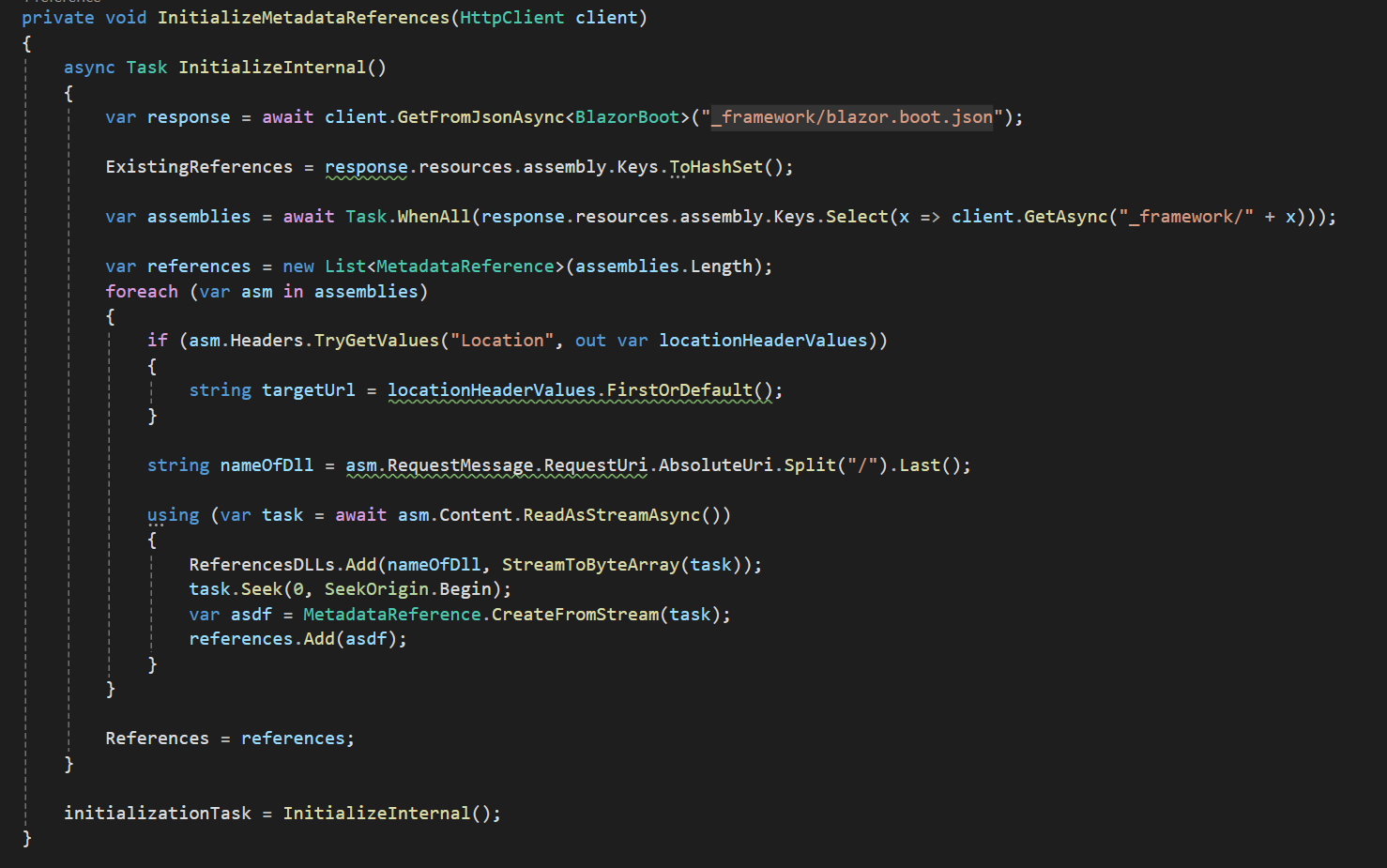
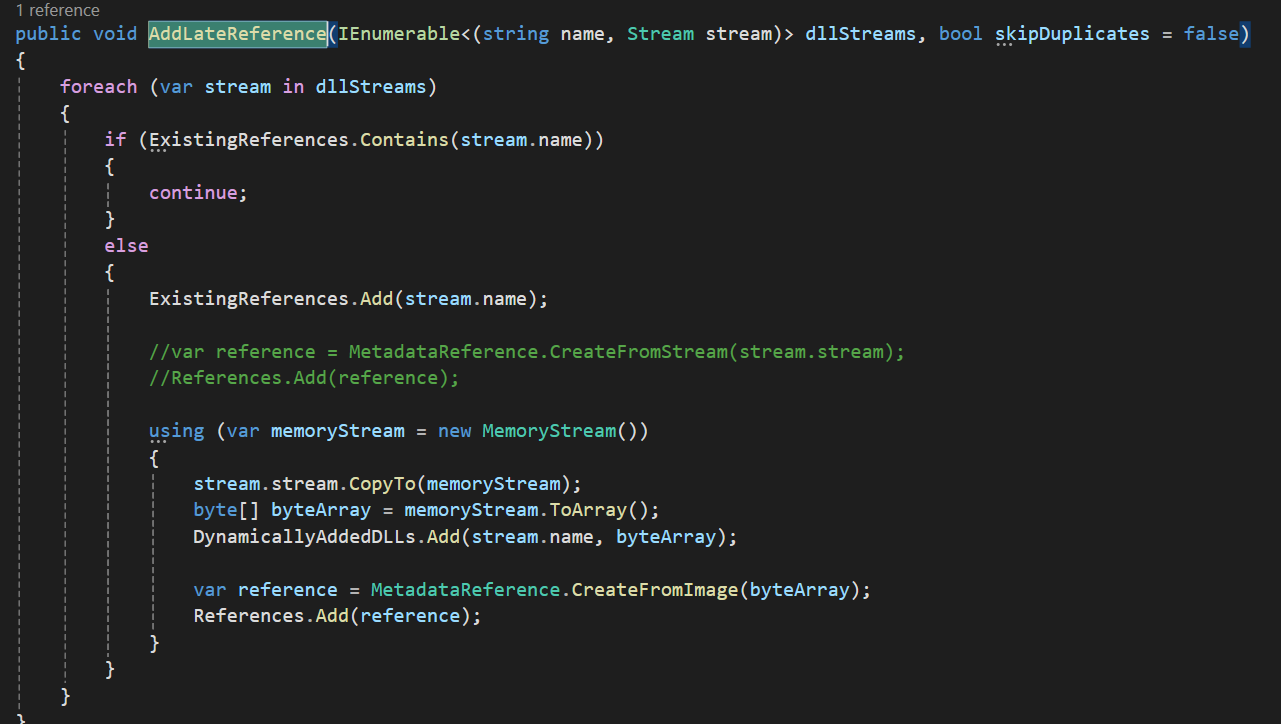
But if you are using Blazor like I am, you will use an HTTP client to get the _framework/blazor.boot.json file. Then you will use it to get out the URLs of your dependencies, download them, and make MetadataReferences that you can later use.
Dynamic Assembly Loading with AssemblyLoadContext
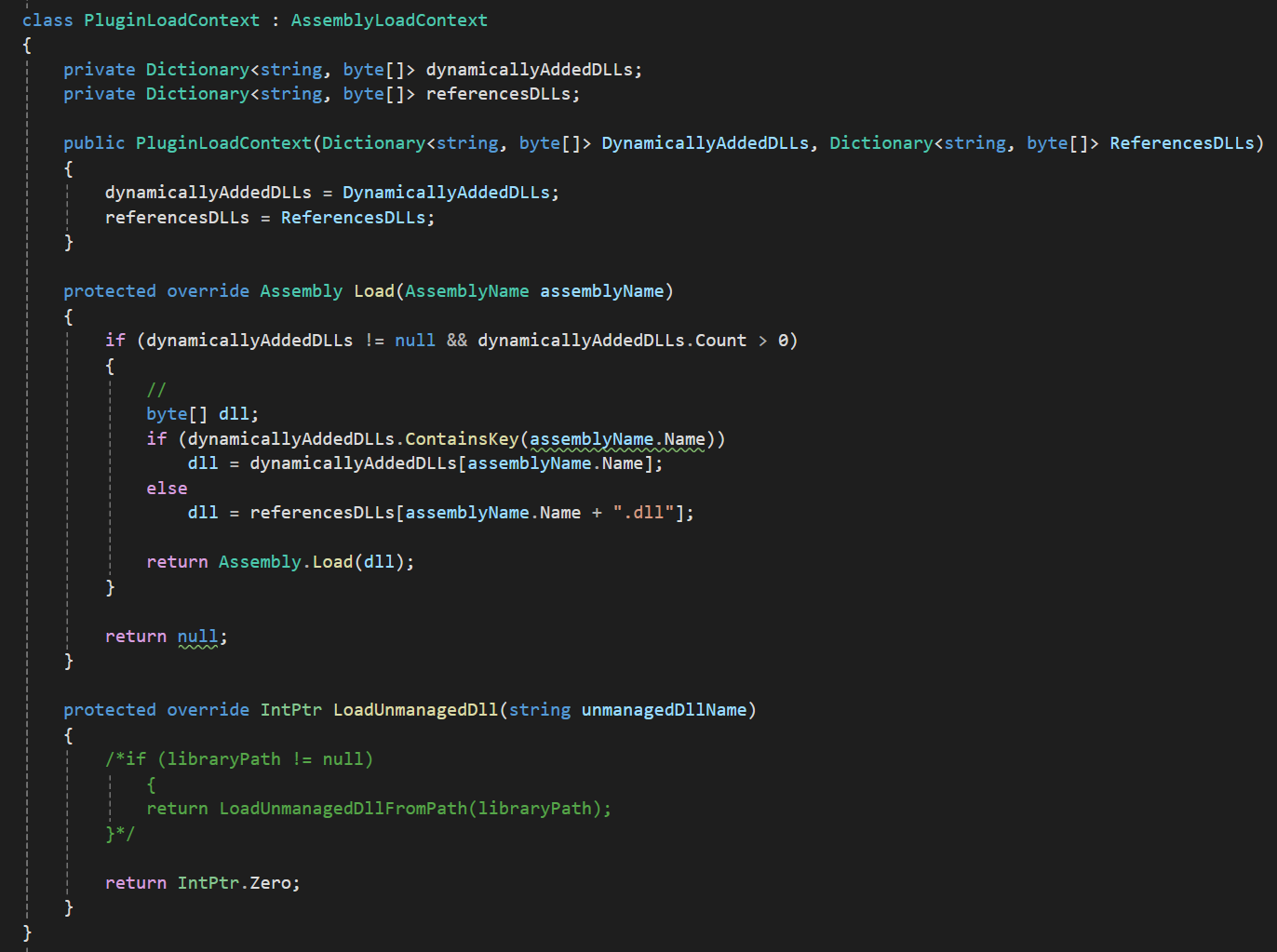
The old way to do it was by using AppDomain and registering a custom dependency resolver while loading your assembly with Assembly.Load(assemblyByteArray).
At the end, I decided to use this because I just couldn’t get the output of the Console.WriteLine() working using the new way described below.
Here’s the official Microsoft Documentation about AssemblyLoadContext to load plugins, and GitHub here and here.
Also, here are a few extra resources I found useful:
Load assemblies with nuget package dependencies
ResolveDependencies
Understanding Dynamic Assembly Loading with AssemblyLoadContext in C#
Deep-dive into .NET Core primitives: deps.json, runtimeconfig.json, and dll’s
.NET Core Plugins
natemcmaster/DotNetCorePlugins
DotNetCorePlugins/src/Plugins/PluginLoader.cs
Building a C# Interactive shell in a browser with Blazor (WebAssembly) and Roslyn
Note: If you keep creating and loading new assemblies, you will cause a memory leak. The assemblies are “scoped” to the process, not the thread. So even if the task/thread you loaded the assembly in is disposed of, the assembly will still stay loaded in memory
You should consider using collectible assemblies that can be unloaded. Checkout the documentation here. Additionally, if you are using the same assembly multiple times, you should consider caching it and reusing it instead of unloading and loading it repeatedly.
Adding Nuget Packages
If you want to add NuGet Packages programmatically to your code, you would ideally just use the NuGet Client SDK NuGet package provided by Microsoft. I found these two very useful posts, here: post 1, post 2, showing you how to do it.
However, in the end, it turned out I couldn’t use it as this library because it looks for the NuGet package source URL inside the NuGet.Config XML file on the file system. Since this is a web app, the path is never found, and you get an exception.
I would be great if you could just specify the URL in code as an option instead of the library looking for it in a file on the file system(maybe there is a way to do it, but I didn’t find it, if anyone knows how, let me know in the comments).
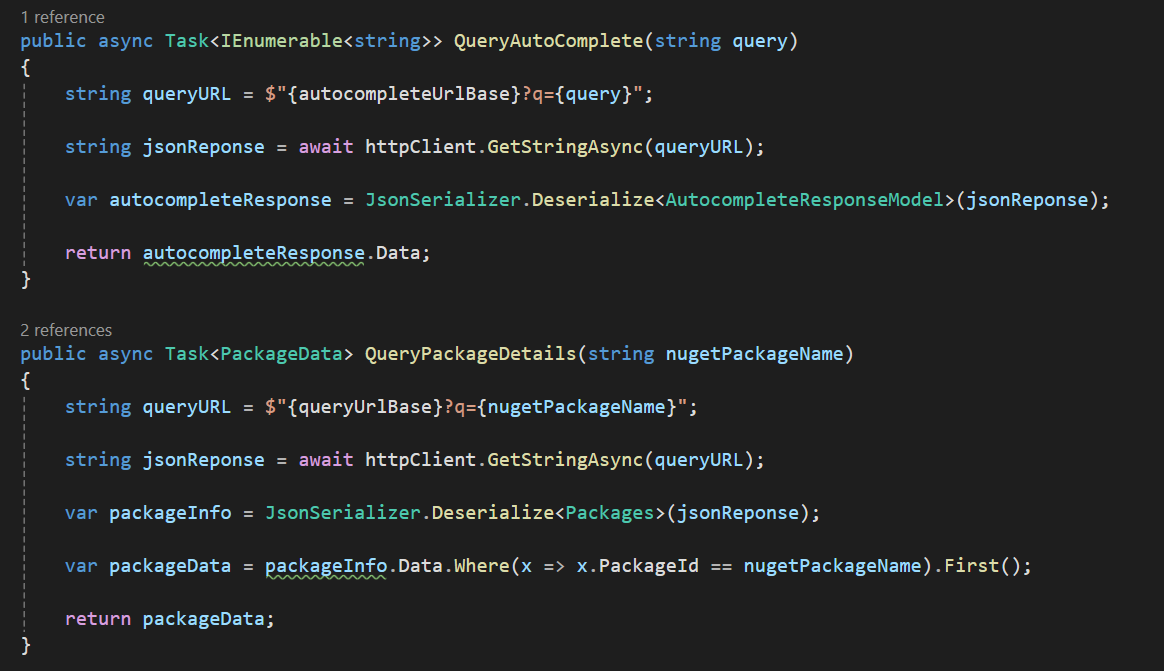
So I had to do it the hard way and implement all the logic and HTTP REST API calls by myself.
Language Server
I wanted to add an LSP(language server protocol). This is what gives your IDE the information for the autocompletion suggestions and information about a class, method, … Here’s the link to a C# LSP if you are interested. I, however, decided to skip implementing this as the project was already growing in scope and I wasn’t sure if I could run the aforementioned C# LSP process directly in the browser.
After you get the data from the language server, you can use the code editor APIs(in my case, the Monaco editor I’ll talk about later on) to show the suggestions to the user.
Debugger
Another thing I was considering adding was a debugger. Since .NET was “open-sourced” a while ago, I was expecting I could easily get a C# debugger, and in fact, at some point, a NuGet package for this was available before Microsoft decided to take it down because they had apparently “made it available by mistake”.
Here’s a GitHub issue that’s been open for almost a decade at this point: “Kindly reconsider the licensing for .NET Core debugging libraries #505“. And here’s a post from JetBrains about the issue: “Rider EAP 17: NuGet, unit testing, good and bad news on debugging“.
So yeah… no debugger for us because Microsoft is being Microsoft again.
Monaco Editor
For the code/text editor if have used the Monaco editor, which is a free and open source code editor from Microsoft. It’s actually the code editor used inside VS Code. You can embed it into your web project, like I have done here and in quite a few other projects as well(GDS Viewer, AsmIDE, Decent Paste, Decent Diff, Code Diagram Generator).
It offers many features like syntax highlighting, IntelliSense/autocomplete, code folding, multi-cursor editing, find and replace, diff editor support, bracket matching, parameter hints, hover tooltips, error markers, code formatting, minimap, split view, custom themes, language services, custom language definitions, etc.
GUN.js Decentralized Database
At a later point, I thought I could add a login and the ability to save the editor contents. I was already playing around with GUN.js decentralized database for some other project, so I thought I could use it here too.
As it supports events/data streaming, I added the “live share” feature that lets you share your editor with other people and live edit the code together.
Read more about it in this post here.