Writing a Simple Programming Language And Compiler

AsmIDE + MyLang Compiler

About

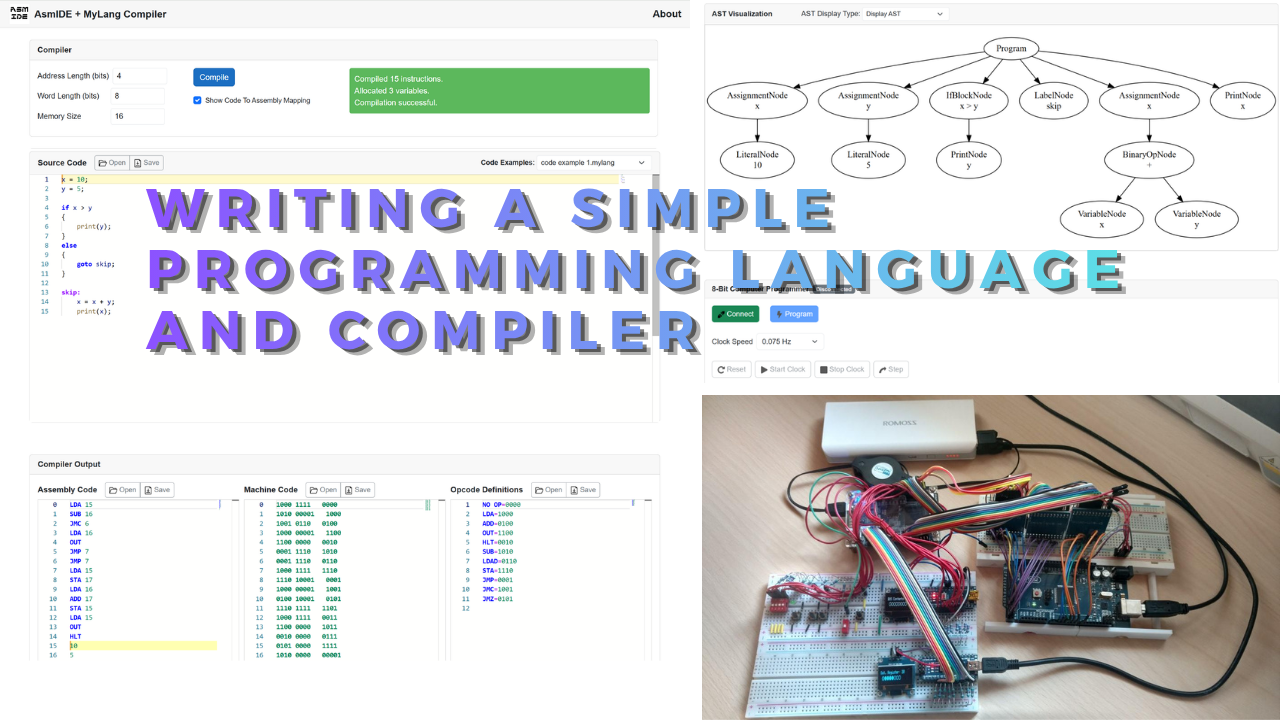
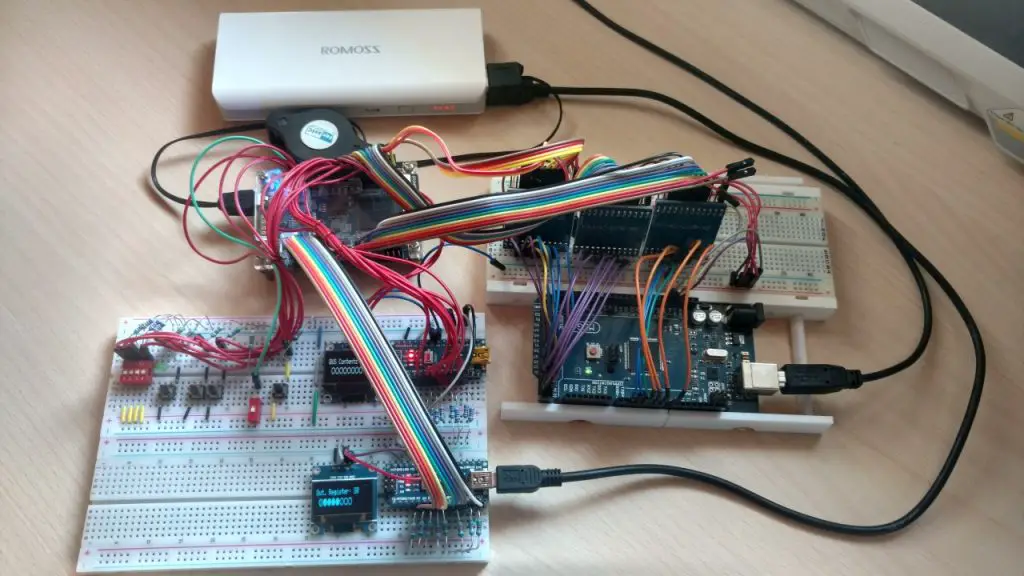
In this post, I will briefly cover a simple compiler made for a simple programming language I made. The compiler compiles the MyLang(not the most creative name, but naming things is hard, and I just needed a name) programming language down to the assembly for a simple 8-bit computer I made years ago.

For some time, I wanted to make my own simple programming language and compiler just for fun and learning. I was initially thinking of making a C compiler, but I then decided it would be nice if I actually made a compiler for a high-level language that compiles down to the ISA of my custom-built 8-bit computer.

Link to app MyLang Compiler + AsmIDE
Github repo: 8Bit Computer

I have ported AsmIDE into a Blazor web app, including a custom compiler I made. For a while, I wanted to make my own compiler for fun and learning. Initially, I was going to make a C compiler, but then I thought it would be nice if I actually made a simple compiler for the 8-bit computer I made.

You can access the web app here: AsmIDE + MyLang Compiler
See more about the compiler itself in this blog post here.

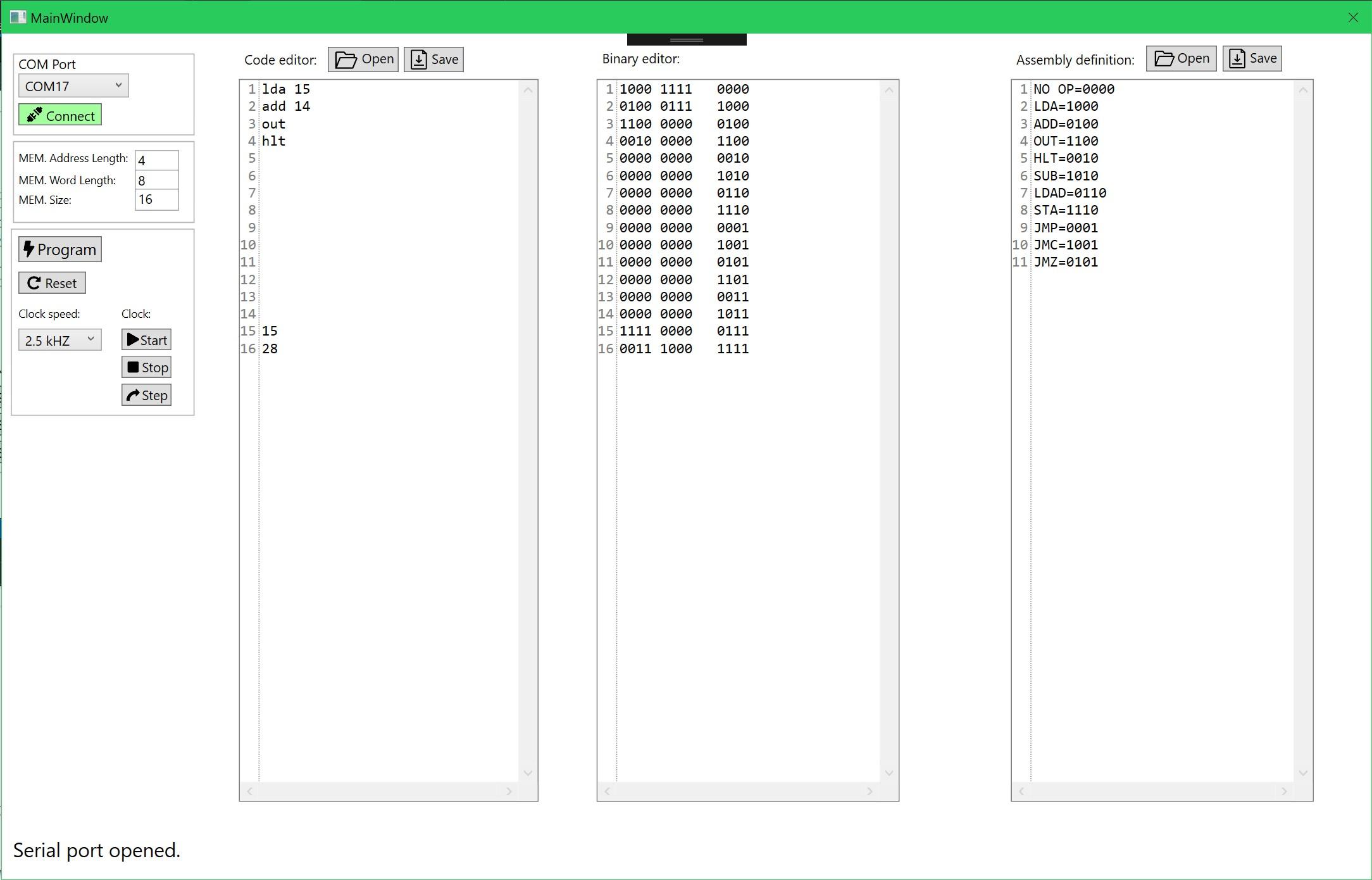
Old AsmIDE

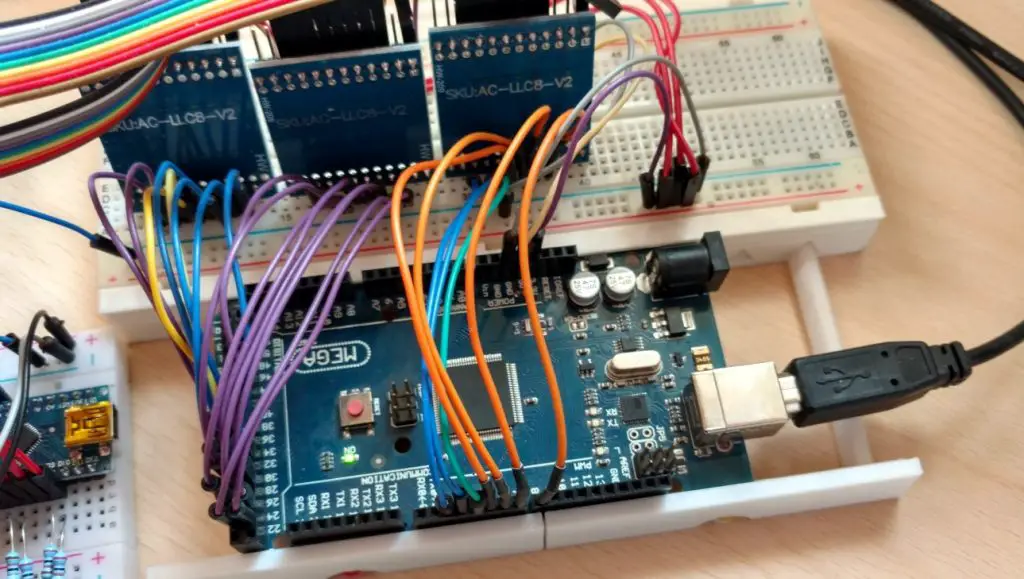
To make programming the 8-bit computer even easier I decided to make a simple sort of an IDE that can connect to the Arduino programmer and program the computer through it without having to reflash it with every change of the program.

The IDE has three code editors. The last window has the assembly definition where you map your custom machine code for the specific computer you made to your specific custom assembly language you made. Then you can write an assembly program in the first code editor. The machine code will automatically get generated in the middle editor. 

On the left, you have the controls column. At the very top, you can establish a COM port connection to the Arduino. 

Then you have the option to set your RAM size, RAM word length, and the memory address length. Currently, this is fixed and can’t be changed. I didn’t really need the option for a bigger memory so I skipped implementing this feature(might add it in the future). 

I won’t post the code for the IDE here as it’s too long. You can see and download the whole project from Github. For the explanation of the code read the comments.

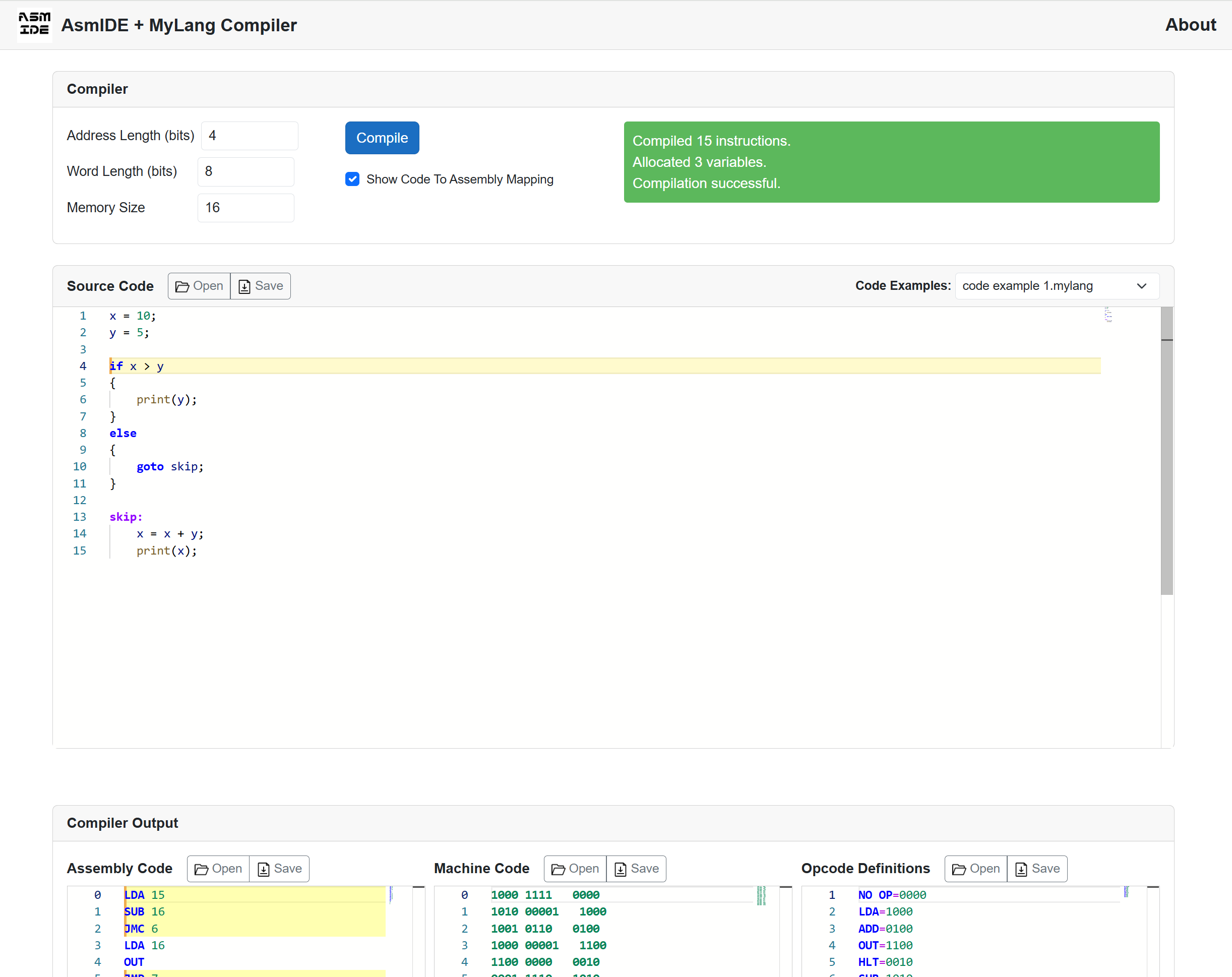
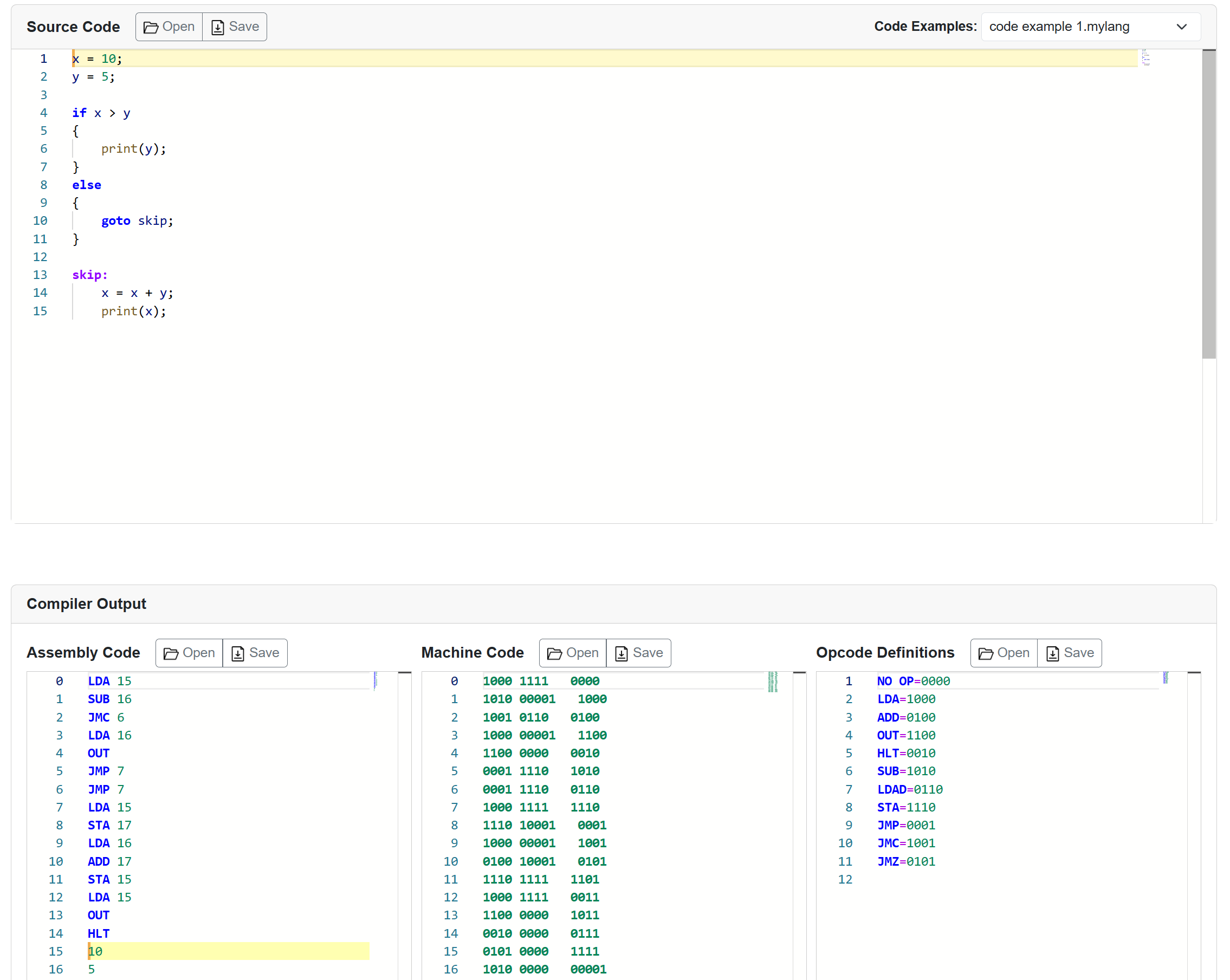
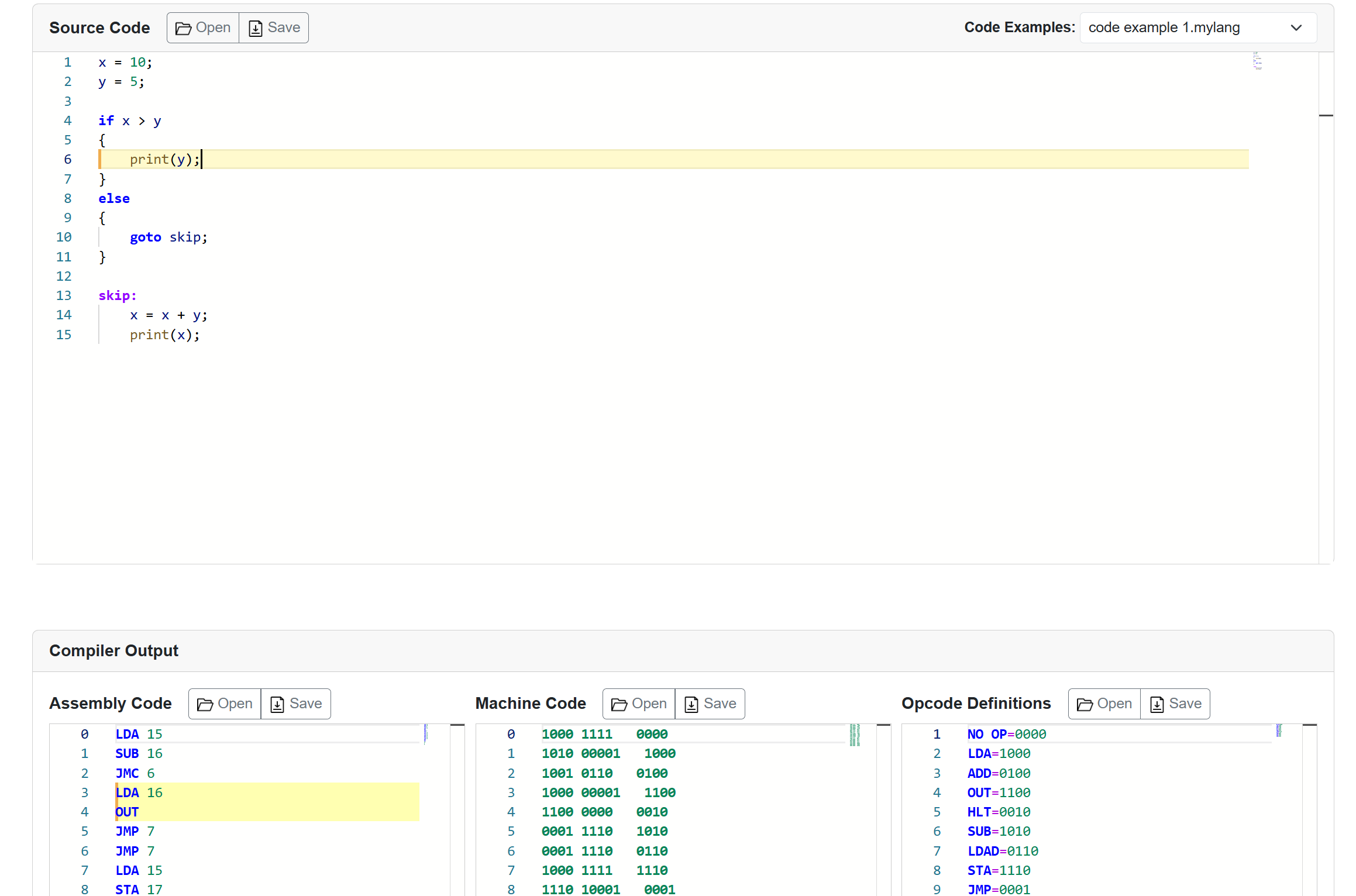
MyLang Compiler + New AsmIDE:

Symbols can also be output. They map the source code to the assembly.
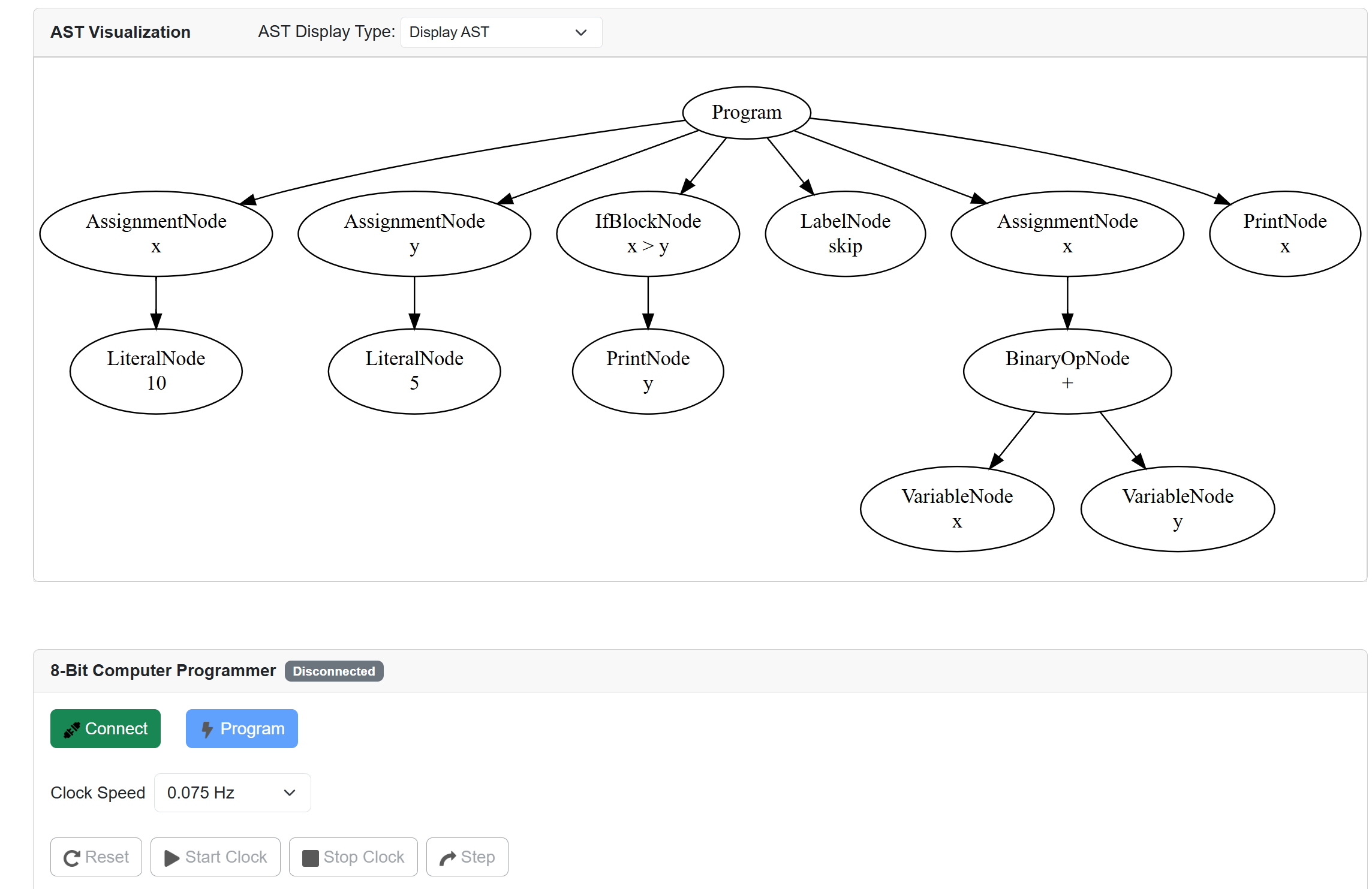
I also added an AST visualizer. At the very end, you can see the same controls for programming and controlling the computer as were present in AsmIDE. In this post here, I describe how the Arduino programmer for the 8-bit computer works.

Leave a Reply

Your email address will not be published. Required fields are marked *

The following GDPR rules must be read and accepted:
This form collects your name, email and content so that we can keep track of the comments placed on the website. For more info check our privacy policy where you will get more info on where, how and why we store your data.