Home Automation Setup

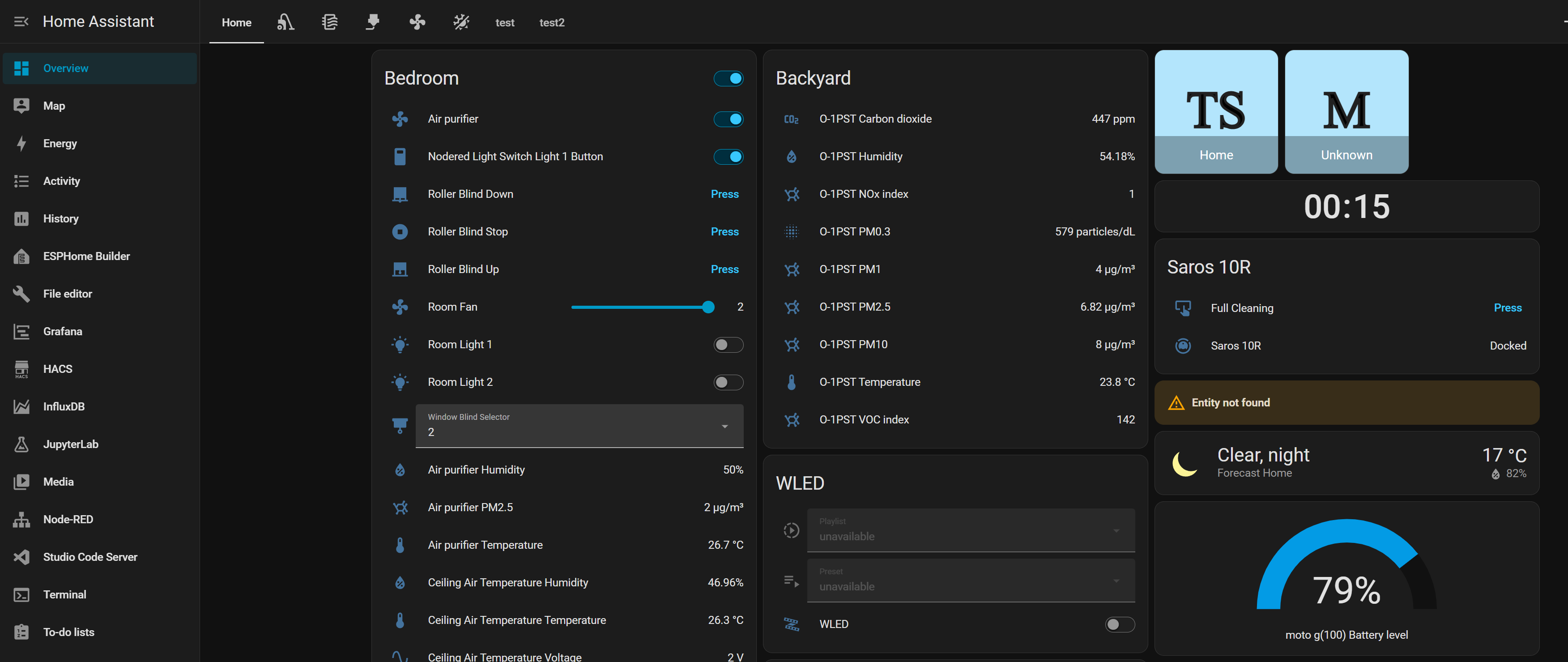
home assistant control panel

About

In this post, I will talk about my self hosted home automation setup. I have been working on this and slowly adding things over the years. I will probably update this post over time with the new things I will add.

Table Of Contentens

Server And Hosted Services

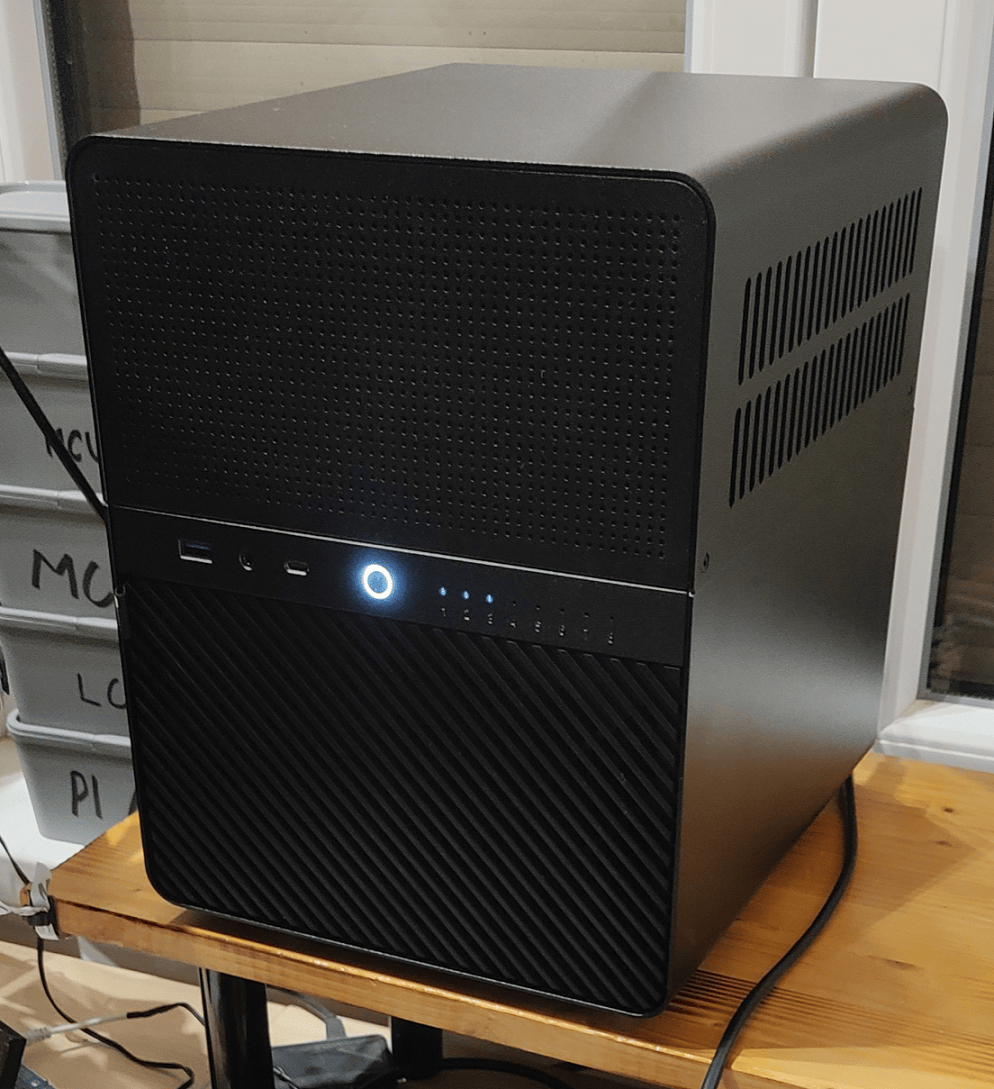
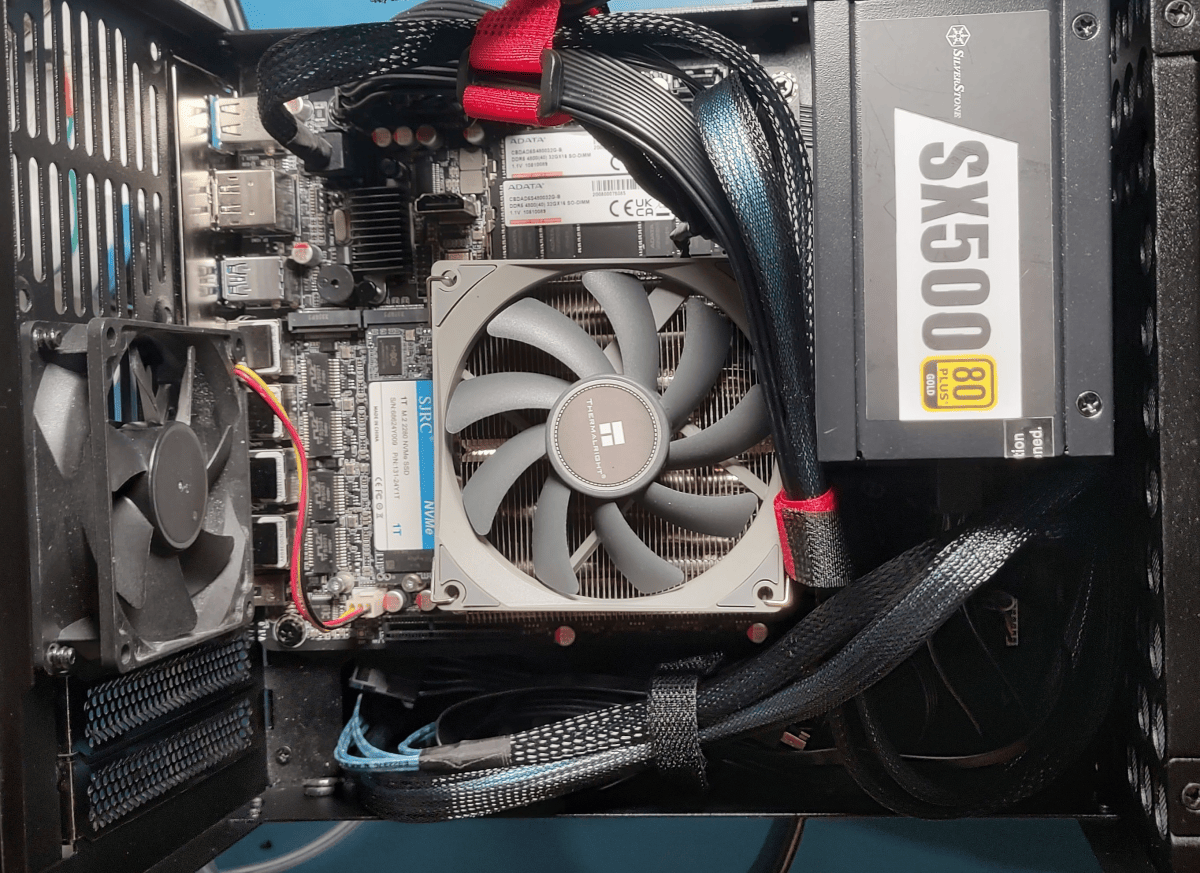
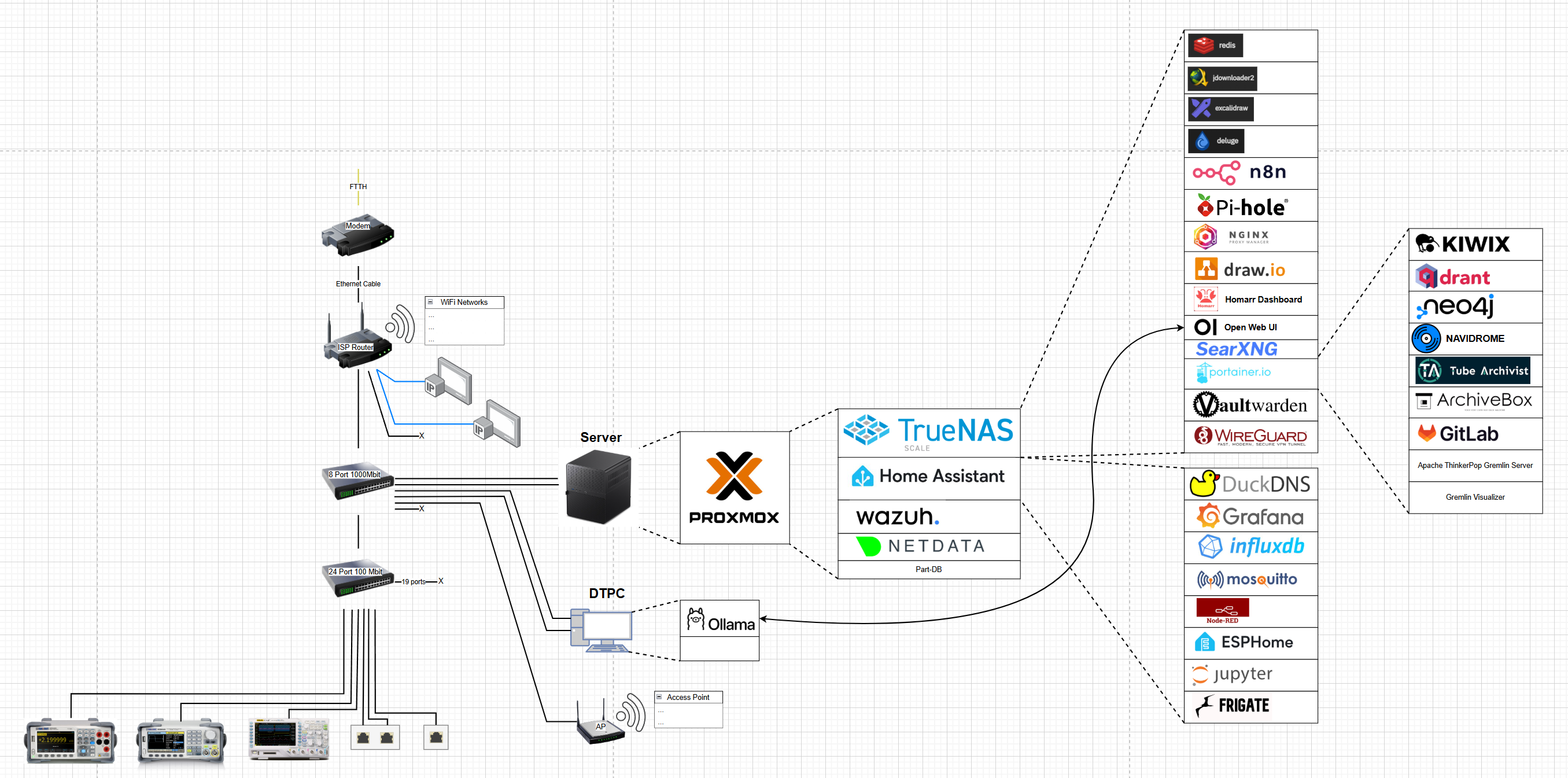
I already made a more in depth post about my home lab server and the Docker containers I run on it, but here’s a quick recap.

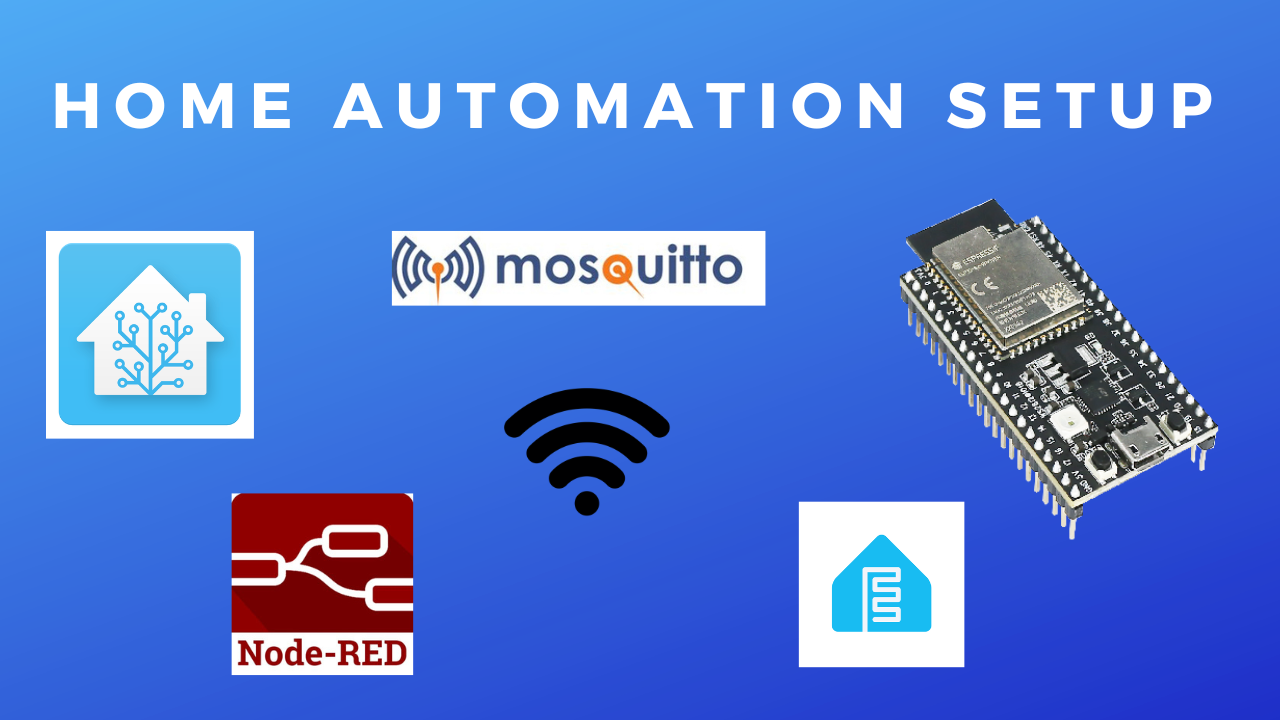
I run Home Assistant as VM on Proxmox. Then I installed the Mosquitto MQTT broker and NodeRed instance inside Home Assistant to receive/send MQTT messages and run autmations.

Additionally, I also installed stuff like InfluxDB database(used for Grafana), Grafana Dashboard, Visual Studio Code, Jupyter Lab and ESP home.

I use WireGuard to VPN into my local network to avoid exposing any services to the internet. I use DuckDns to get a custom domain, so I don’t need to remember my public IP(and it changes anyway as it’s dynamic) and I can get an SSL certificate for the domain that I then use in Nginx Reverse proxy manager to secure the HTTP connection and avoid the browser warnings.

Home Automation Interface

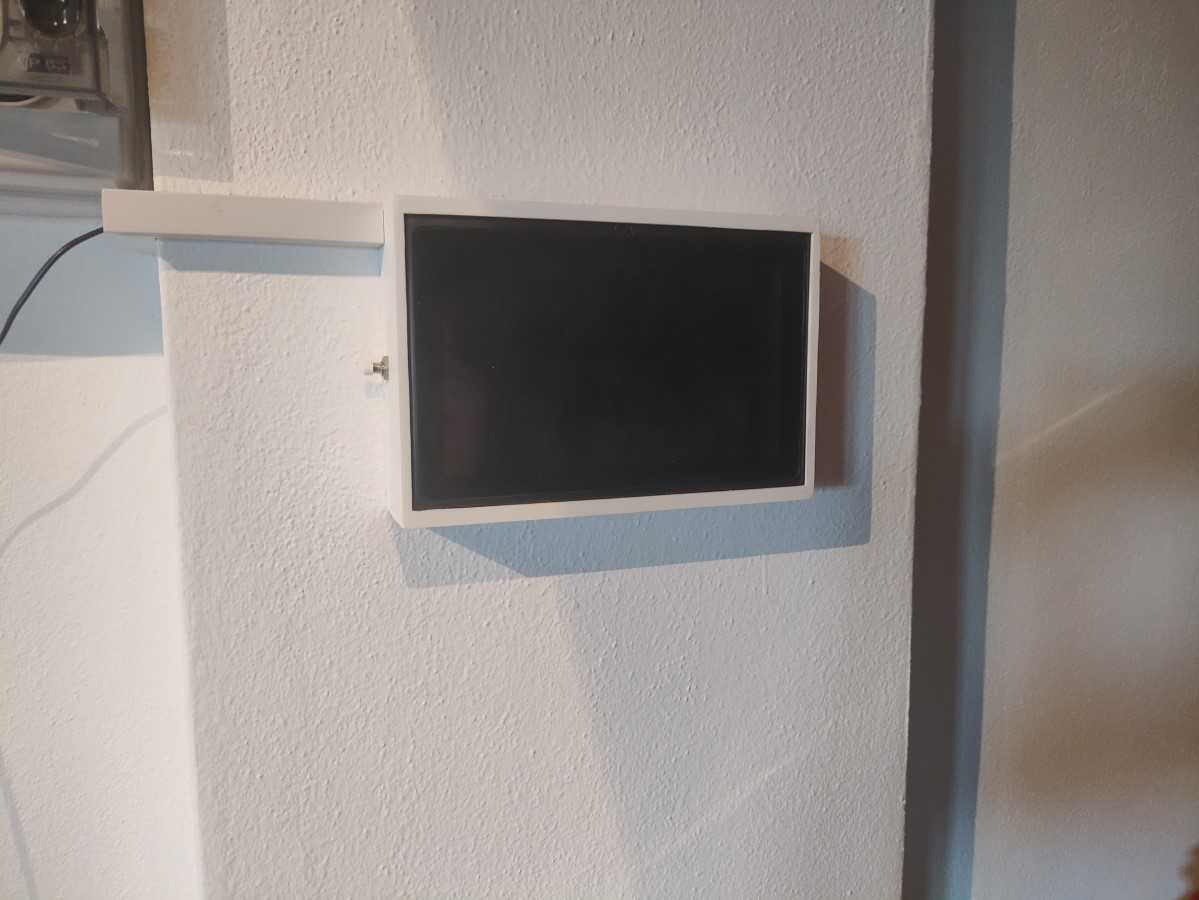
All the stuff is accessible from the browser, which means I can access it from my phone or computer. However, I felt it would be nice if I had a dedicated device just to interface with it so that I don’t necessarily need my phone/computer. 

Initially, I was going to use a very old table I bought around 10 years ago. It wasn’t really useful for much, and I thought it would be good enough to simply display a web page. But as it turns out, it wasn’t even good enough for that as half a gig of RAM is just not enough today. This was a pain as I had already 3D printed the enclosure for it and mounted it on the wall. I bought a cheap new tablet instead and made a new wall mount for it.

I’ve seen other people’s dashboards and some of them are pretty impressive looking. My Home Assistant dashboard really could use some work. But I’m the only one using it and I  kind of got used to. This might be a future project to “beautify” and rearrange my dashboard.

Air Sensors

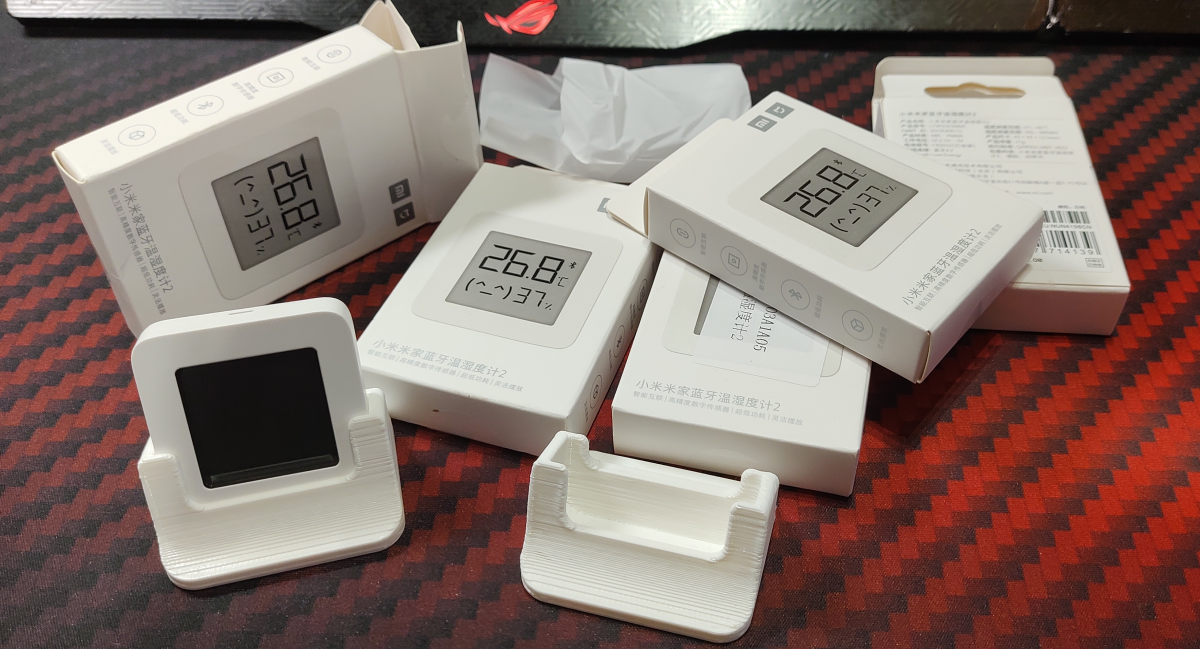
I have a few of those cheap BLE Xiaomi temperature sensors that I have flashed with custom firmware. Here’s a tutorial on how to do it if you are interested. Depending on the firmware version it ships with, you might not be able to perform the flashing wirelessly (I wasn’t). In such a case, you must flash it over serial, here are a few useful tutorials: link 1link 2.

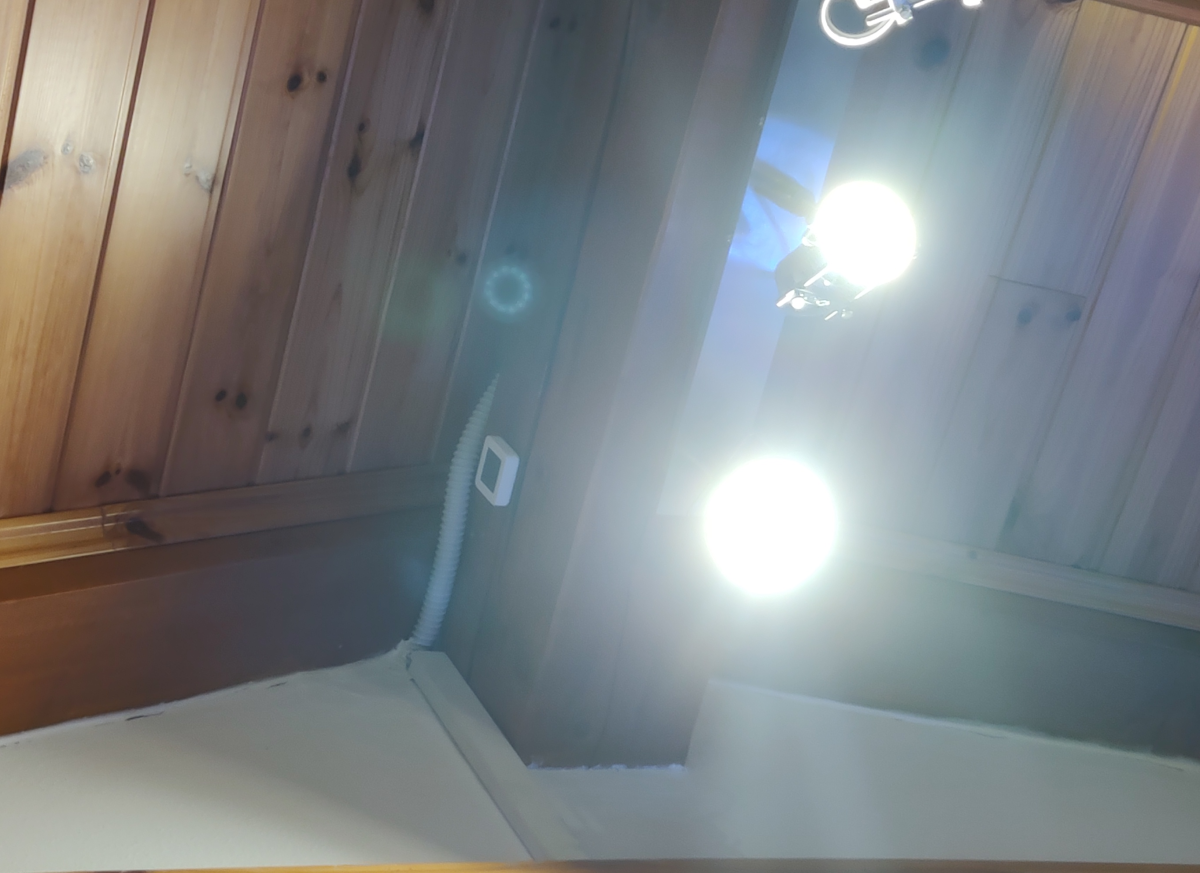
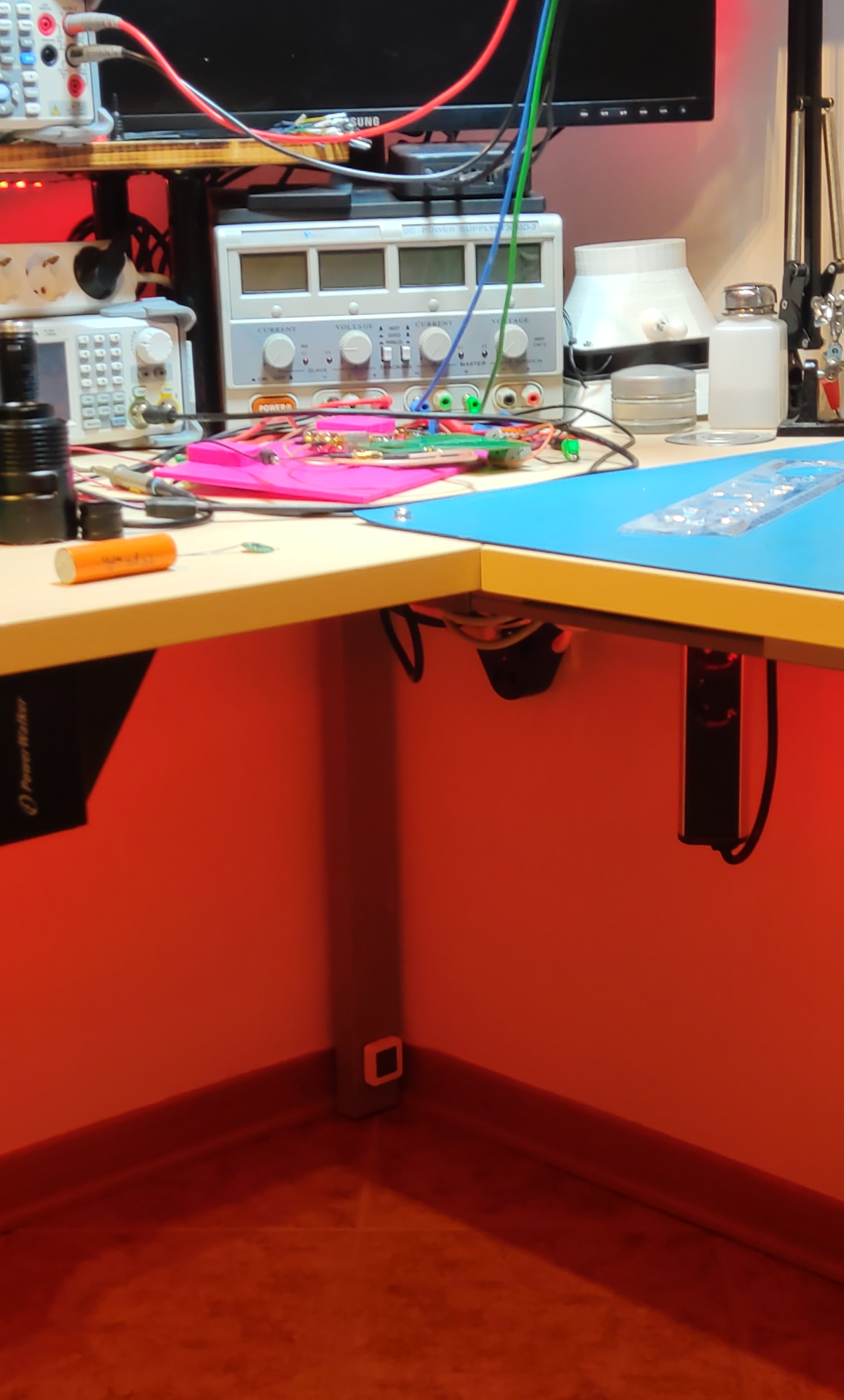
I have one of these sensors on the ceiling and one on the floor to measure the temperature difference and turn on the ceiling fan to equalize the temperature. I also have one in my 3D printer enclosure and filament storage container.

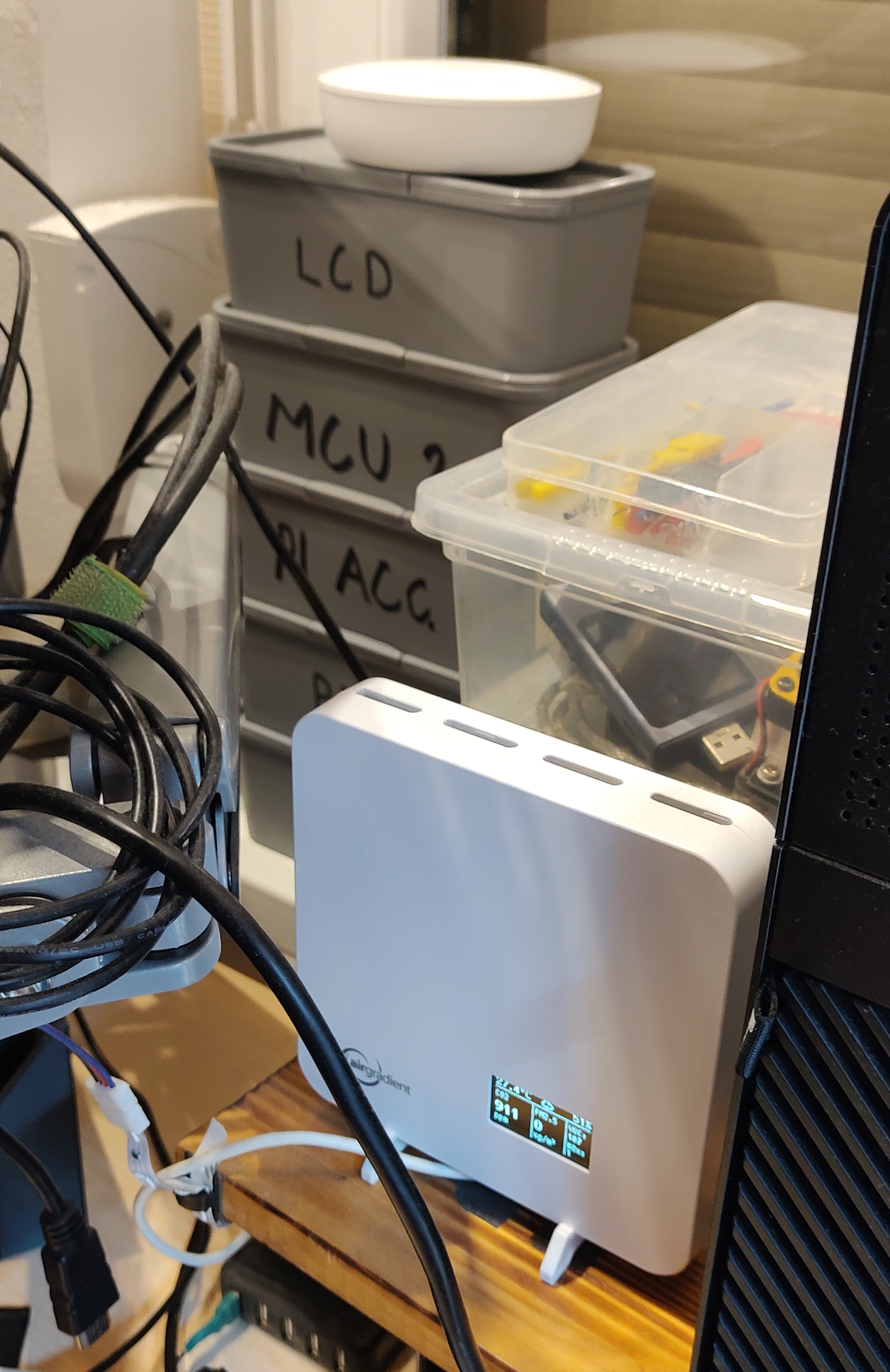
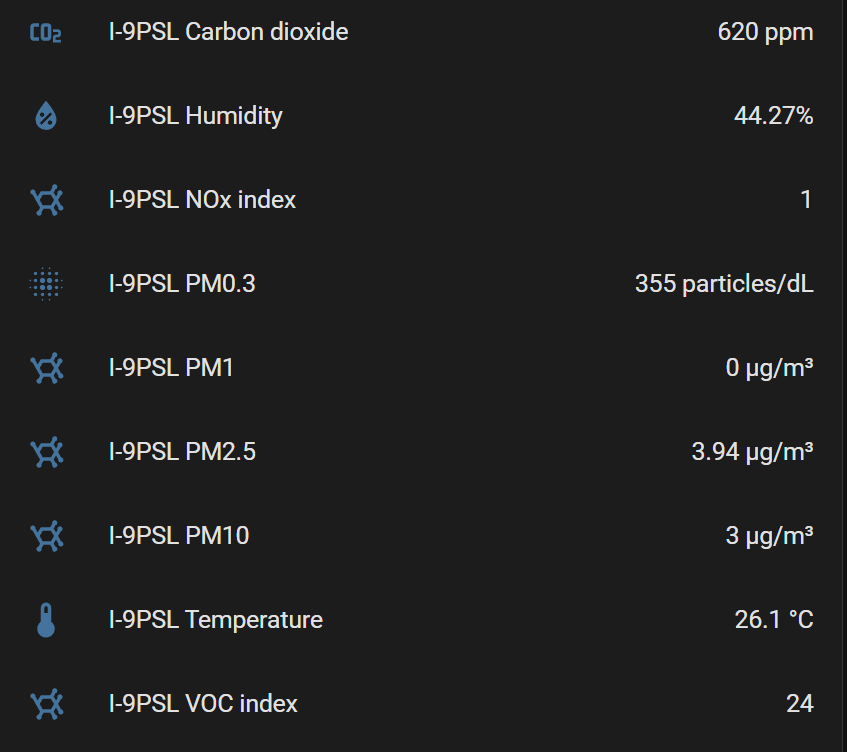
Then I have an outdoor O-1PST and an indoor I-9PSL sensors from AirGradient. Additionally, I have an indoor #adAmazon LinkAirThings Wave Plus sensor that, unlike AirGradient sensors, also measures radon, illuminance and atmospheric pressure but doesn’t measure NOx or PM counts like the AirGradient sensors.

The round white thing at the top, sitting on the gray boxes, is the Arithings sensor, while the square white one with the OLED screen is the Airgradient.

Roller Blinds

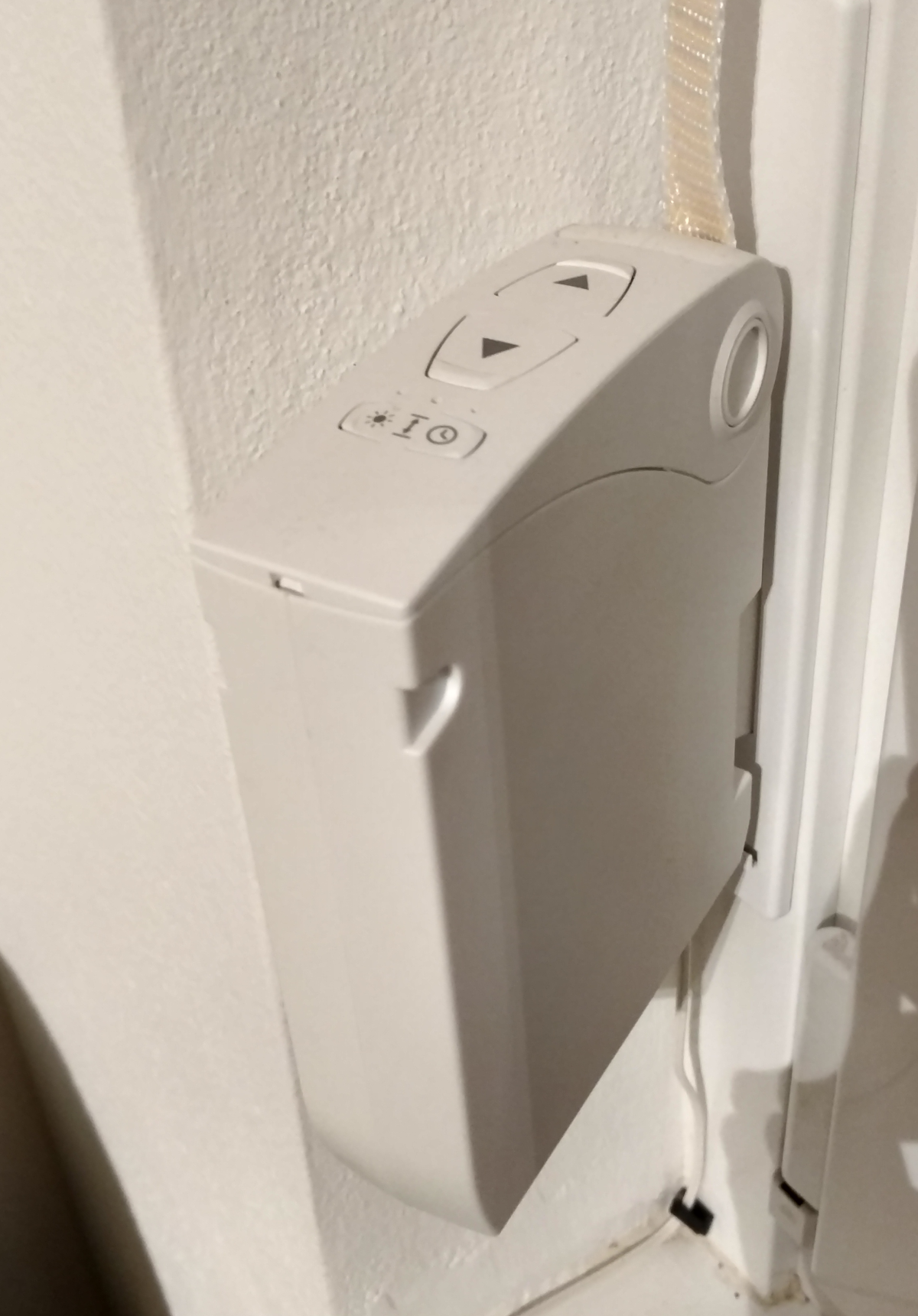
One of the first things I got started on many years ago, in 2018, was automating my roller blinds. I bought these aftermarket motorized roller things.

I honestly wouldn’t recommend (at least this particular model) as the strap doesn’t properly line up and the strap gets all bunched up inside. Additionally, the plastic center “pin” where the strap spool rotates on has broken on both units for both windows. I managed to repair them by adding a screw through the center. So if you can go for the motorized winders that are built into the center shaft of the actual roller blind.

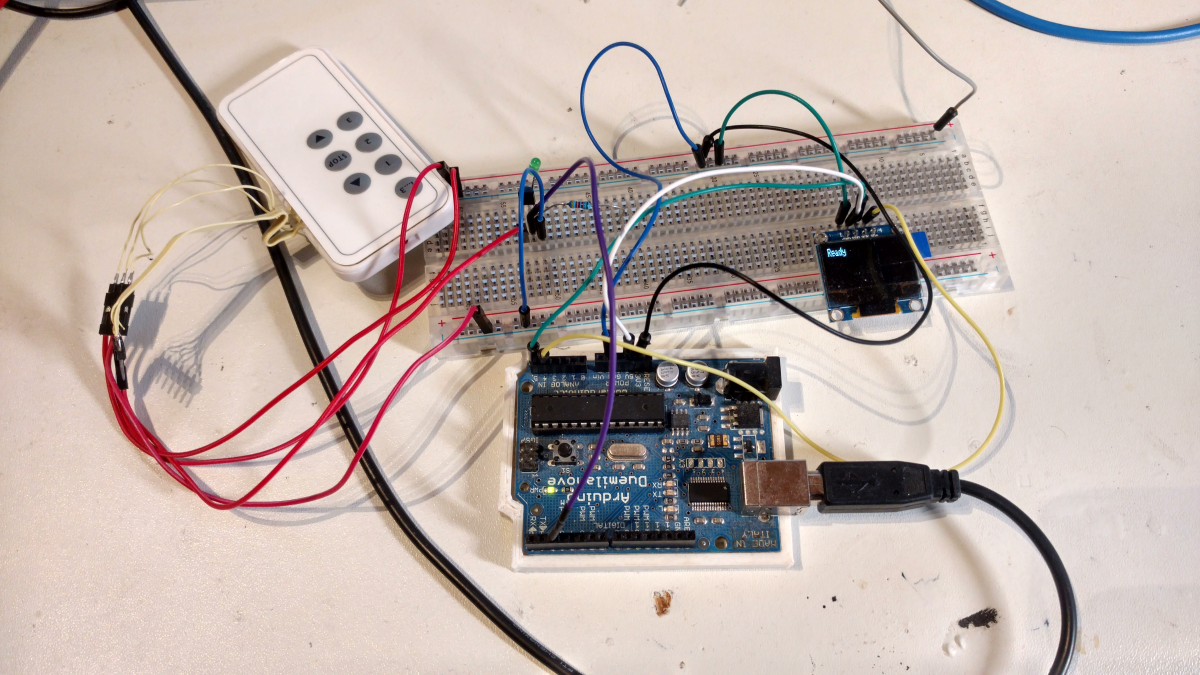
This was the first prototype. I was using a UWP(Universal Windows Platform ) app and an Arduino at the time. At the time, I was planning on using a Raspberry Pi running Windows 10 IoT and using it as a sort of master controller running this UWP app. That’s why I made a few tutorials relating to the topic, like: Windows 10 IOT Install on The Raspberry Pi 3, Windows 10 IOT Deploying a Simple App To The Raspberry Pi

Later, I abandoned this idea and went with an ESP8266 + MQTT + NodeRed + Integration into HomeAssistant. 

Those motorized winders had the option to be controlled with these remote controls using RF. At first, I was thinking I could reverse engineer the protocol and use one of those common, cheap 433MHz modules with the Arduino, but I found an even easier alternative.

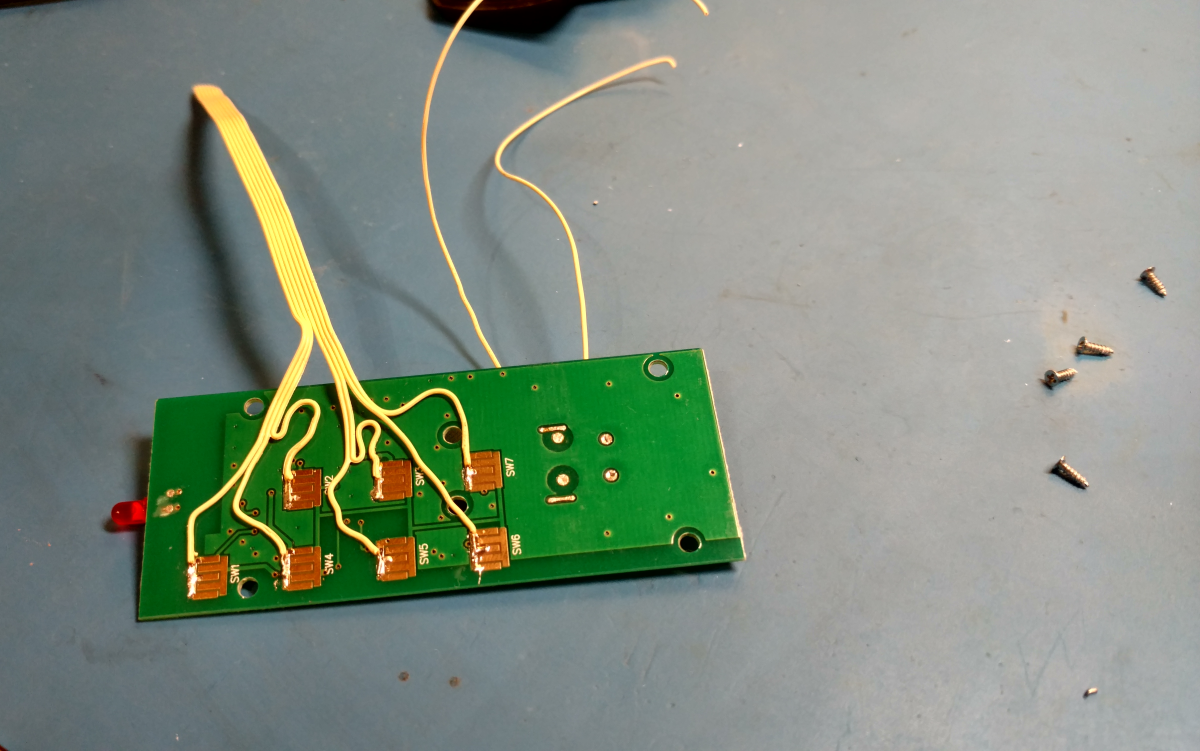
As I had two of these remotes and they can each control up to three devices, I decided to tear one of them down, solder wires to the buttons and simulate button presses with and Arduino.

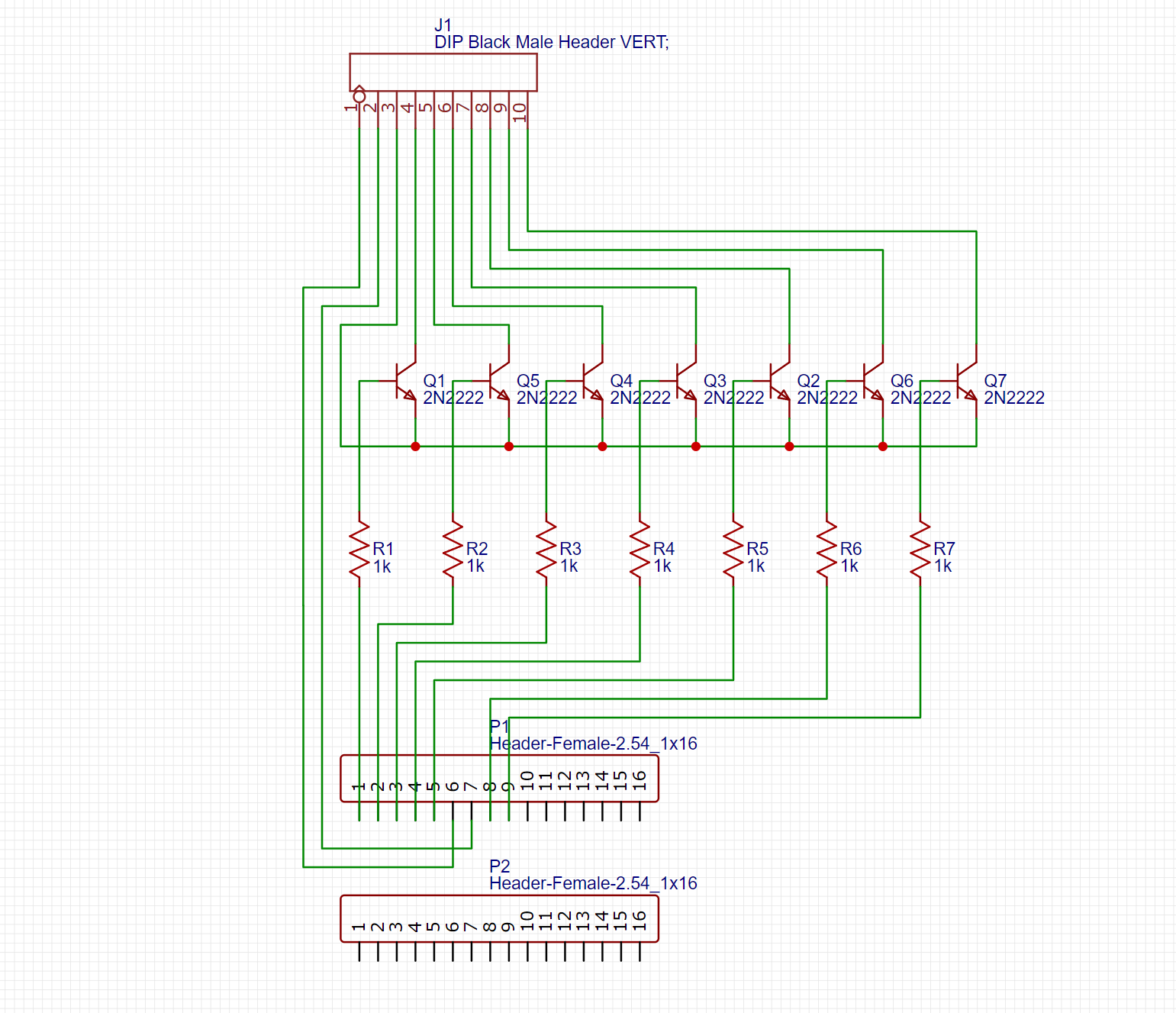
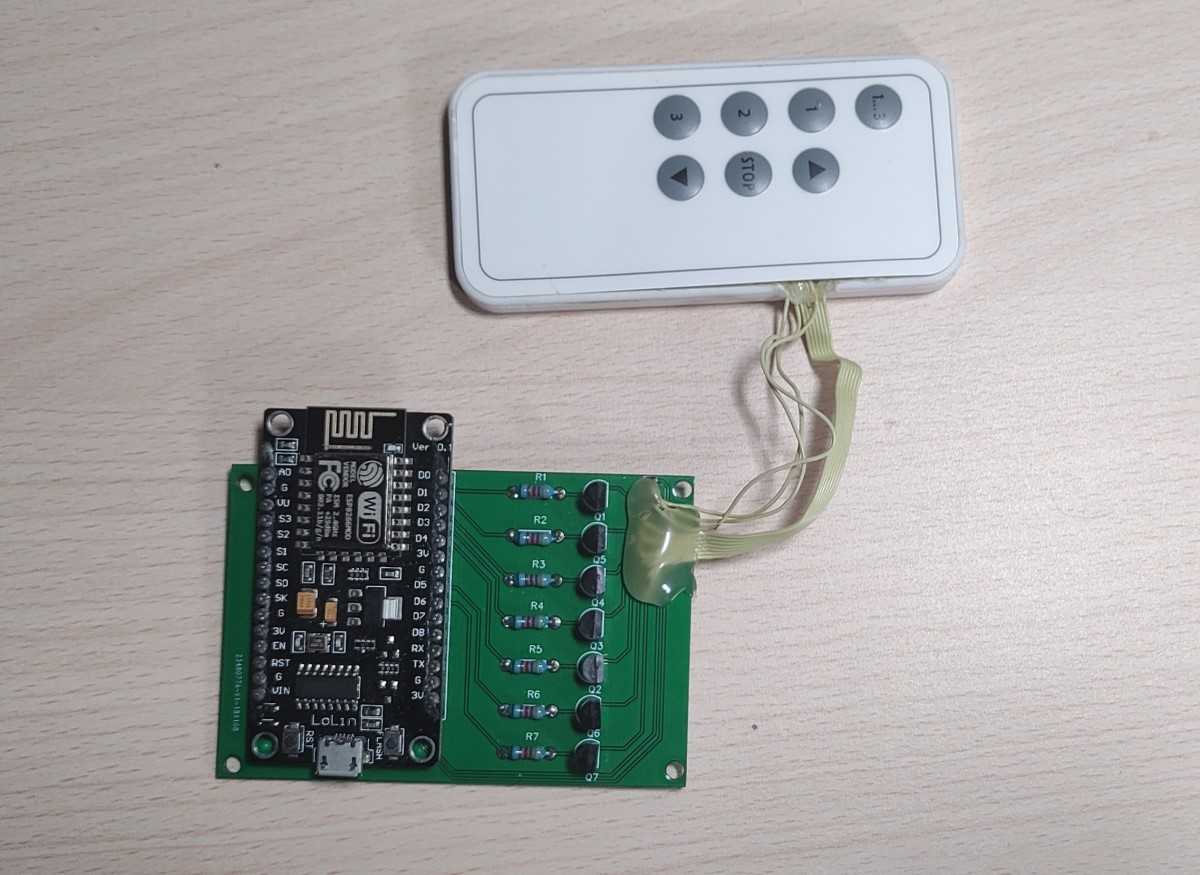
As I said in the beginning, I later switched to an ESP8266. At that point, I also made a simple PCB with a few transistors to simulate button presses. I had put everything into this simple 3D printed enclosure for a while before recently shoving it into the electrical box with a bunch of other stuff.

Power Meter, Fan And Lights Controller

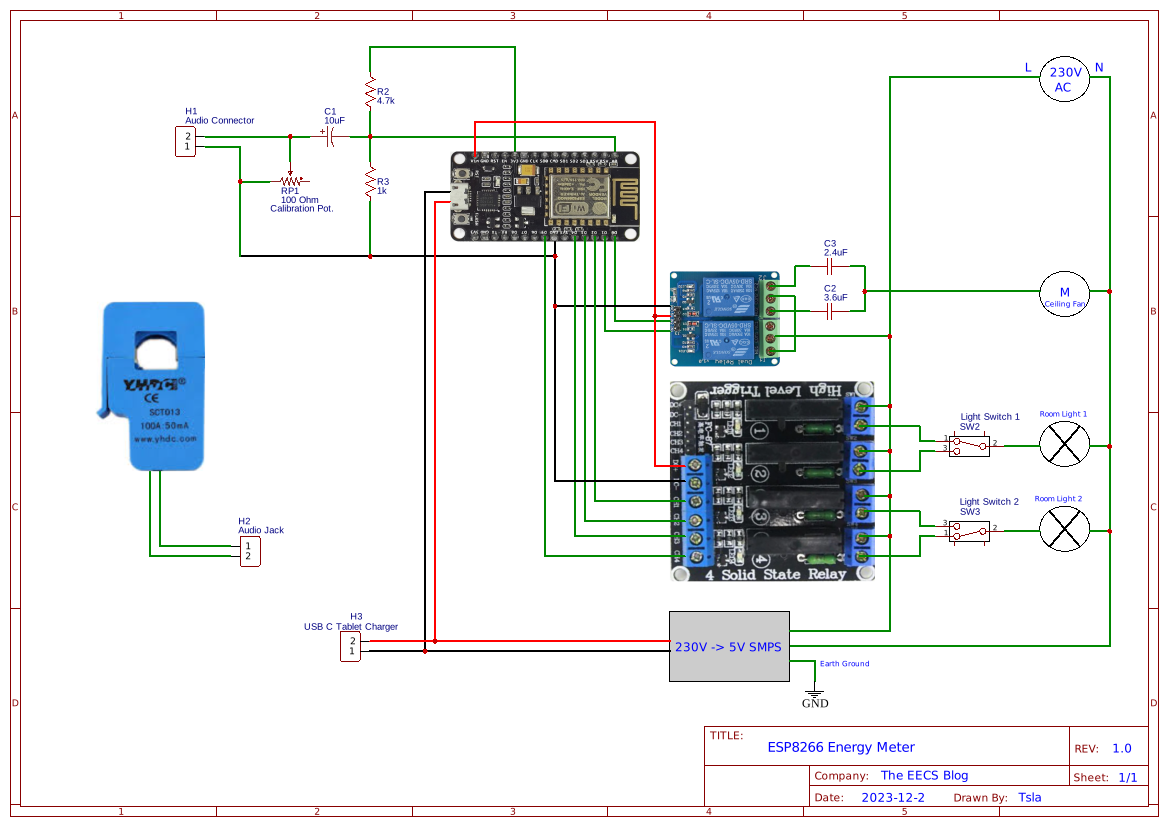
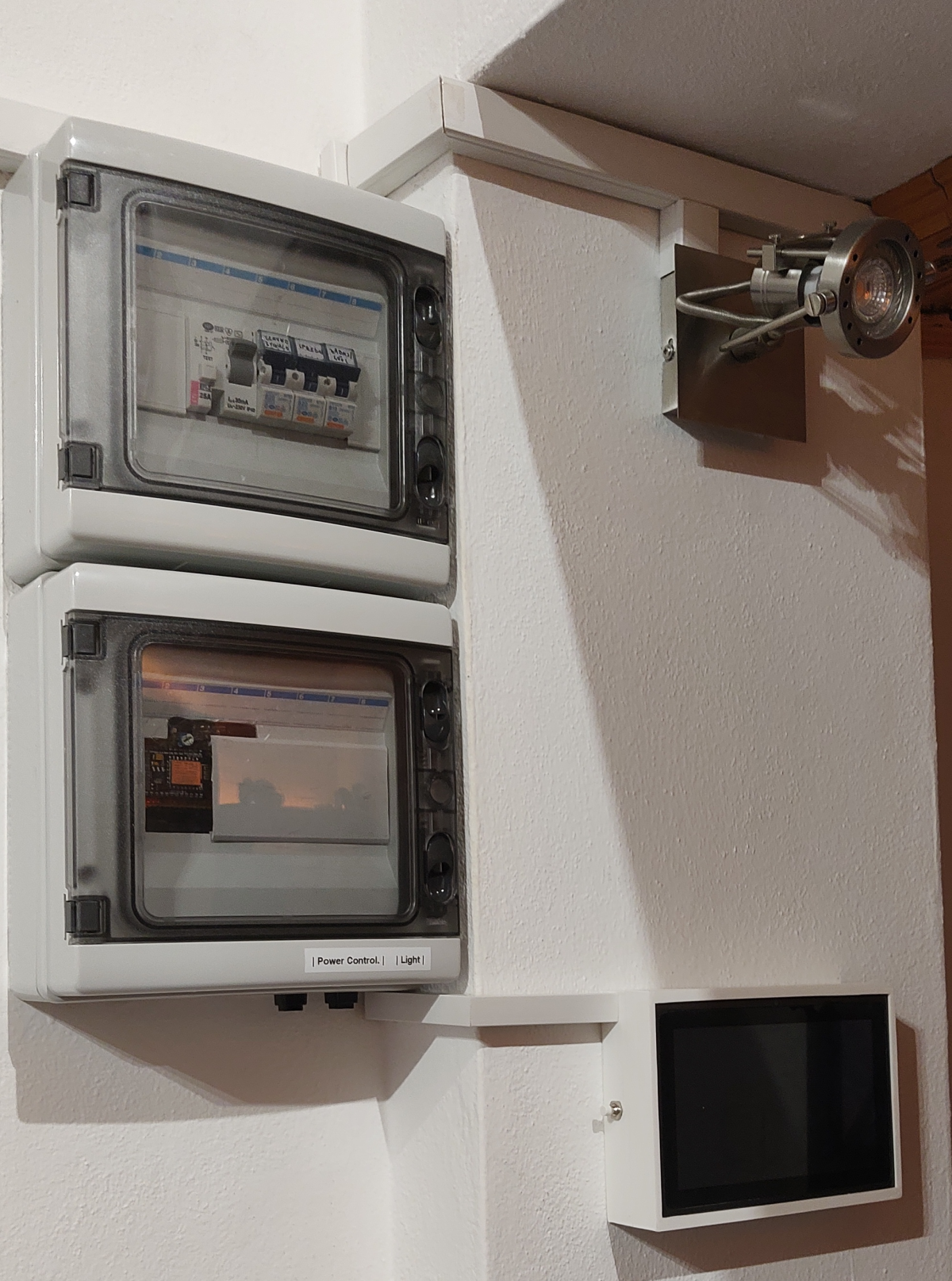
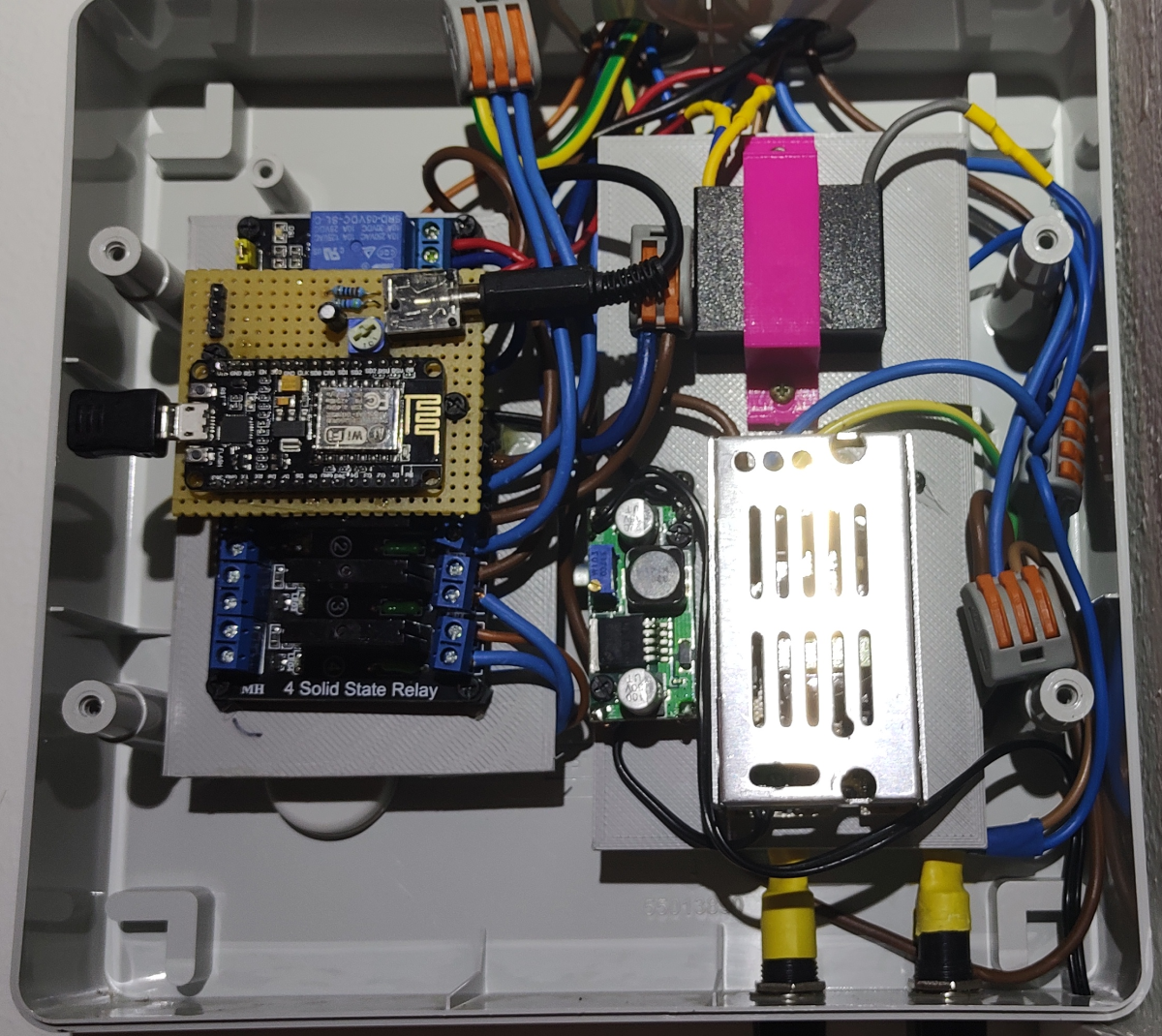
This circuitry is inside a second electrical box below my breaker box. It’s used to control the ceiling fan(two speeds set by capacitors) and the two room lights, which are wired so you can still use the wall switch to turn them on/off. 

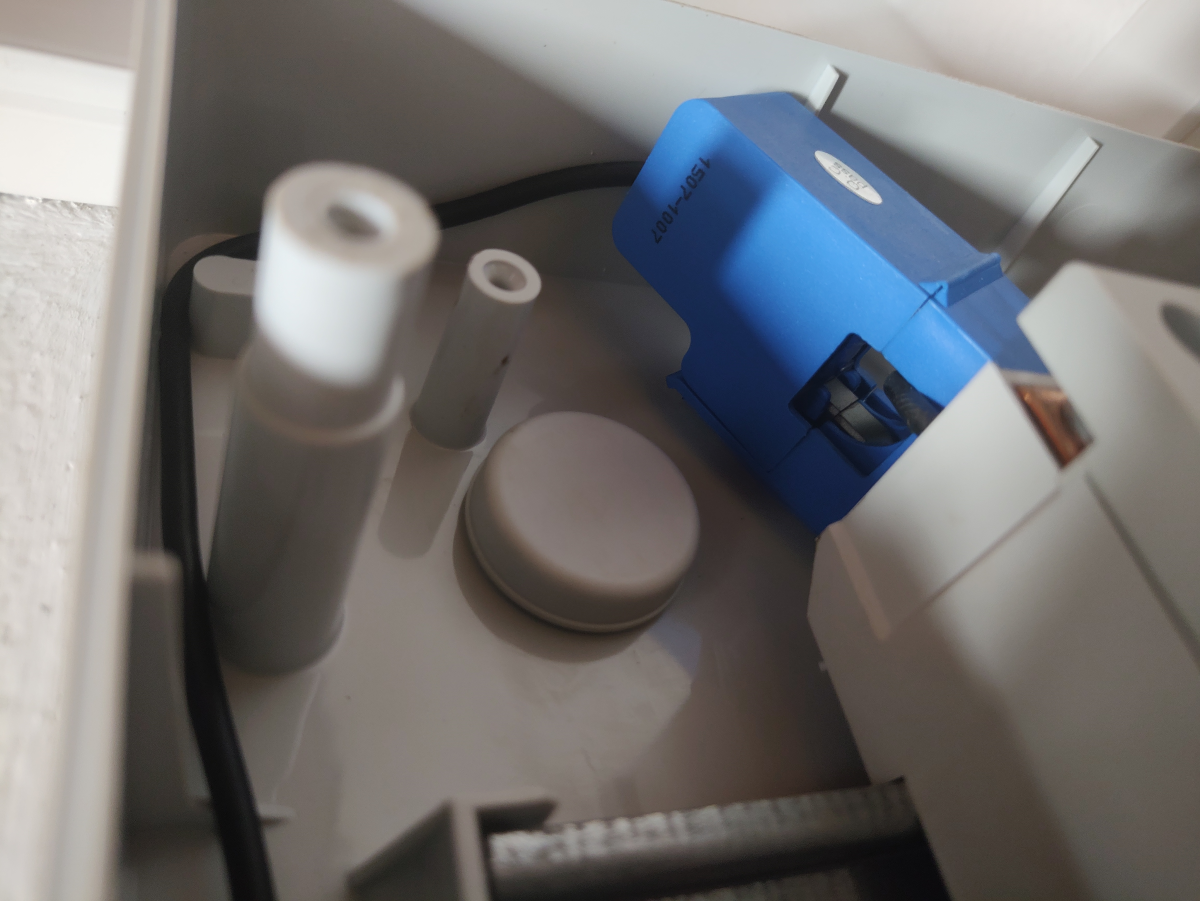
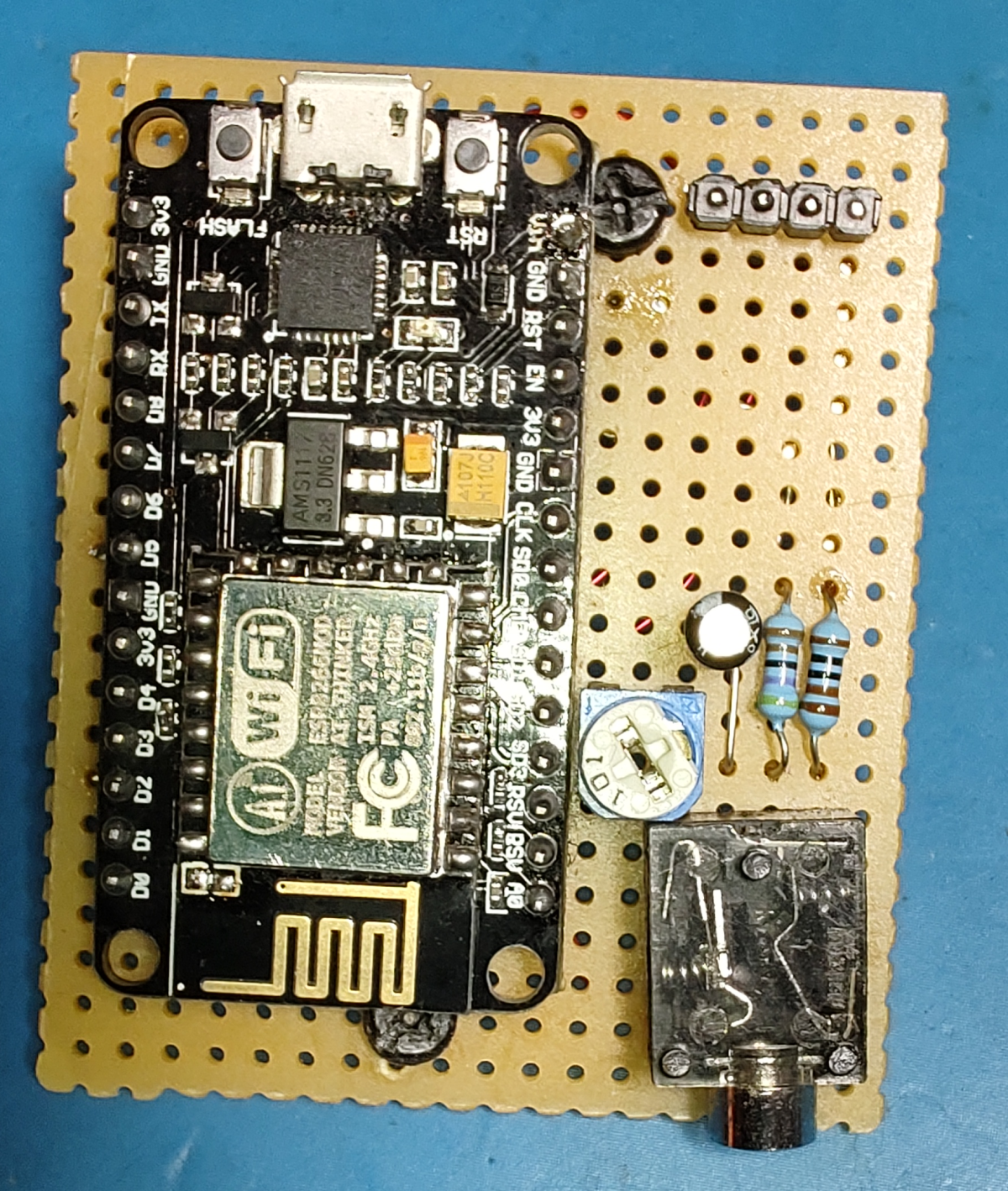
Then there is a CT clamp used to measure the current consumption of the entire room. I would like to change this to another sensor that can also measure the voltage, so I could compute the actual power regardless of the voltage fluctuation and measure the real power(with the power factor) instead of just the apparent.

The 5V power supply also powers the tablet on the wall. Eventually, I ended up adding the blinds controller and an extra ESP32 board that acts as a Bluetooth bridge into this box as well.

Ambient Lights

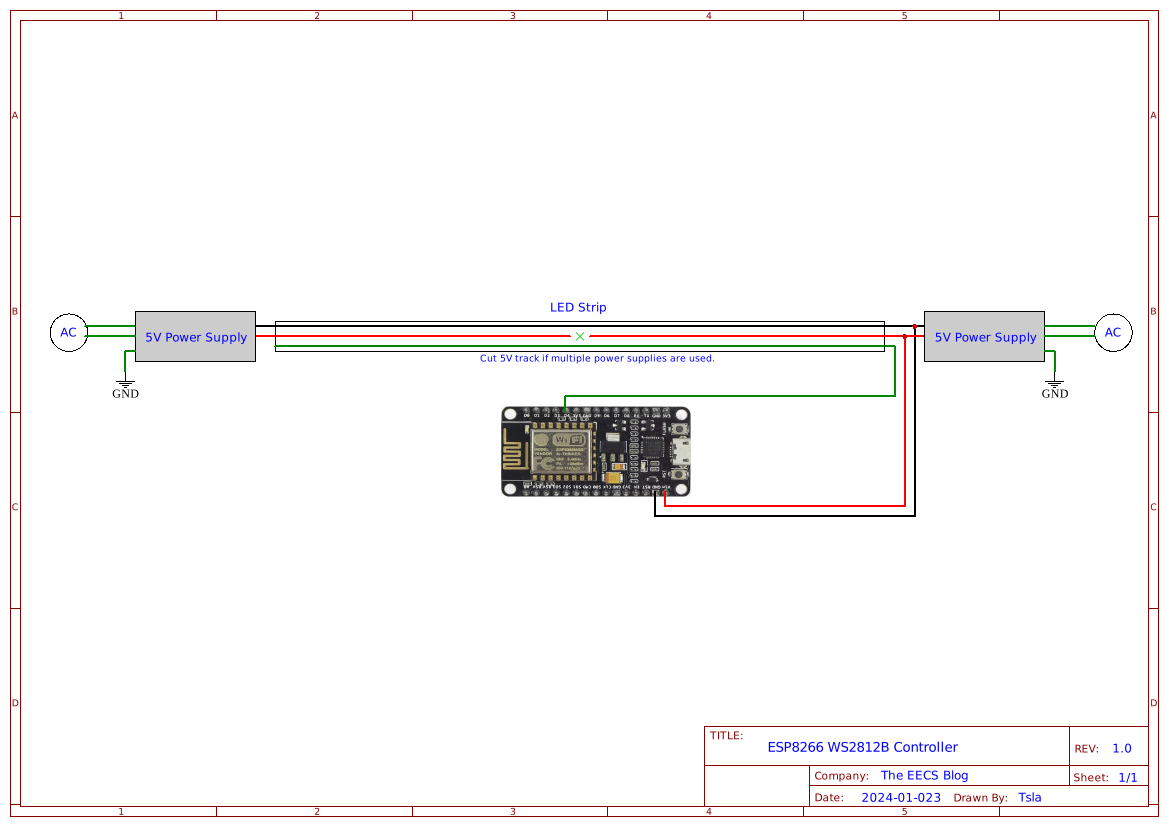
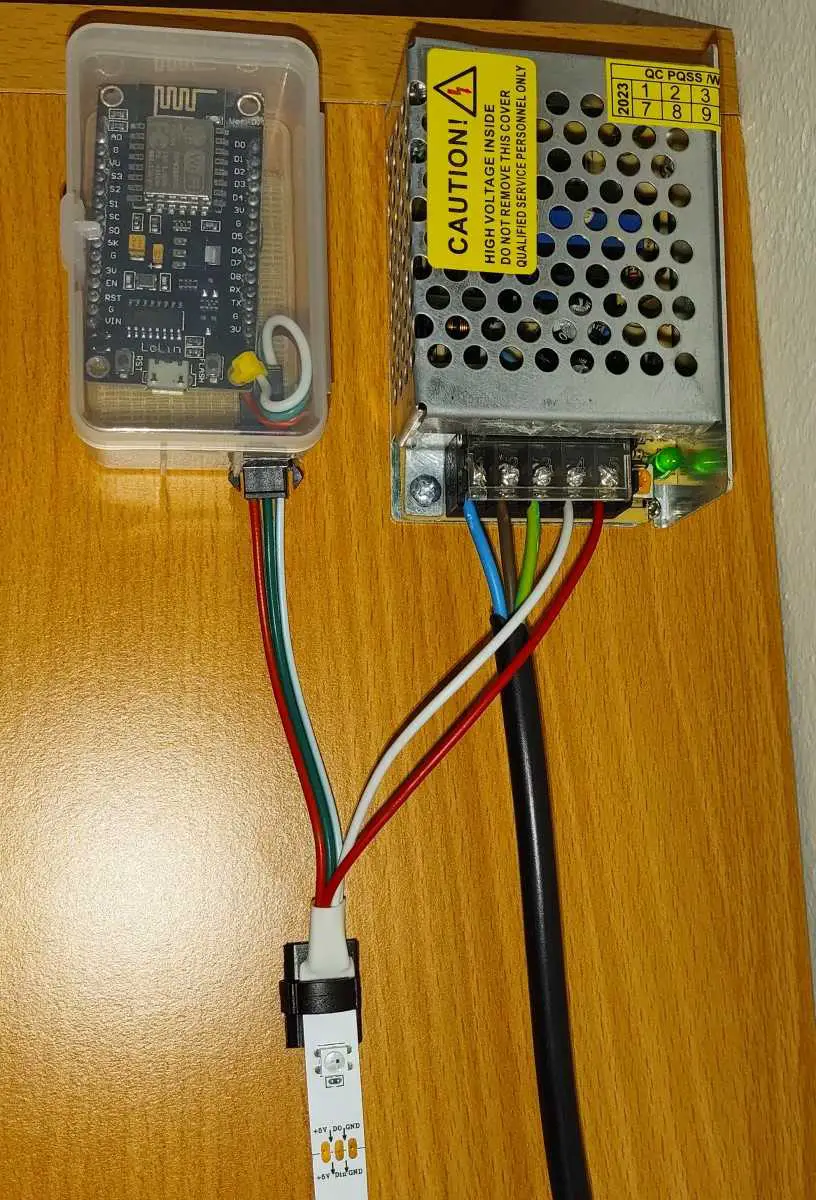
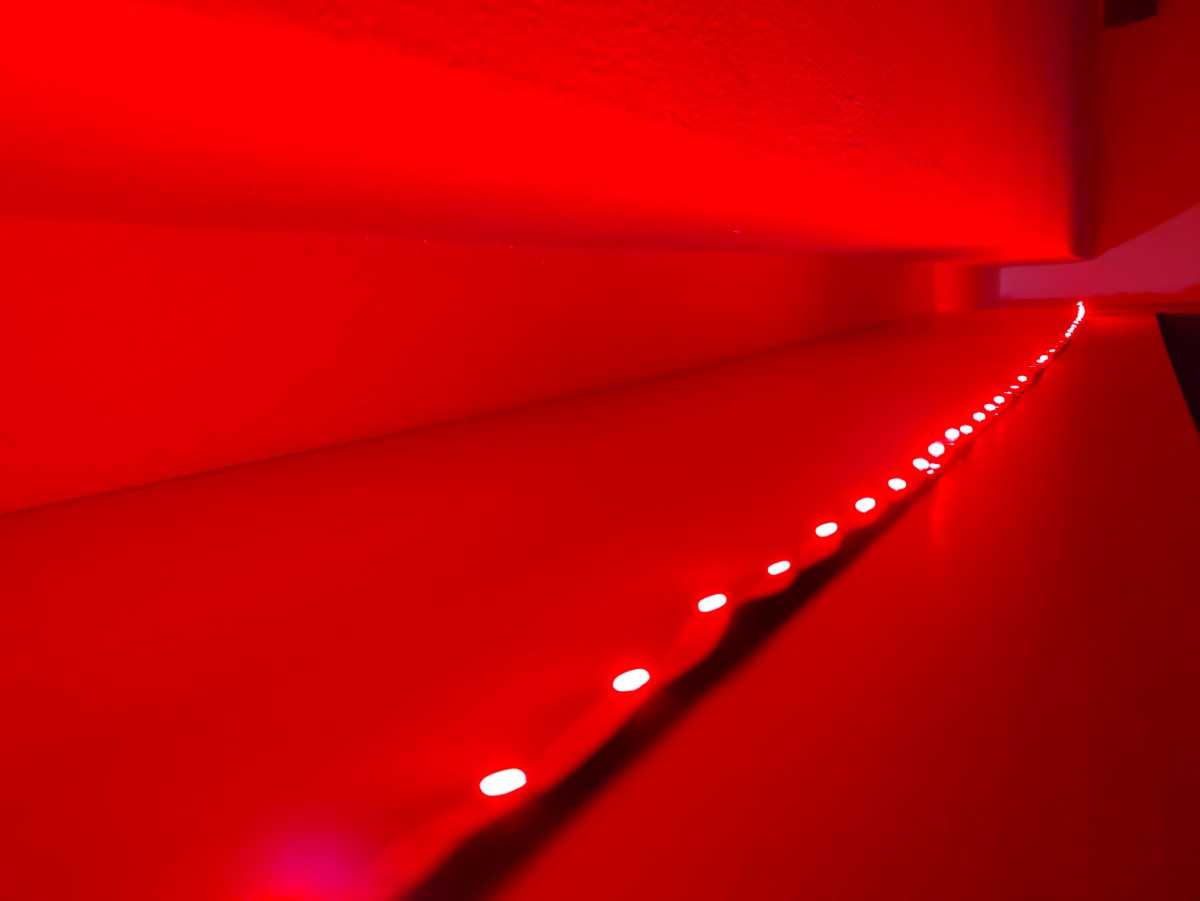
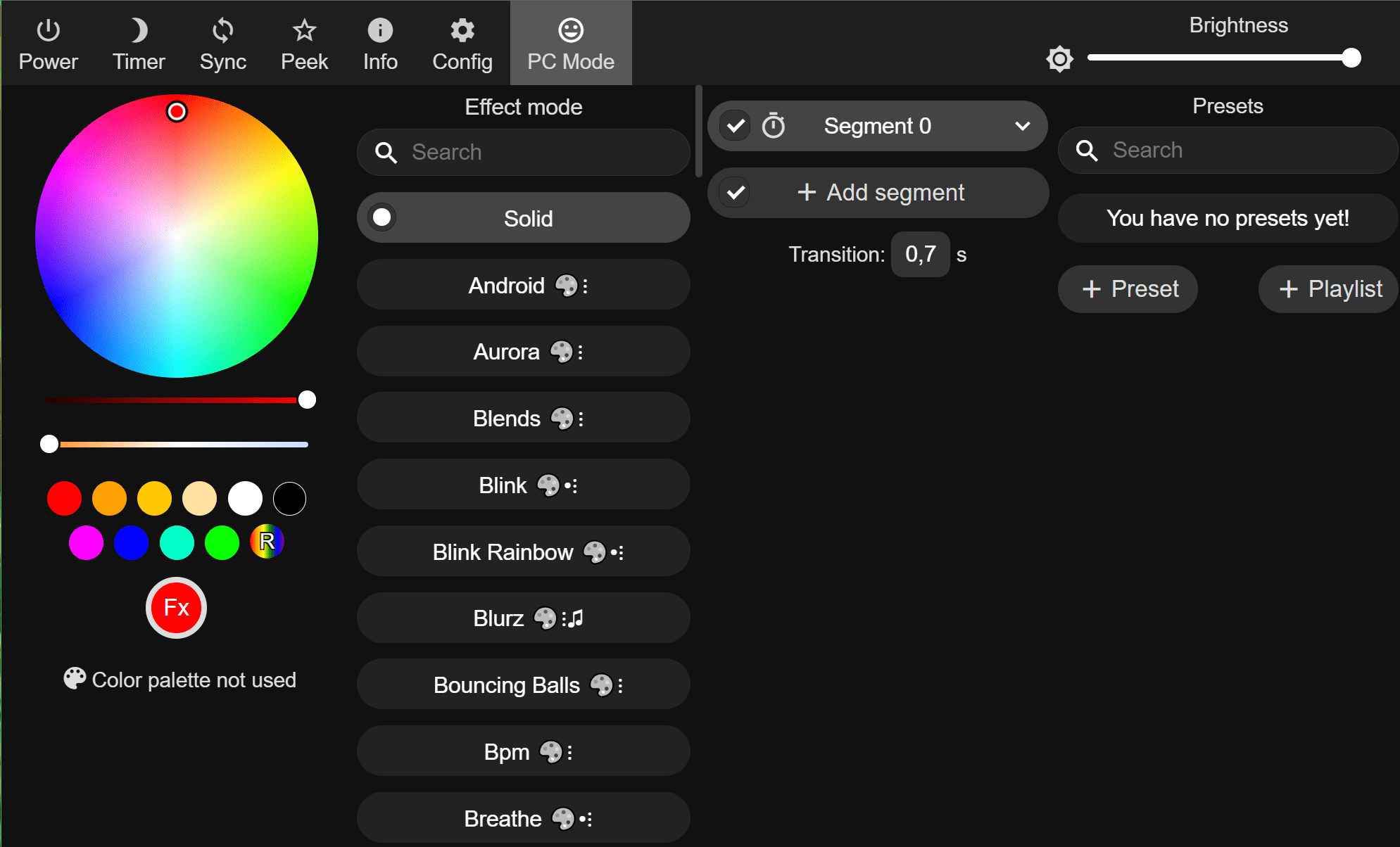
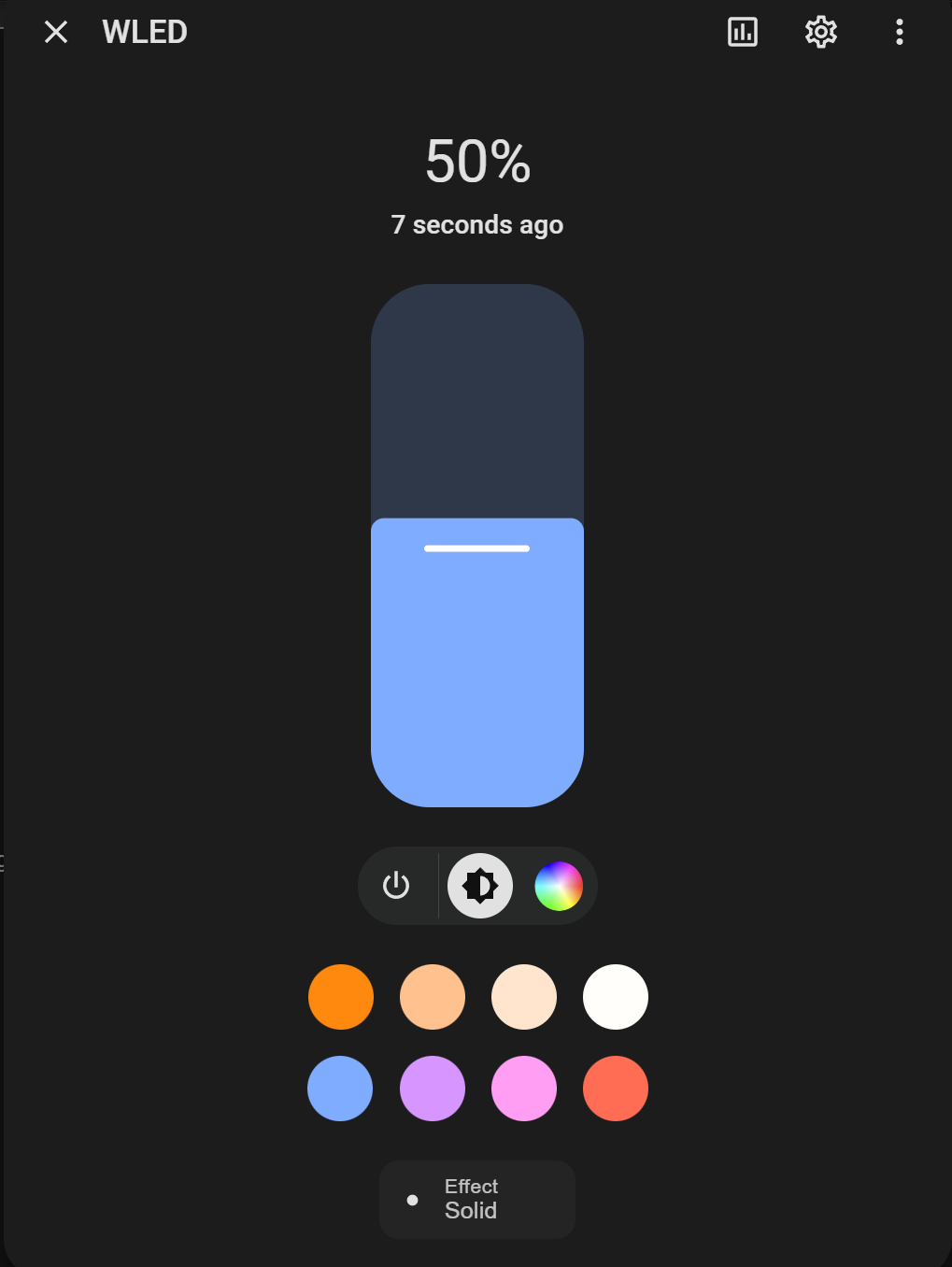
I already made a blog post about it here. It’s an LED strip of individually addressable WS2812B LEDs controlled by an ESP8266 flashed with the WLED firmware. WLED integration will appear in Home Assistant, from where you can either control it or make further automations.
Wled UI on the left and Home Assistant integration on the right.

Ventilation Controller

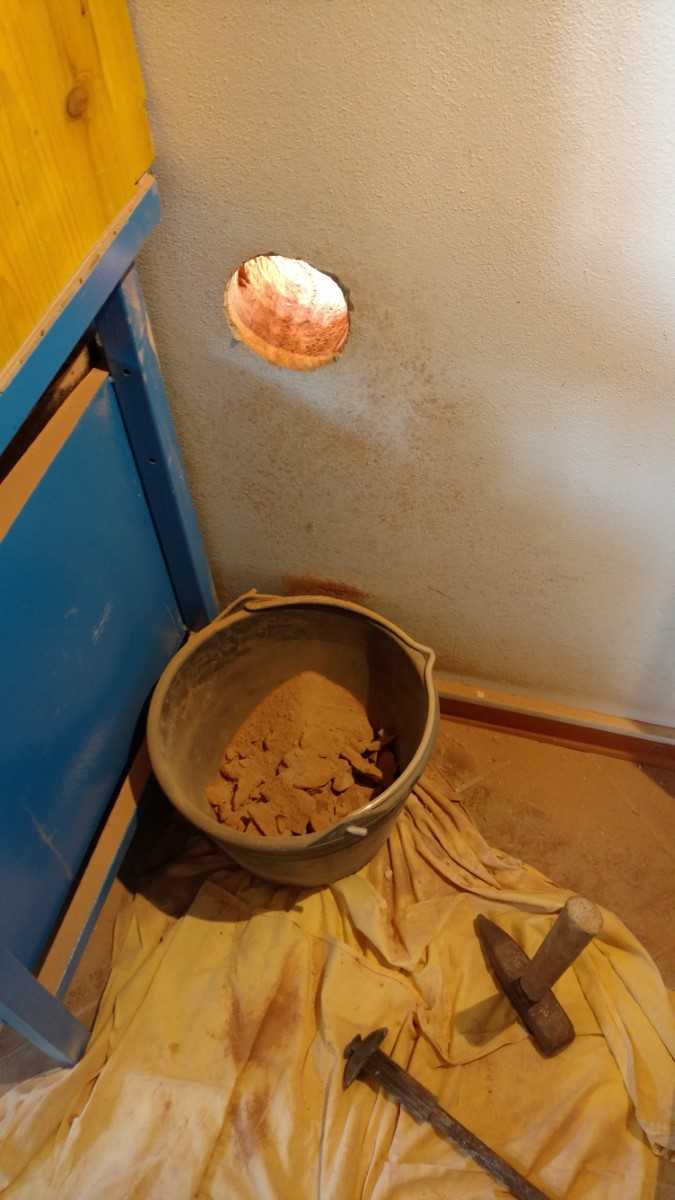
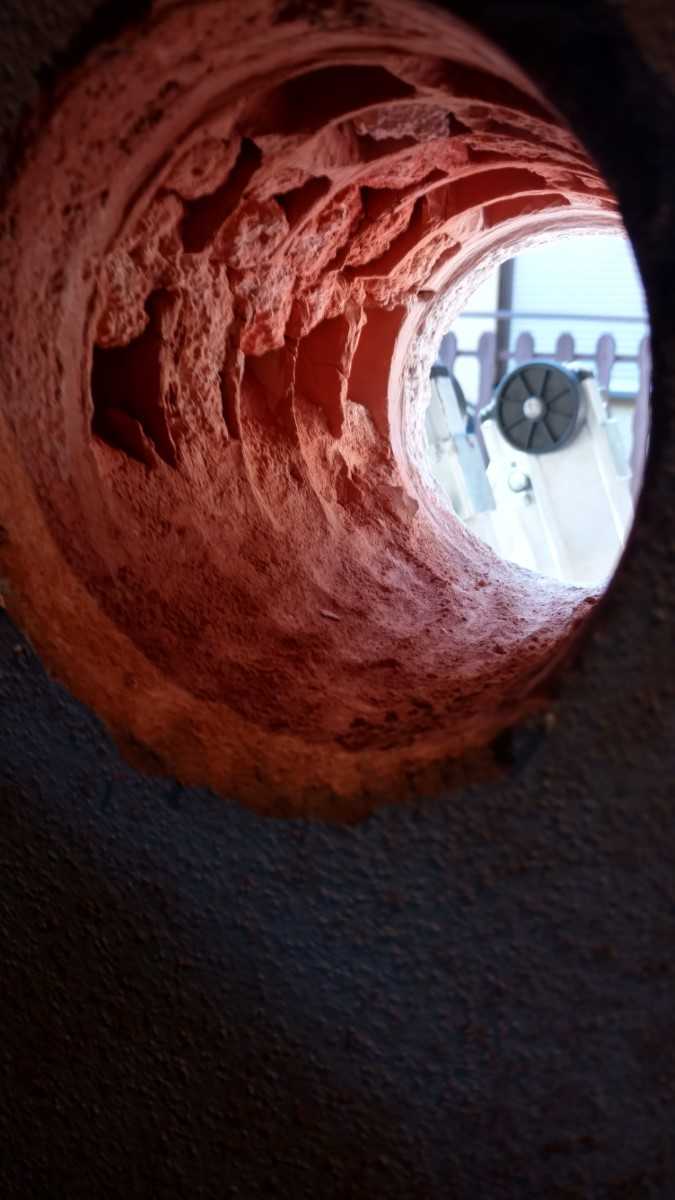
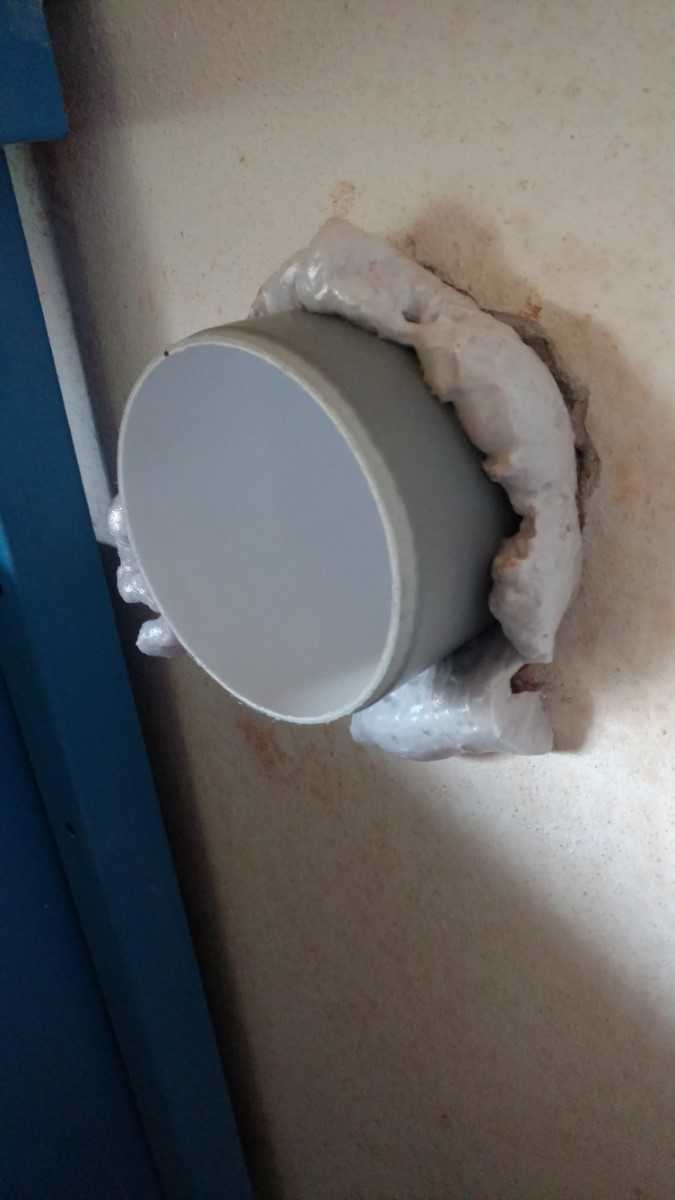
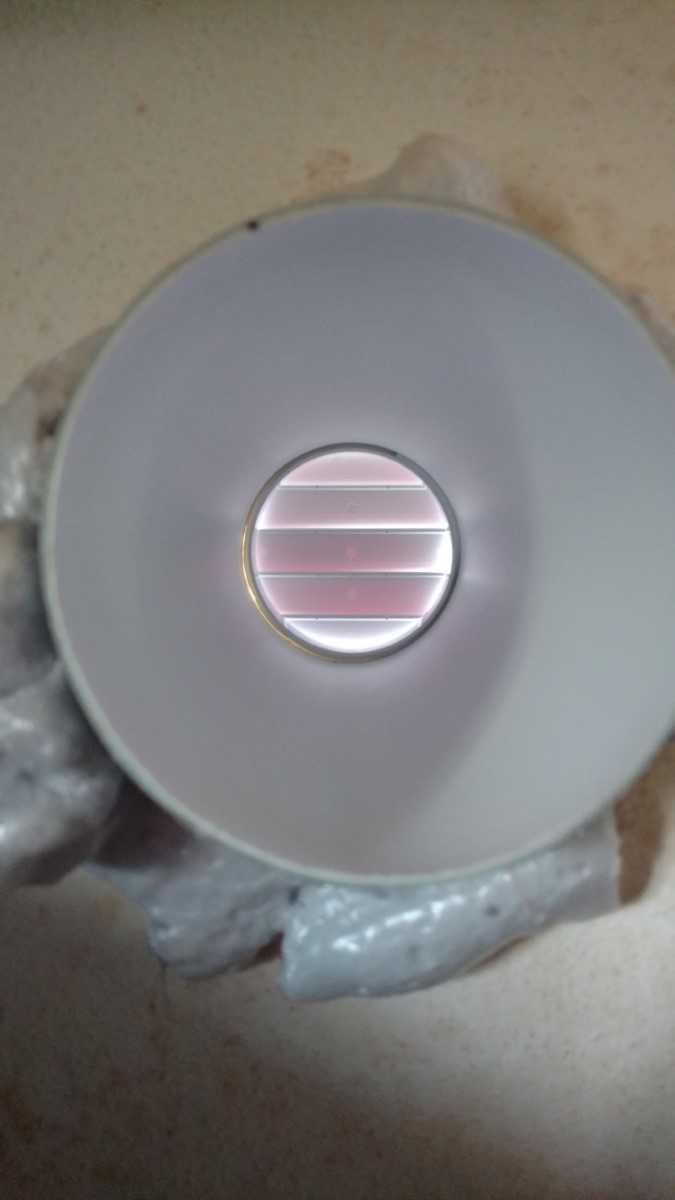
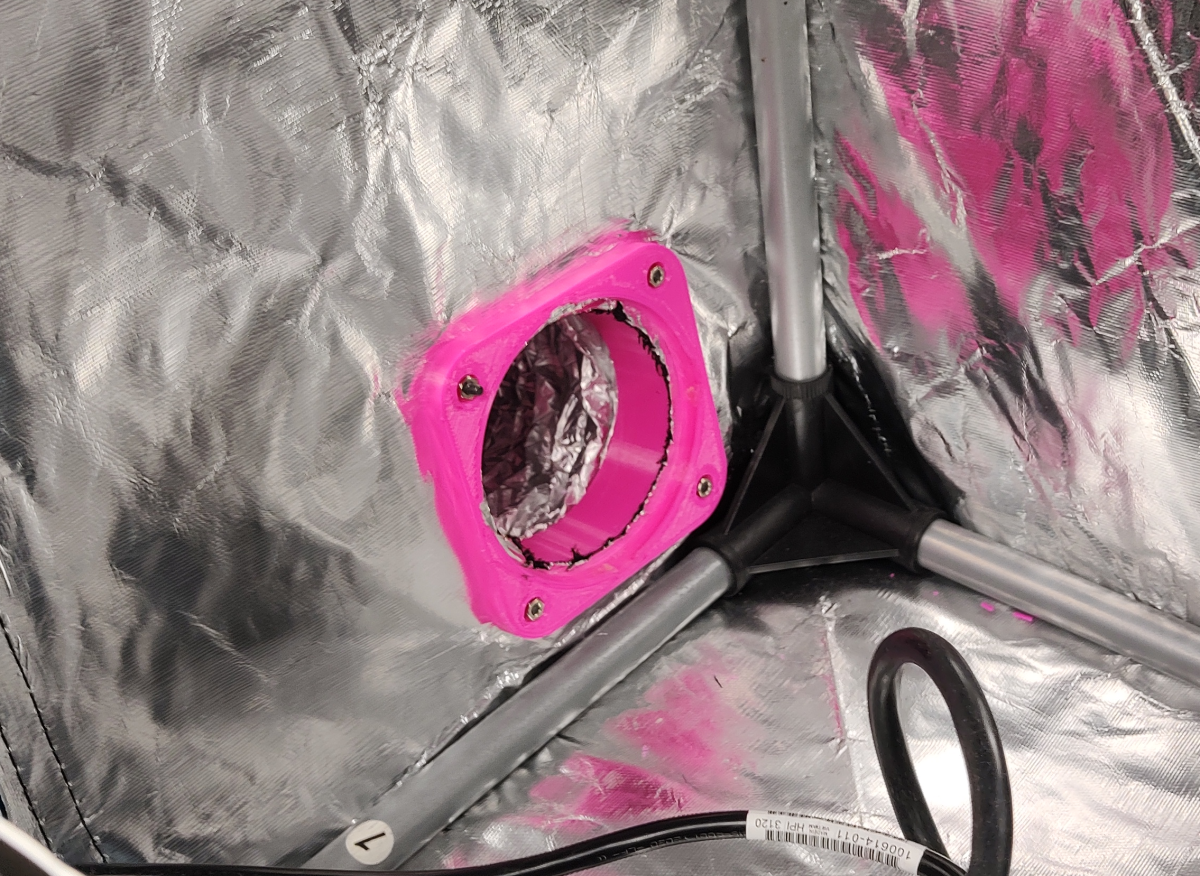
I started this project all the way back in 2016 when I drilled a hole in my wall for the vent. Looking back, I should have drilled another hole for an intake that I could run through a recuperator. And then piped straight into an air purifier. Right now, I just let the air find its way into the room and then have a running #adAmazon LinkXiaomi Mi air purifier to filter it.

I prefer this approach over one of those self-contained solder fume extractors with an activated charchola filer beacuse thre is no filter to replace, I don’t have to worry about the filter getting all the pollutants in the first pass and finally I can use this for general purpose ventilation as well(reduce CO2 and radon levels).

As far as humidity management goes, I just use my AC in dehumidification mode to reduce humidity if it’s too high or a #adAmazon LinkLevoit misting humidifier to raise it if too low(mostly during winter). Both are IoT devices that can be integrated into  Home Assistant.

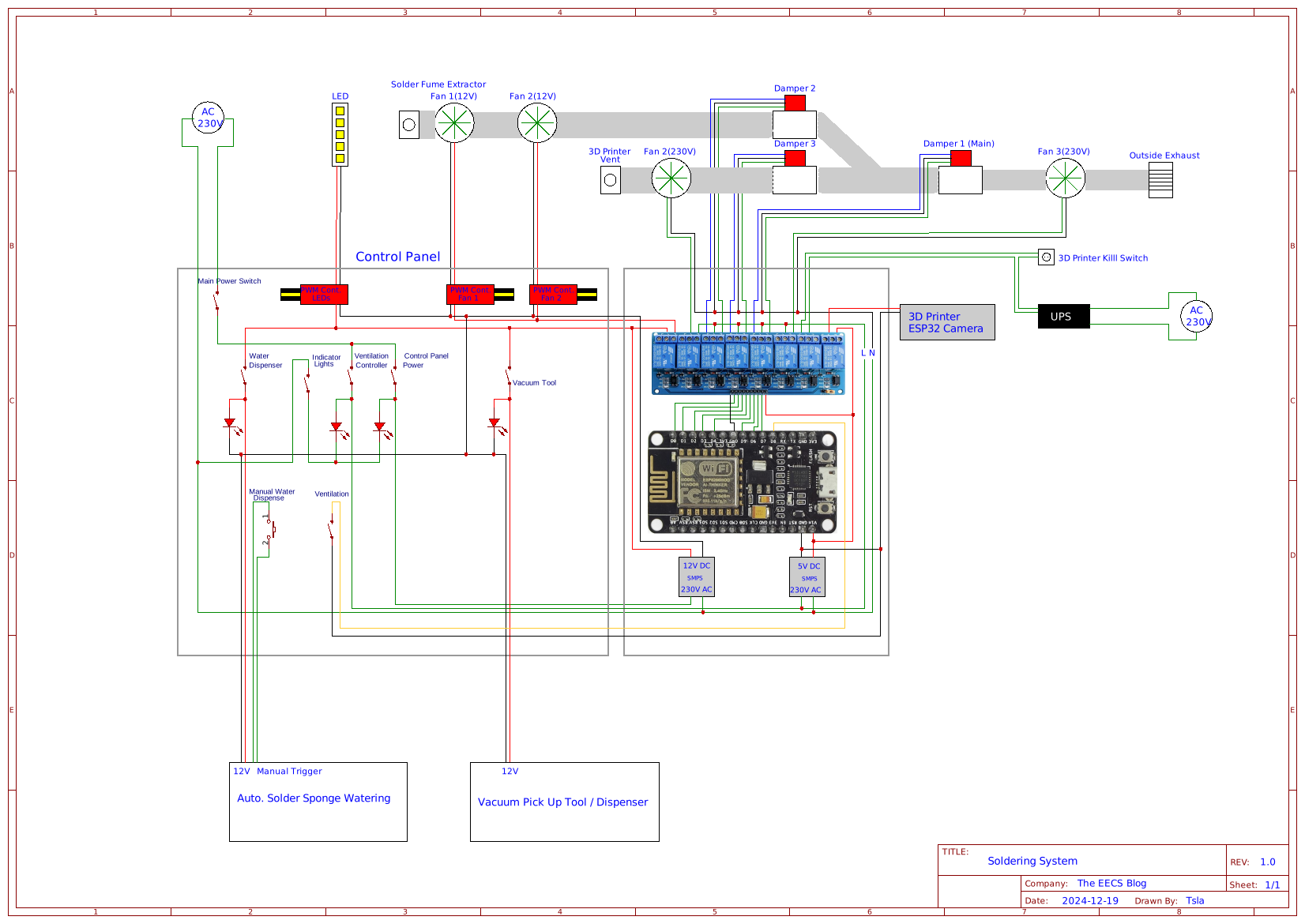
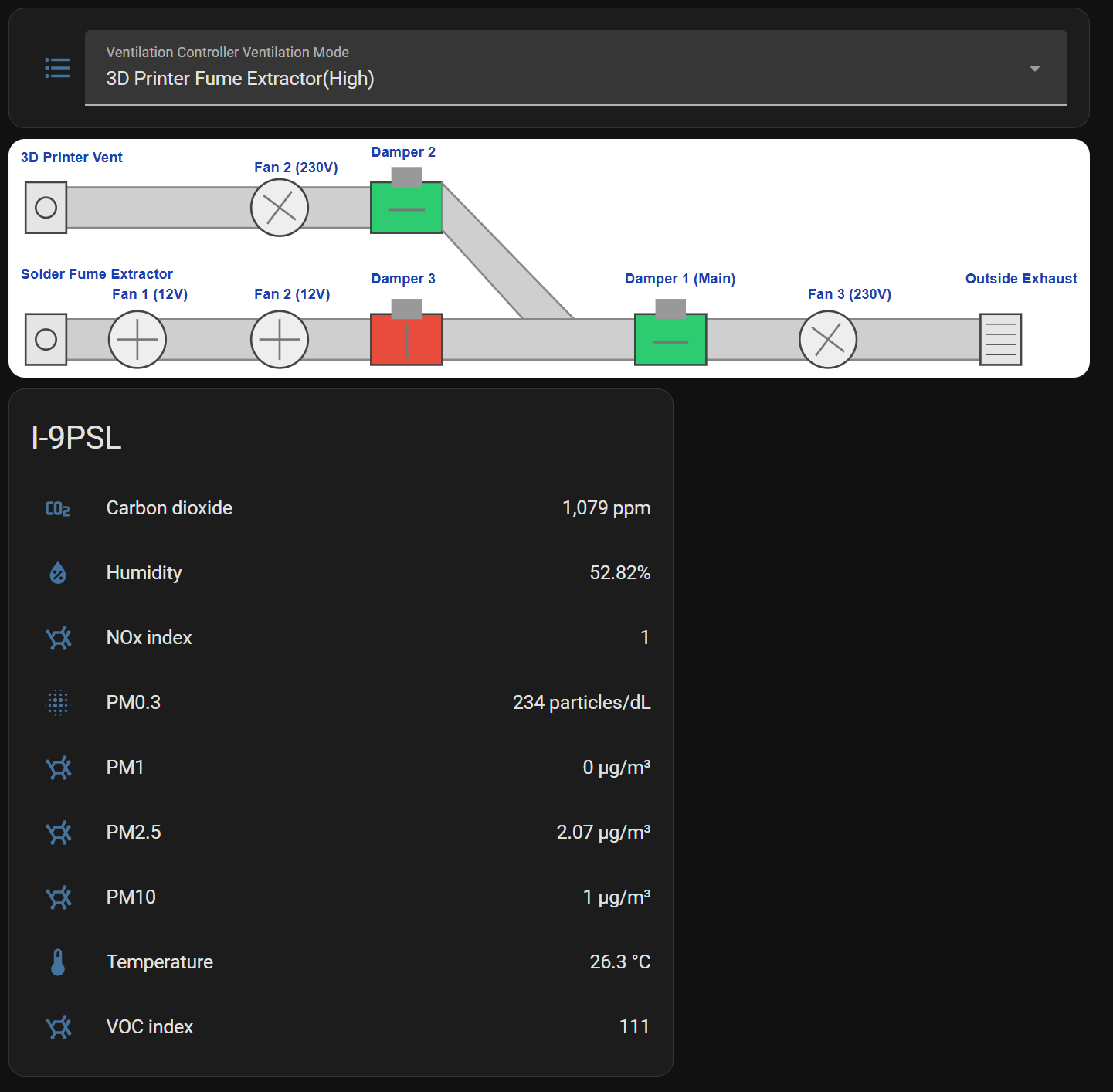
Schematic/Diagram.
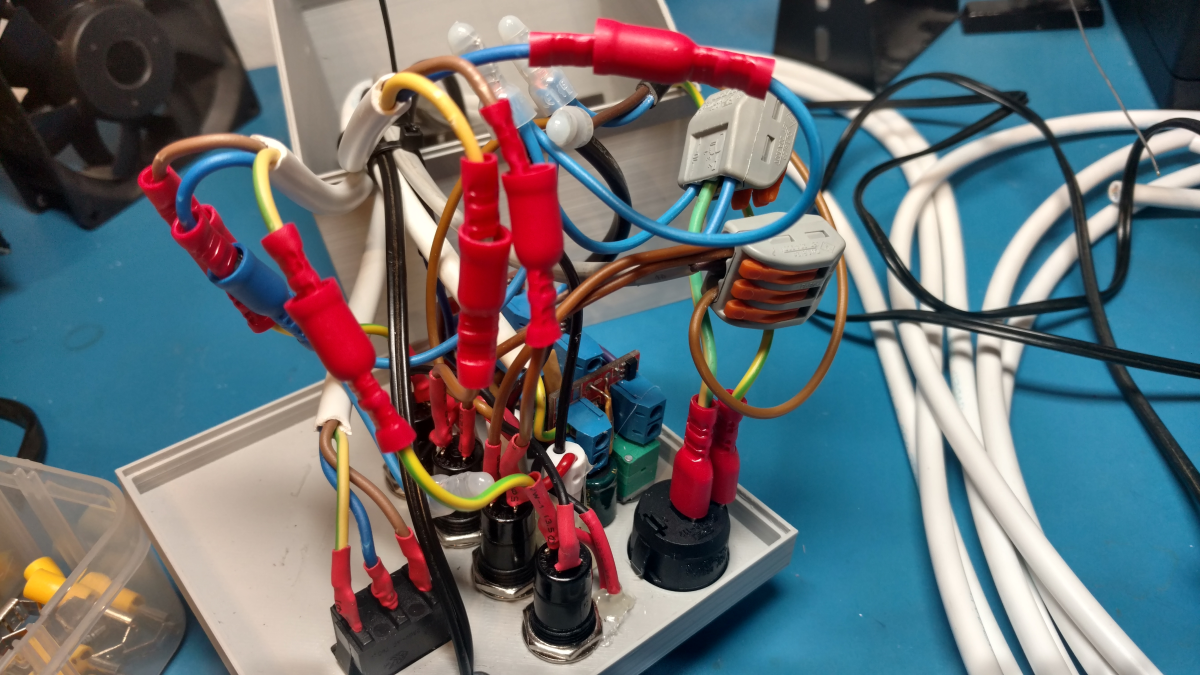
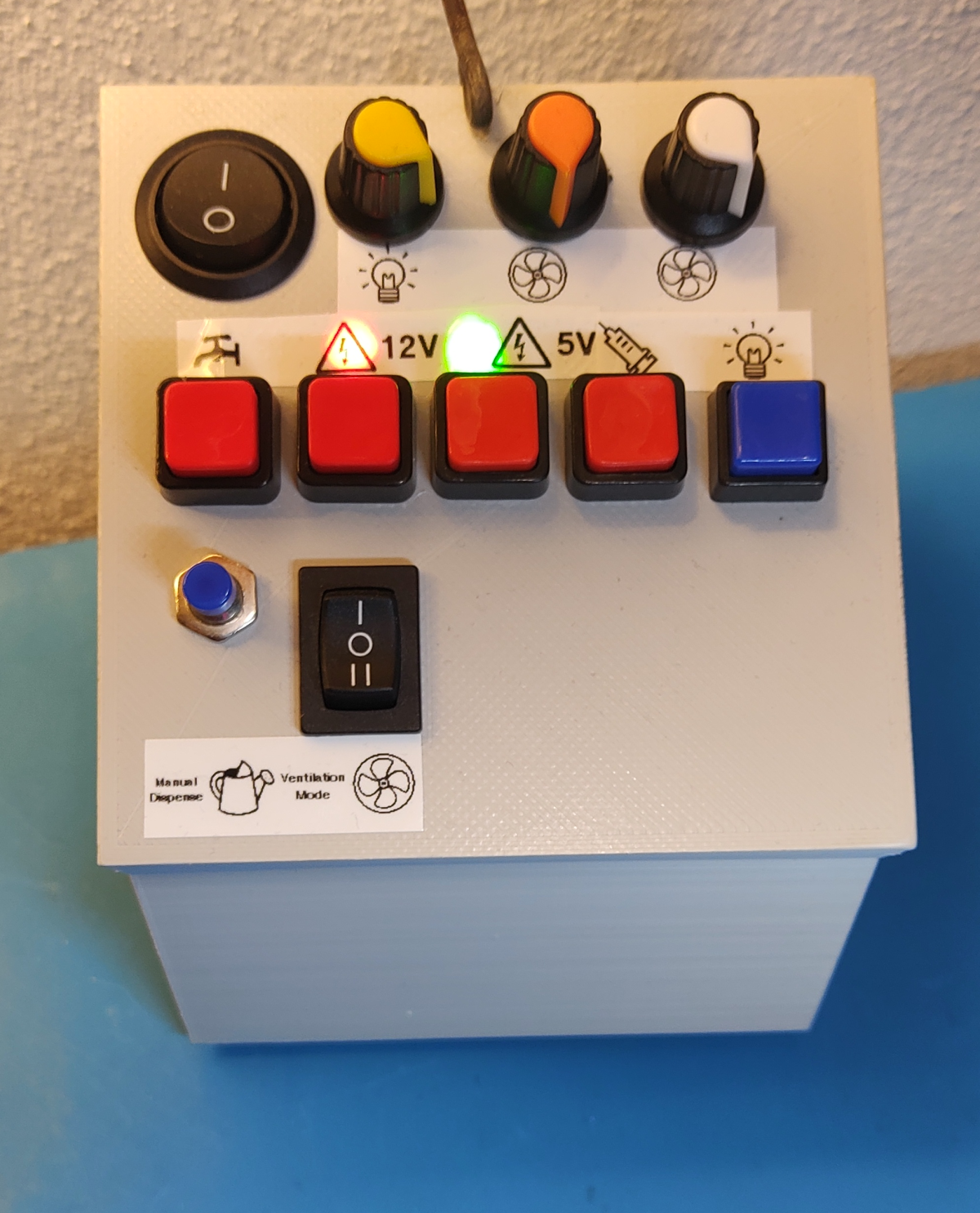
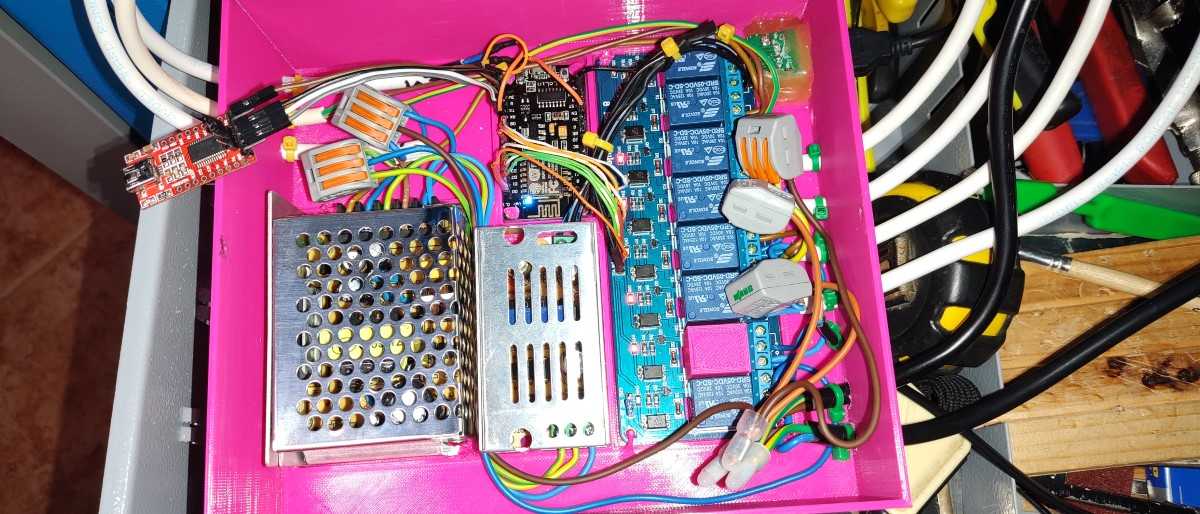
Ventilation control panel. This thing became a bit of a mess over the years as I kept changing things around. If I did it now, I would just go with a mostly digital control panel controlled directly from a website(Home Assistant/Node Red) or maybe add an ESP32 with one of those 2.8inch TFT touchscreens into the control box and make a nice UI.
Ventilation controller.
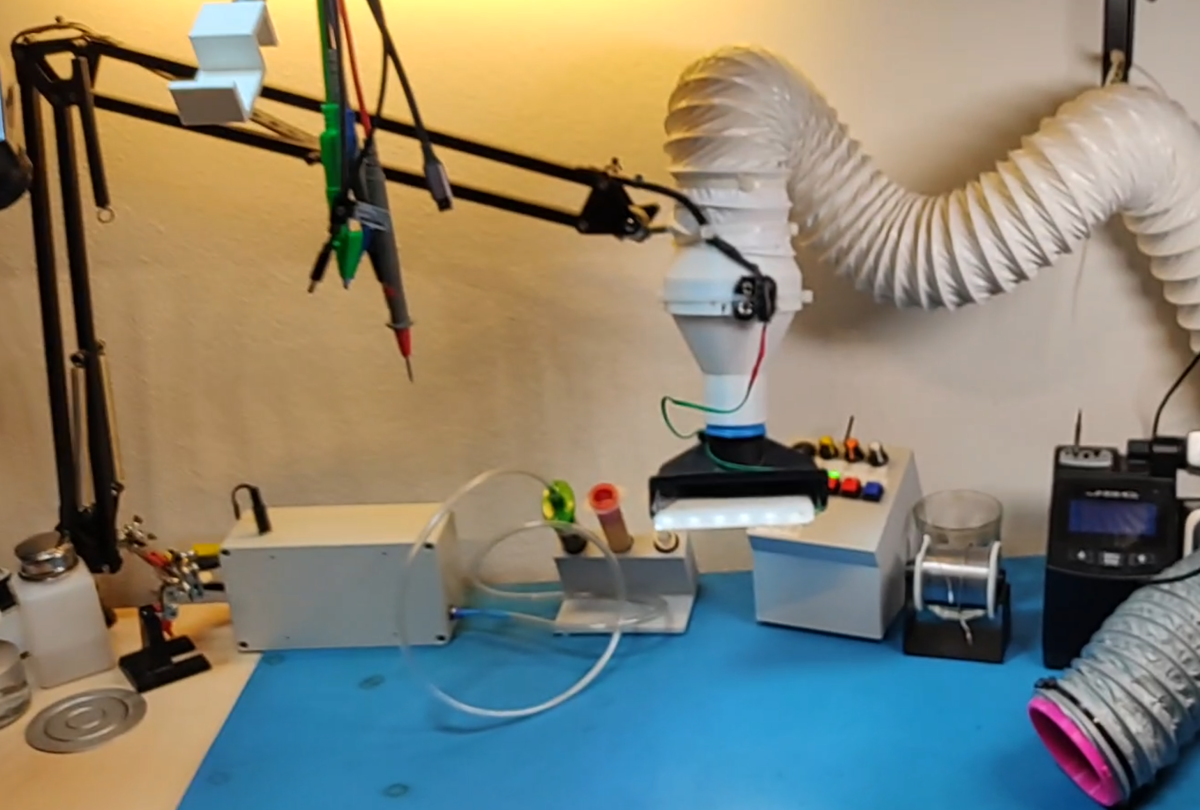
One of the air ducts can be either attached to the 3D printer enclosure for ventilation when printing or it can be detached and used on the table for soldering fume extraction.
The other air duct is suspended from an old lamp arm and has replaceable attachments at the end. One attachment is a large shroud that is meant to be positioned higher over the work being done. It has LEDs for illumination and an extra extractor fan. The other attachment is made from a vacuum cleaner attachment that is meant to be positioned closer to the soldering area, for example, a PCB.
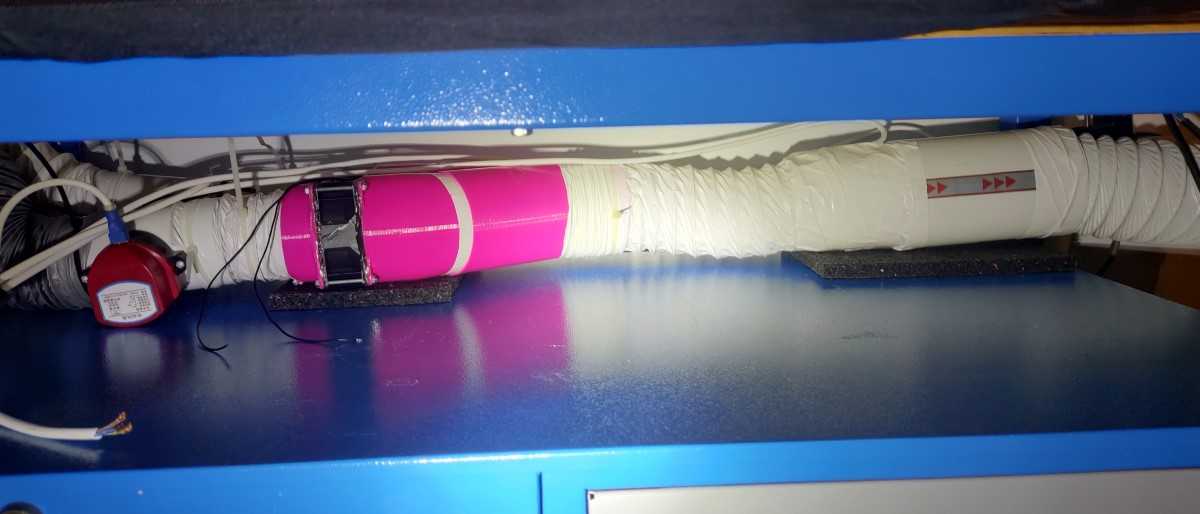
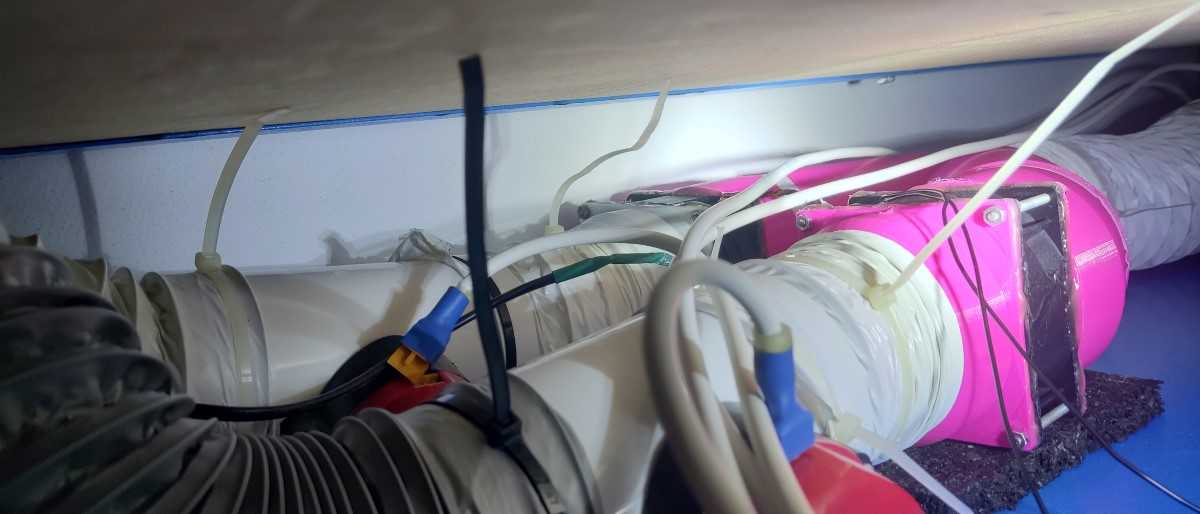
Fans, dampers and ducting under the table.
Fume extractor demonstration while soldering.
Here’s an example where you can see the fume extractor being used while I’m demonstrating the use of my DIY spot welder.

Other

ESP32 Cameras

I didn’t set up any IR or RF human presence sensors because I honestly don’t really see a need for them at the moment. I could use them to turn on the lights when I walk in, but this really depends on the circumstances, sometimes I just want the ambient lighting, while sometimes I want the blinds open. So most things are either run continuously, on a timer or are turned on/off by me.
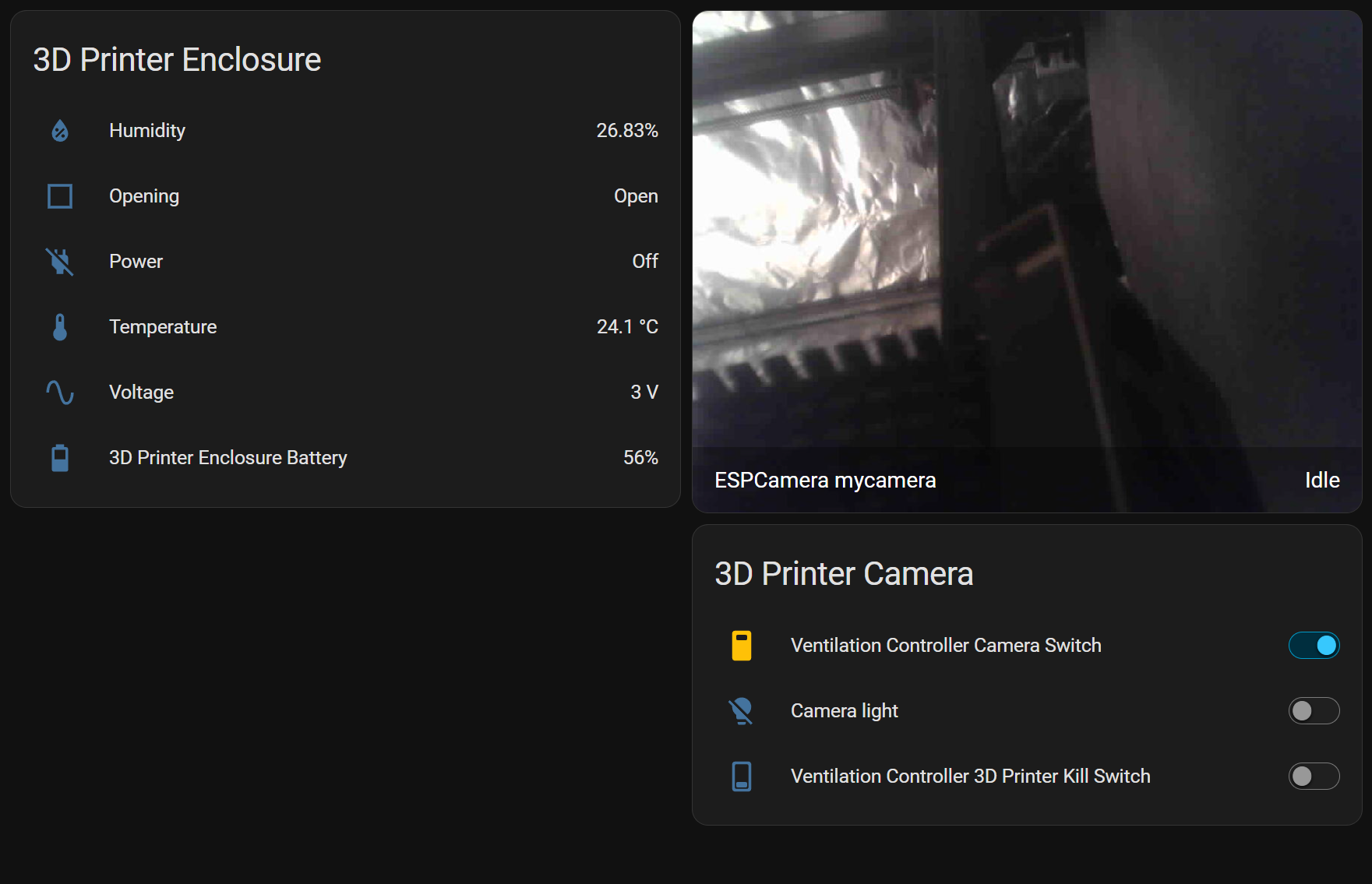
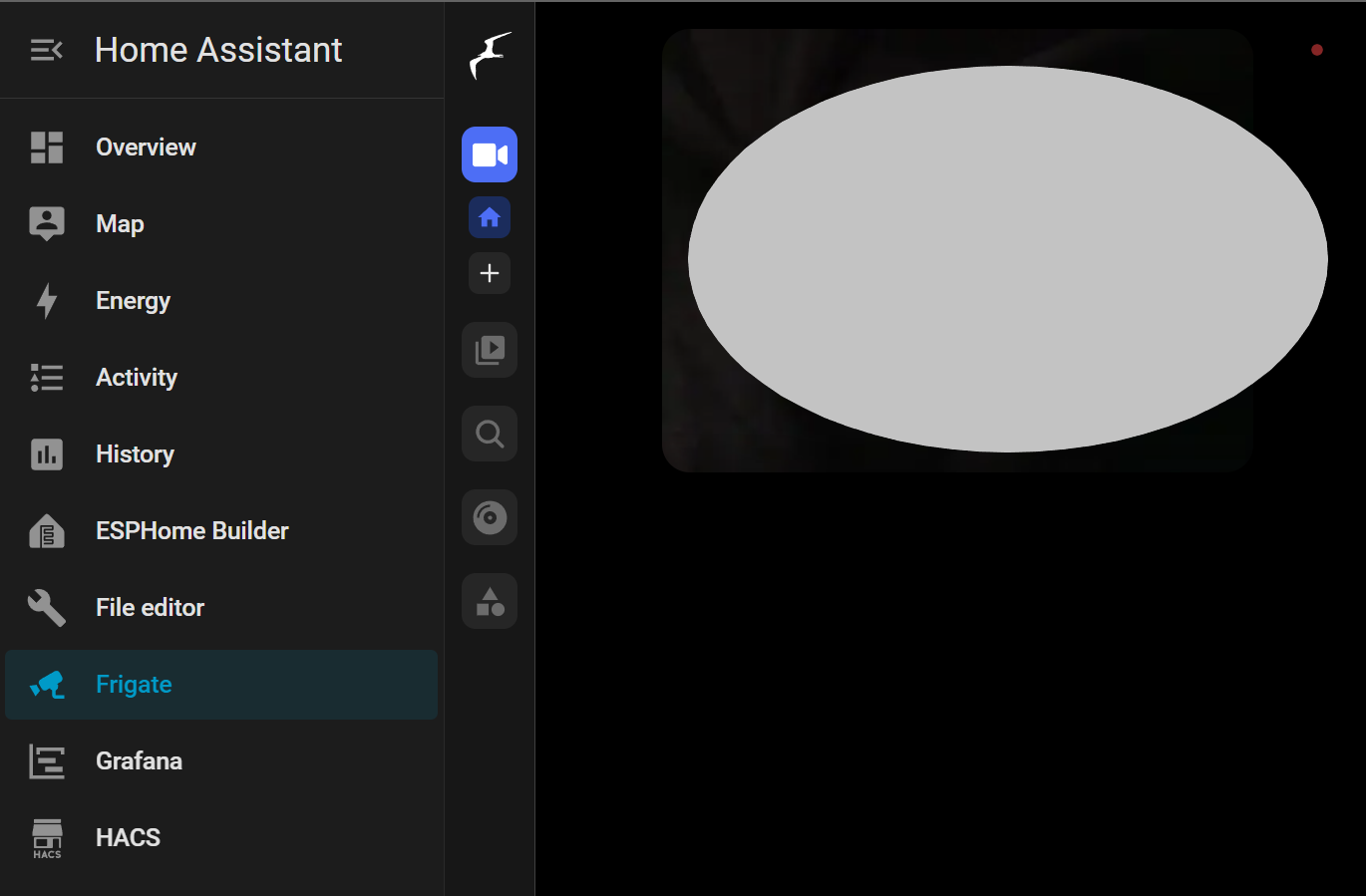
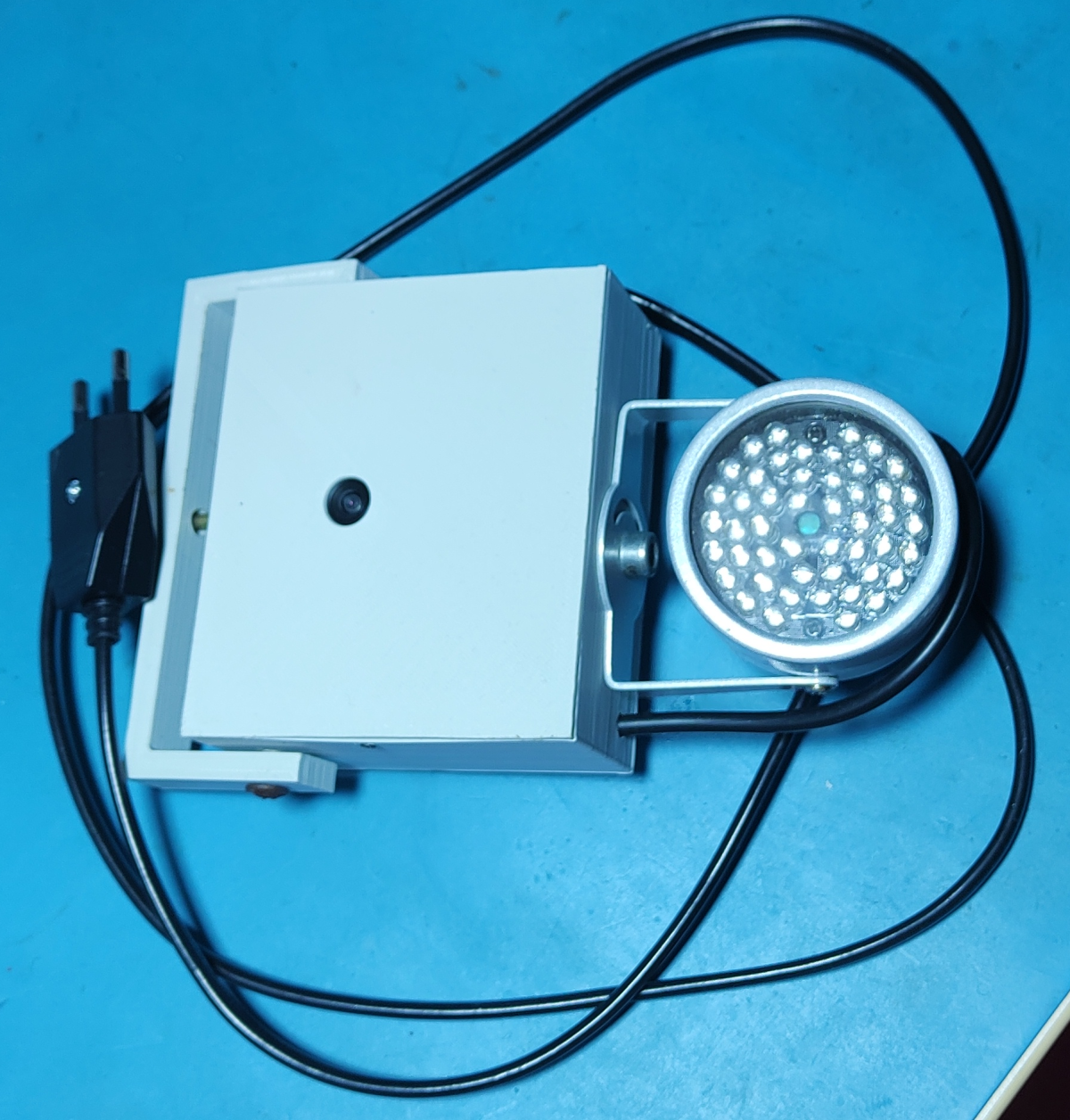
I have two ESP32 cameras, one for the 3D printer and one outside as a security camera. I already made a post about setting up an ESP32 Cam module here.

Thermostat Heating/Cooling

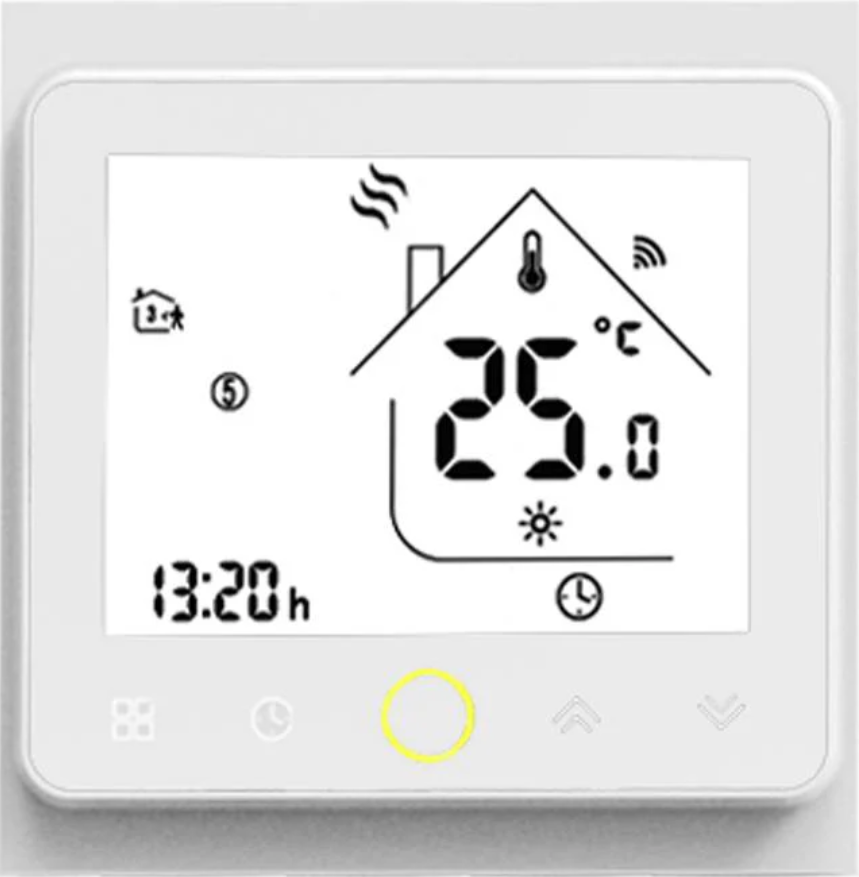
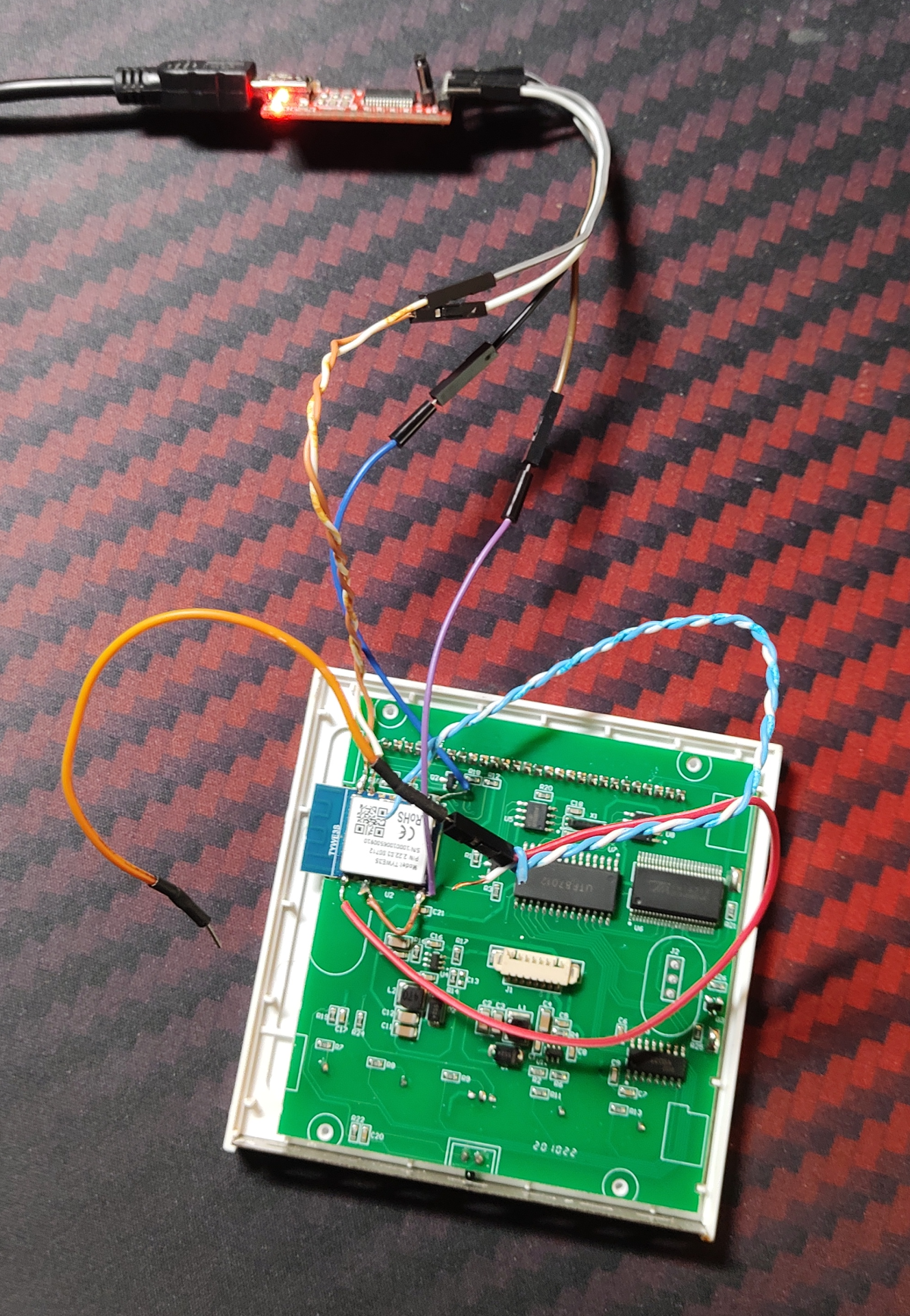
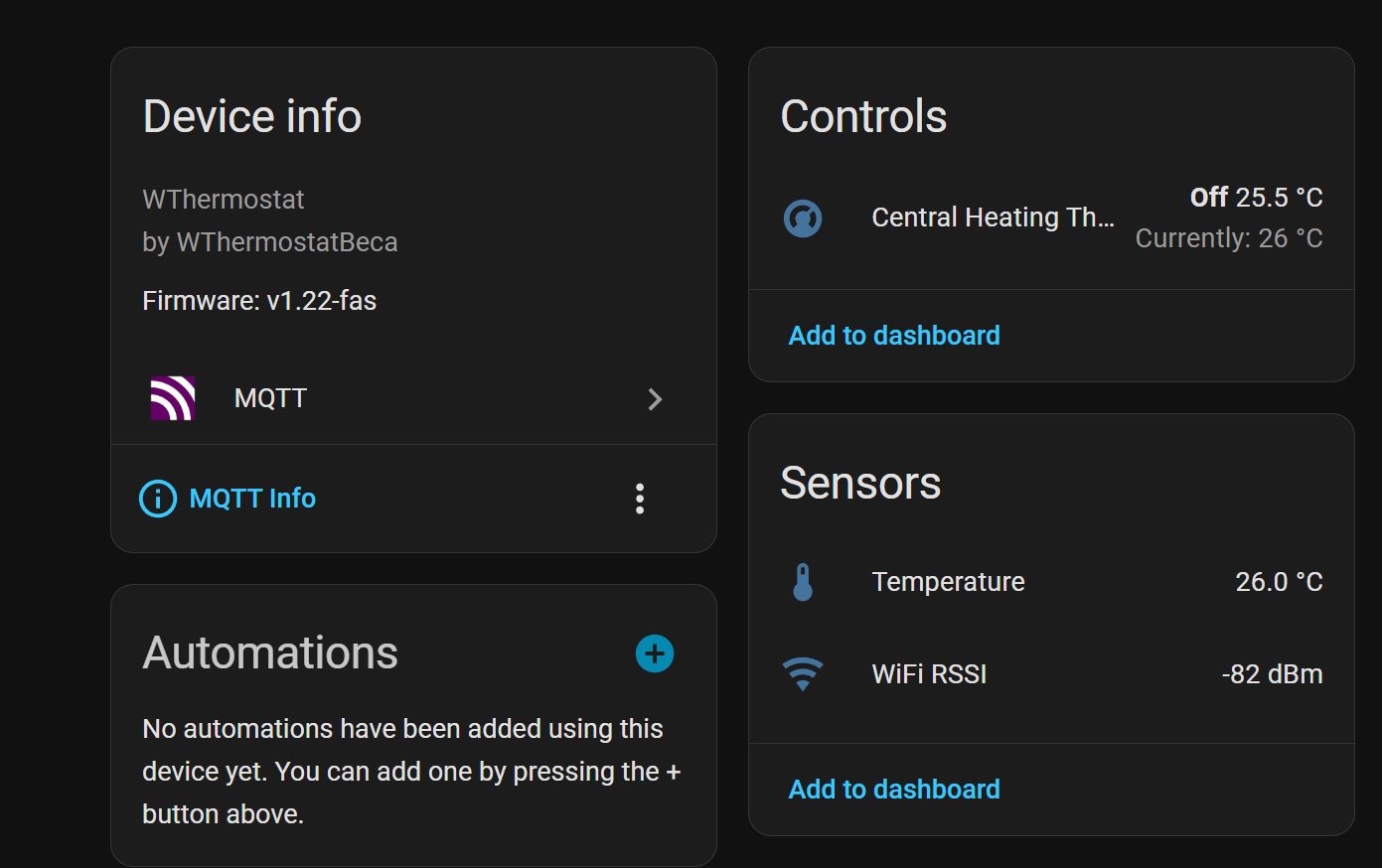
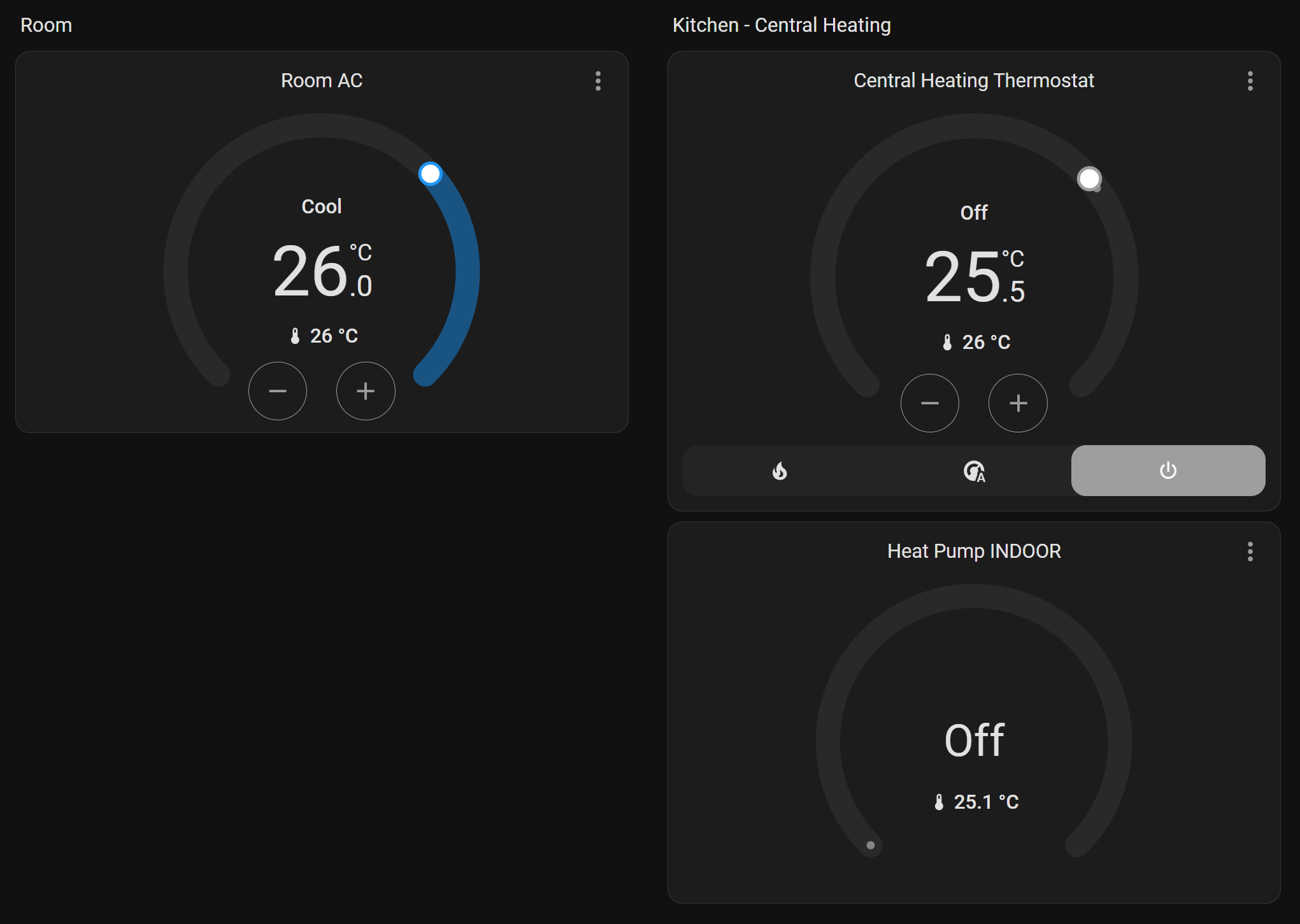
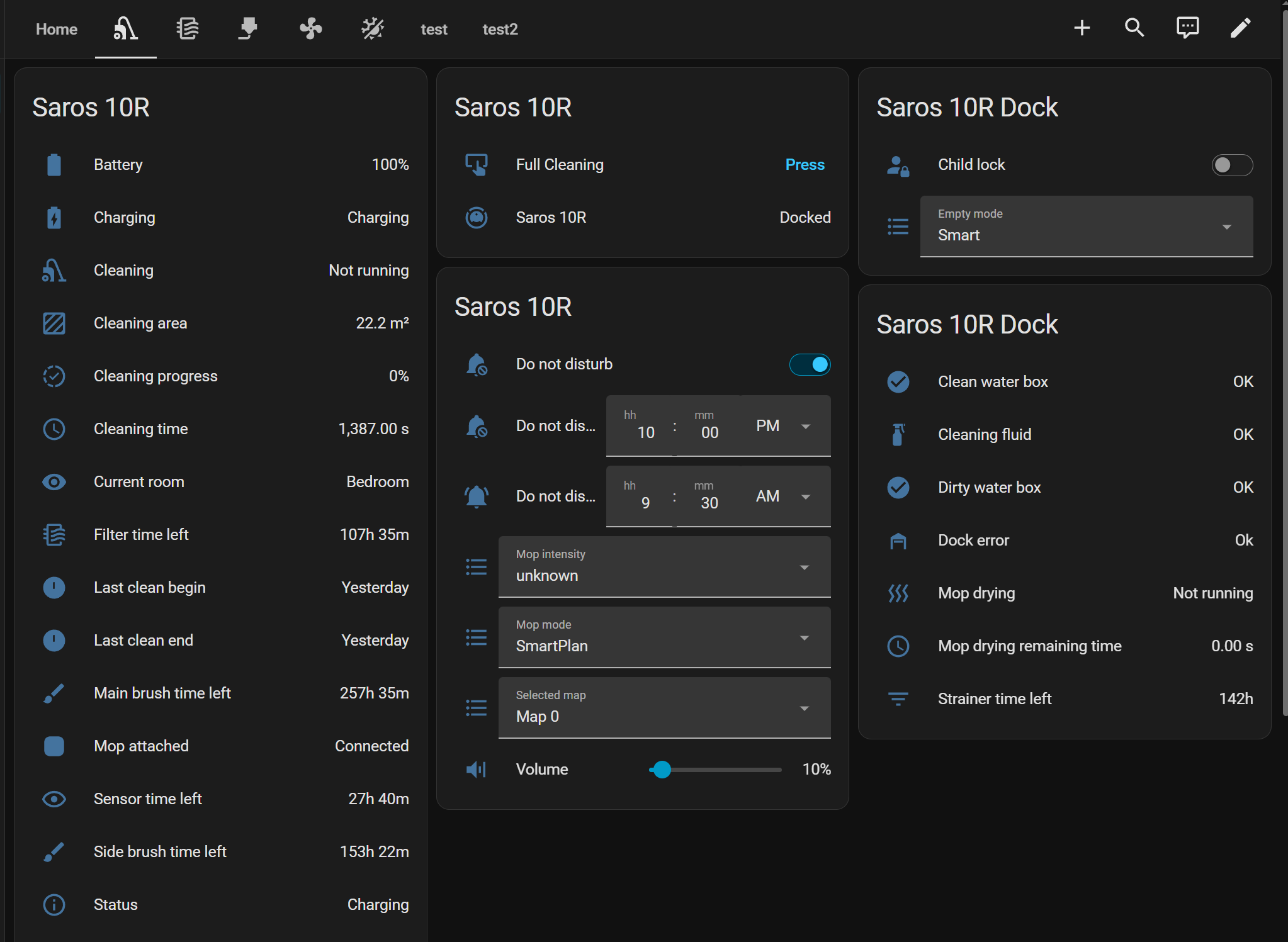
The AC and heat pump are IoT-enabled, so I’m using the integration that popped up automatically.

Anemometer(Wind Speed Sensor)

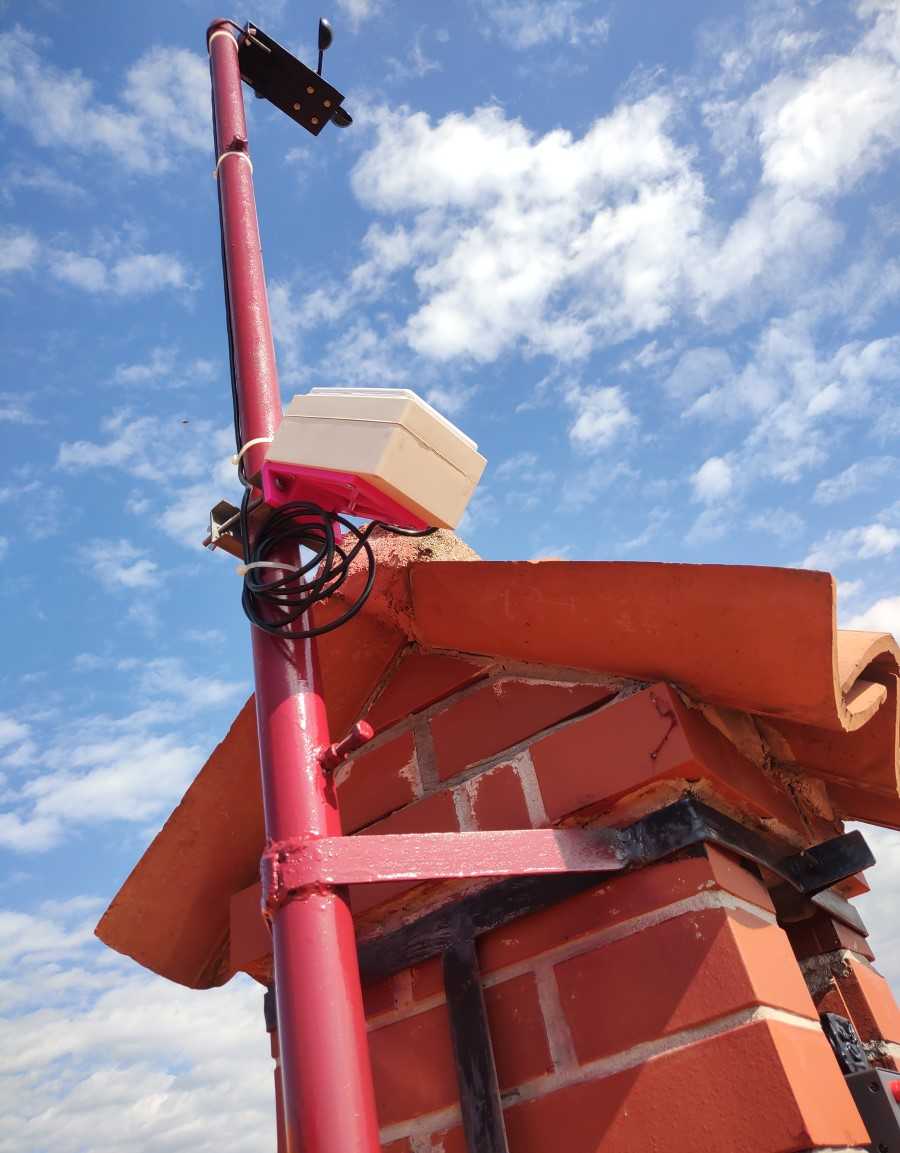
I bought the anemometer for wind speed measurement way back in the day(10+ years ago) on eBay,  then a few years ago, I finally got around to doing something with it.

This became a bit of a failure of a project and almost belongs in the Projects Graveyard section of the blog, but at least it was fun and a learning experience(or more like a reminder of things I should have thought from the beginning). The solar panel/battery weren’t big enough, the solar panel coating went bad, I should have used an MPPT charger, missing resistors, didn’t have the right voltage regulator, the circuit I made ended up being flawed, etc.

I might make a separate post about this as it would make an interesting failure analysis case.

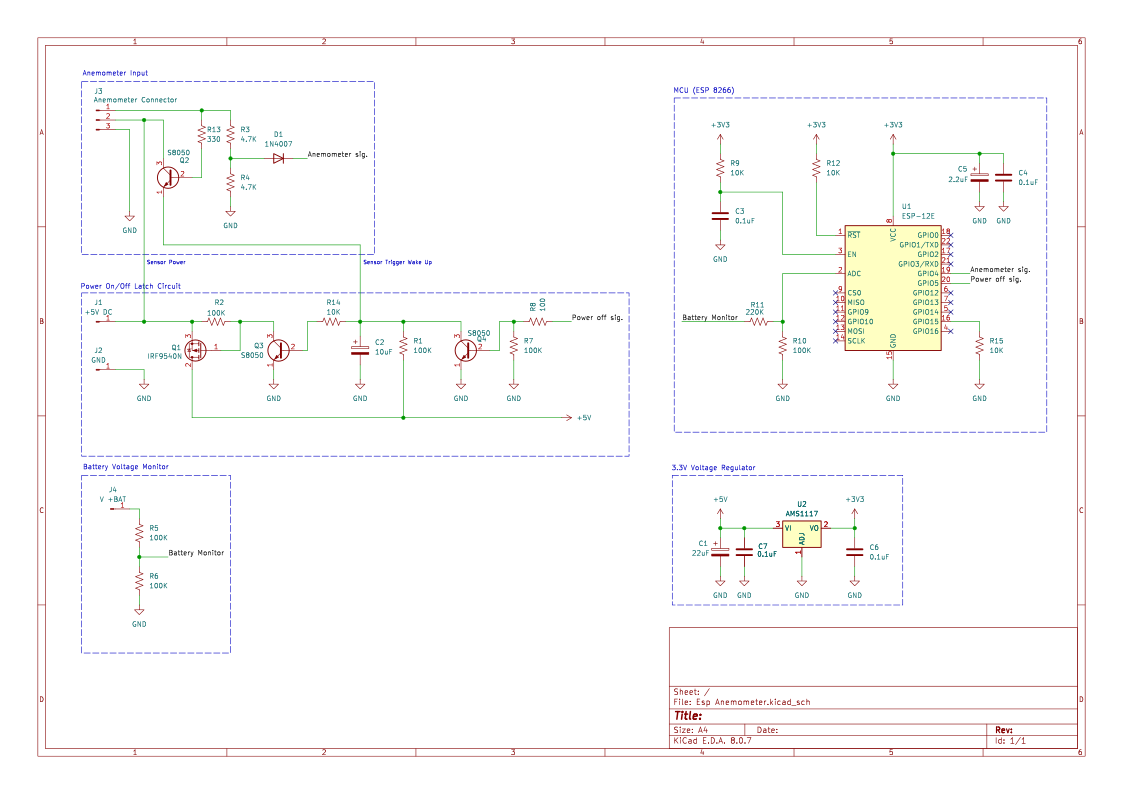
Here’s the flawed schematic. The whole principle of the wake-up signal for the ESP is bad, as the anemometer might stop in the position where the HAL sensor is outputting a high signal.

The fix would be to put a capacitor in series with the signal line to block the DC and only let the signal through when it’s in pulses(anemometer is rotation), then use an RC filter to convert pulsed DC back to a stable DC of a high enough voltage to latch the ESP power on the circuit.

But I didn’t want to spend more time calculating and testing things, as spent enough time on this project. I just wanted to get it finished and working, so I just ran the wire inside the house where an ESP8266 is powered straight from mains power to avoid all the solar panel hassle.

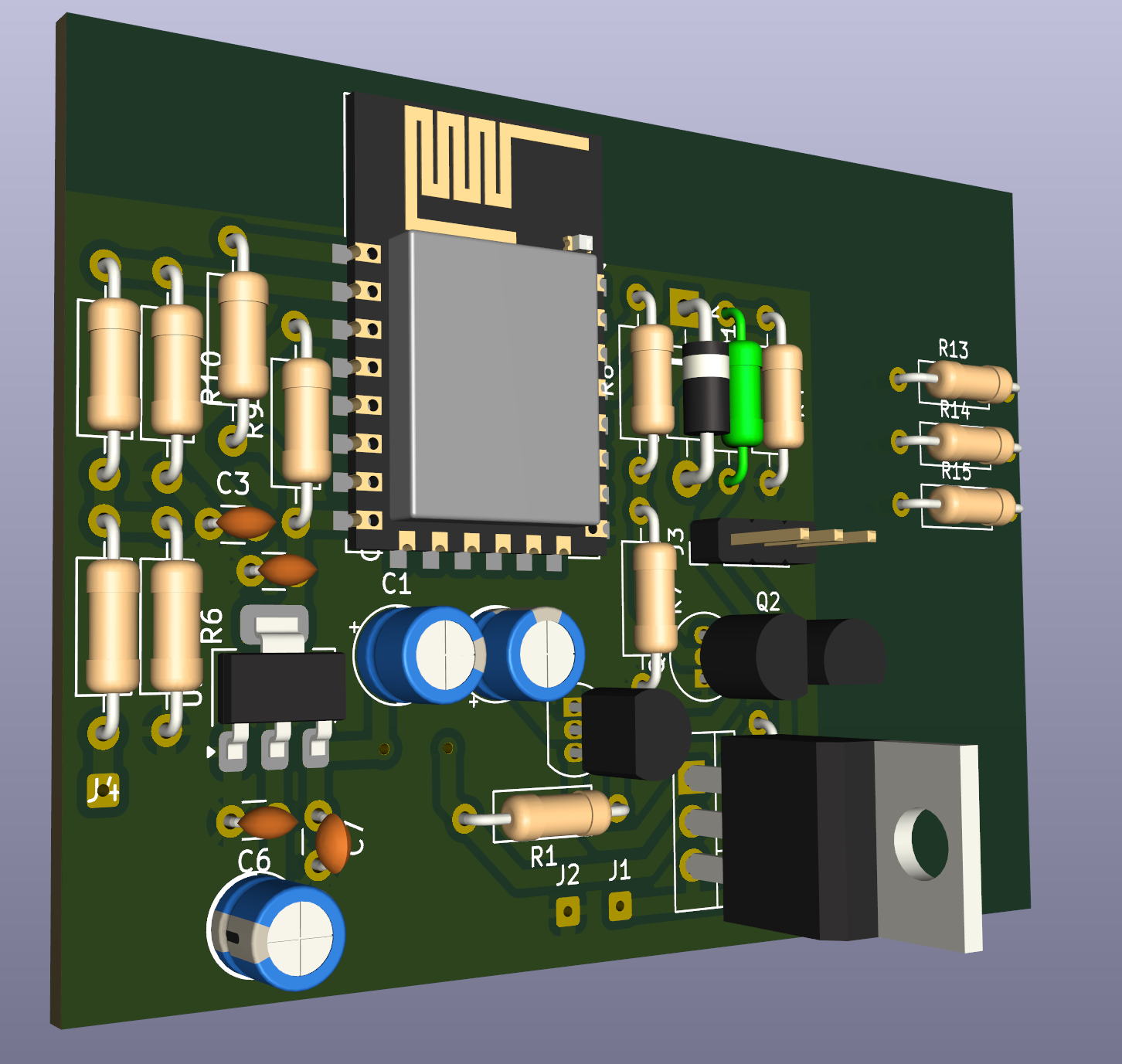
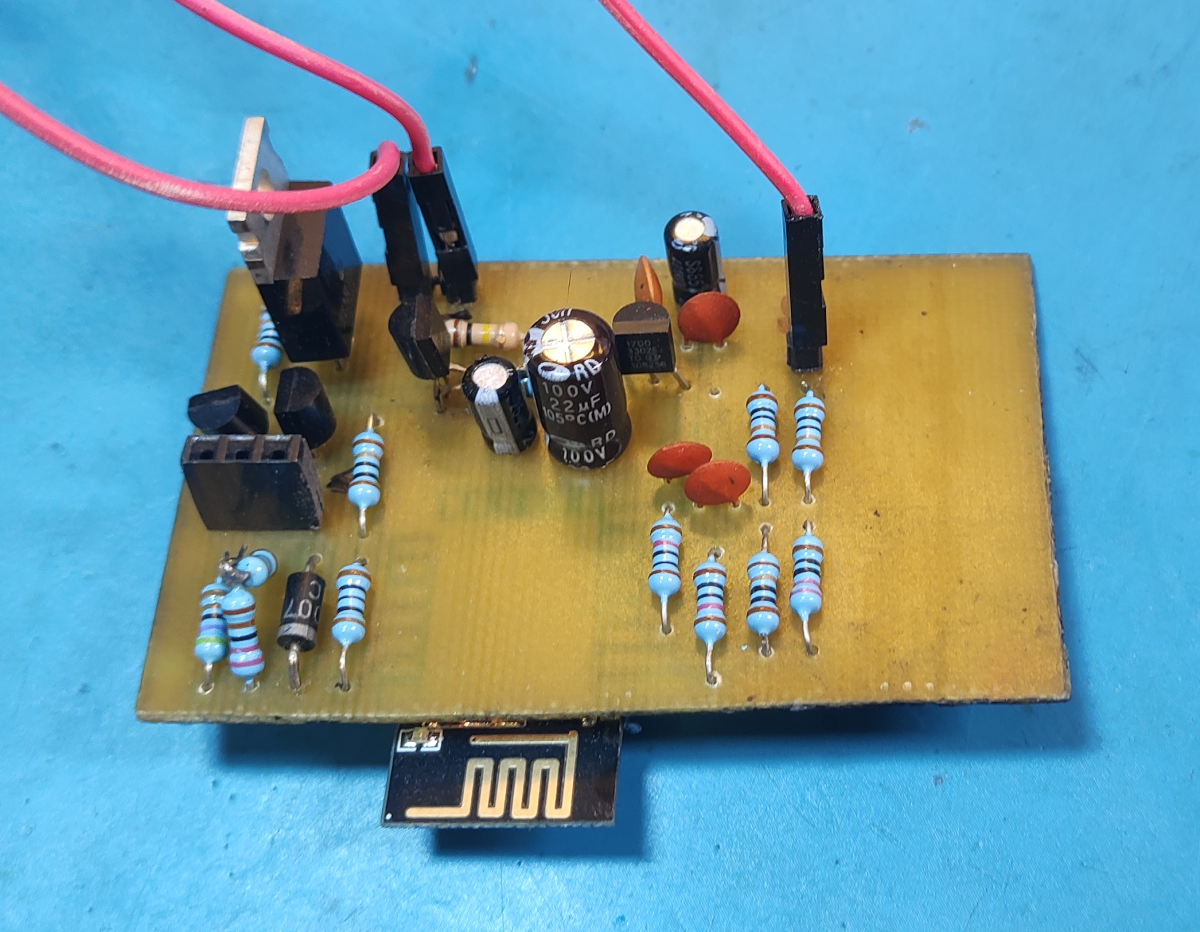
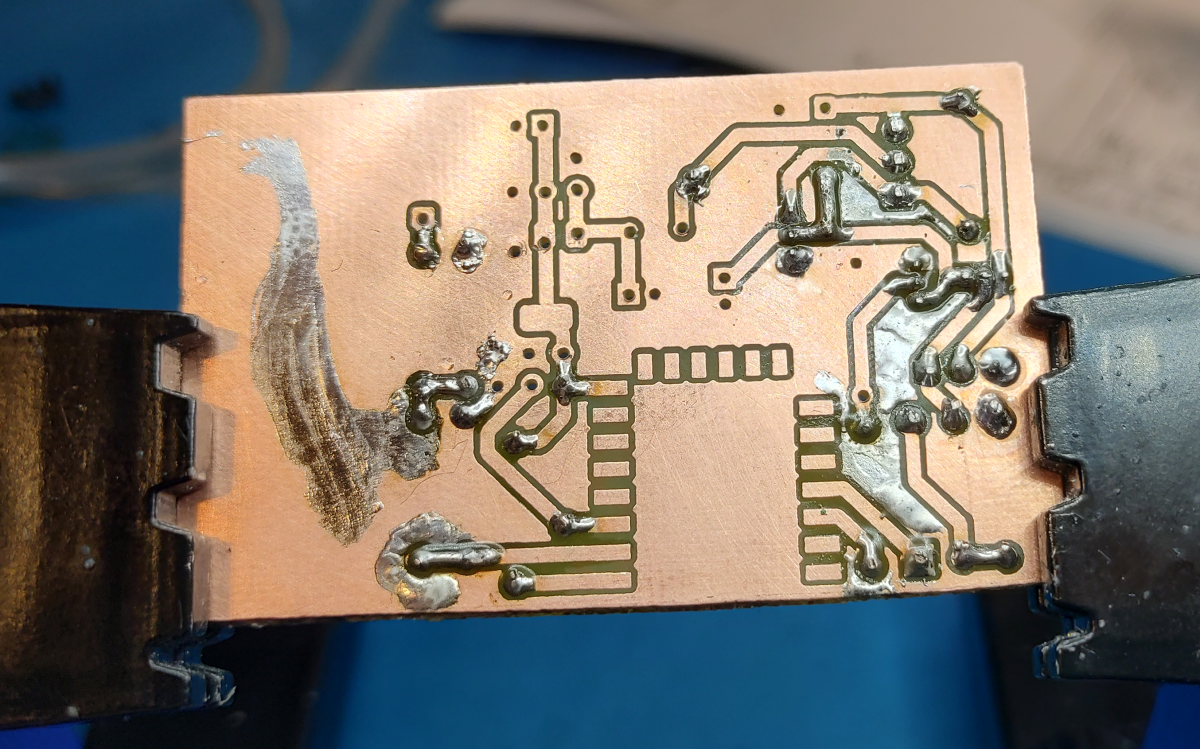
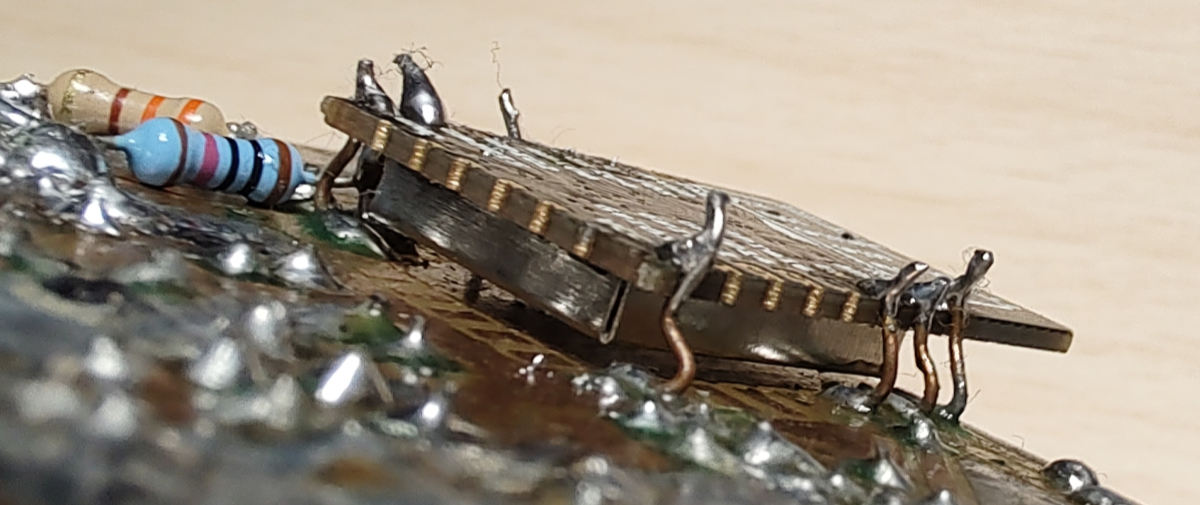
You can see the missing resistors… just hanging out on the right side of the PCB 😂. I updated the schematic, but I didn’t bother updating the PCB layout as I wasn’t going to re-etch and rebuild the damn thing. Instead, I just made a bodge repair.
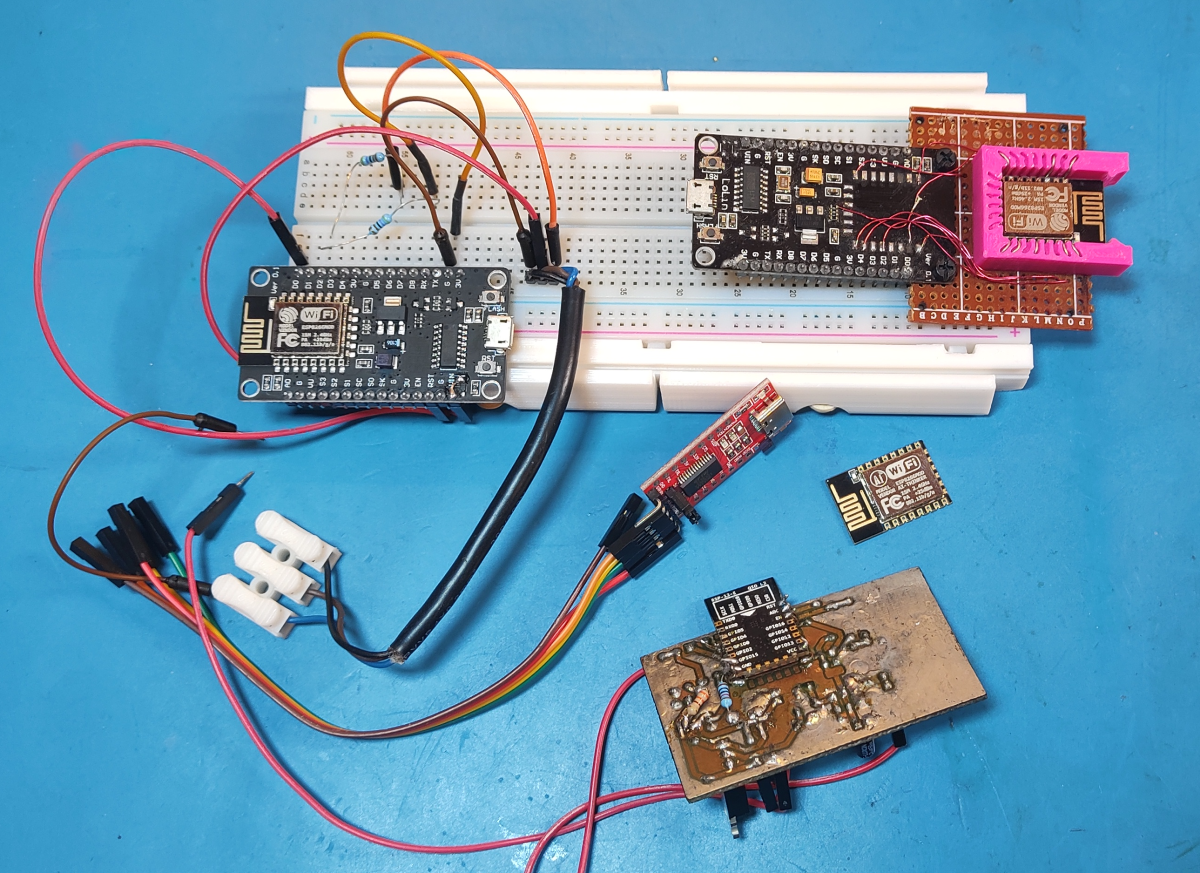
At least the PCB came out really nice(except for flipping the ESP32 footprints and all the other issues). I made a nice little programmer for the ESP8266 modules, which will come in useful for other projects as well.
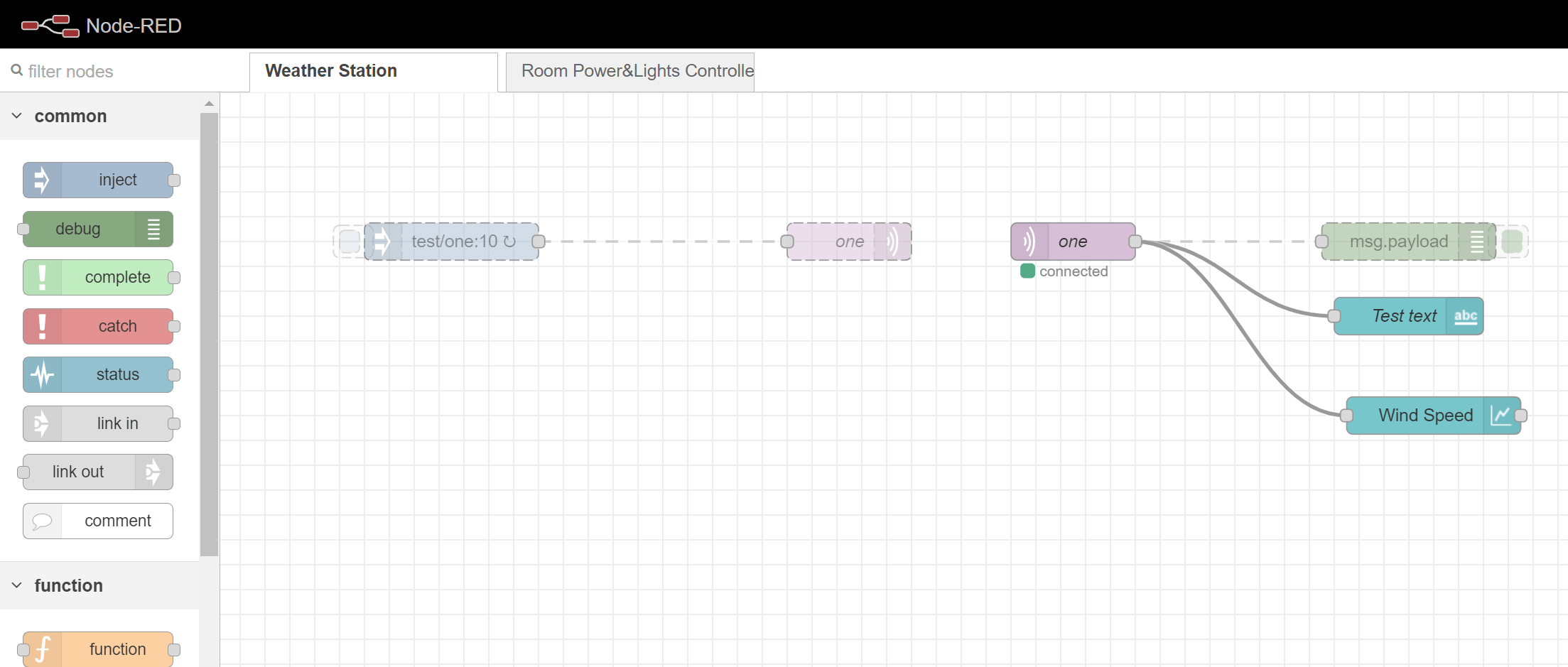
Here’s the Node-RED flow for the MQTT messages it receives from the ESP.
Leave a Reply

Your email address will not be published. Required fields are marked *

The following GDPR rules must be read and accepted:
This form collects your name, email and content so that we can keep track of the comments placed on the website. For more info check our privacy policy where you will get more info on where, how and why we store your data.